
Sideloading: Installing Delta on iOS with AltServer
This guide explains how to install AltStore with AltServer on macOS, then add the Delta emulator and games to an iPhone or iPad.
Guides, tutorials and in-depth articles.
This guide explains how to install AltStore with AltServer on macOS, then add the Delta emulator and games to an iPhone or iPad.
Adventure engines like SCUMM make it easier to port games across multiple platforms, while fan projects rewrite them to preserve these titles on modern hardware.
This eighth installment explains how to configure MAMEUI on macOS to sort games by genres and categories using dedicated INI files.
This guide covers the main disk image formats used on macOS and in emulation, along with their conversion to formats compatible with the relevant software.
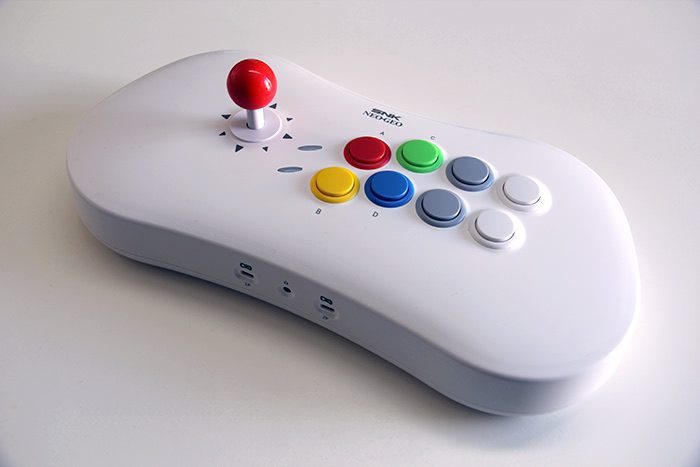
This guide introduces the Neo Geo Arcade Stick Pro, its hybrid functionality combining a USB stick and an HDMI console, along with its design, ergonomics, and Christmas edition.
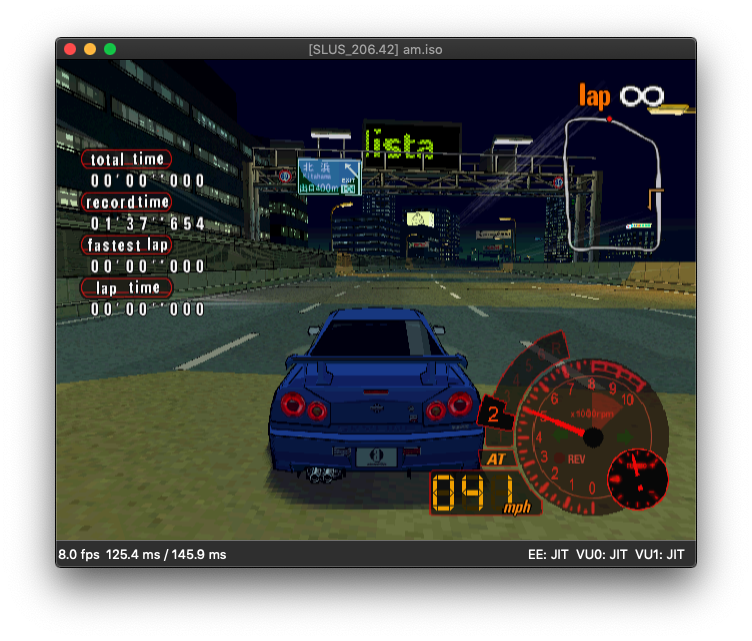
This guide explains how to install the required dependencies, compile DobieStation from source, and run it on macOS, despite the emulator still being highly experimental.
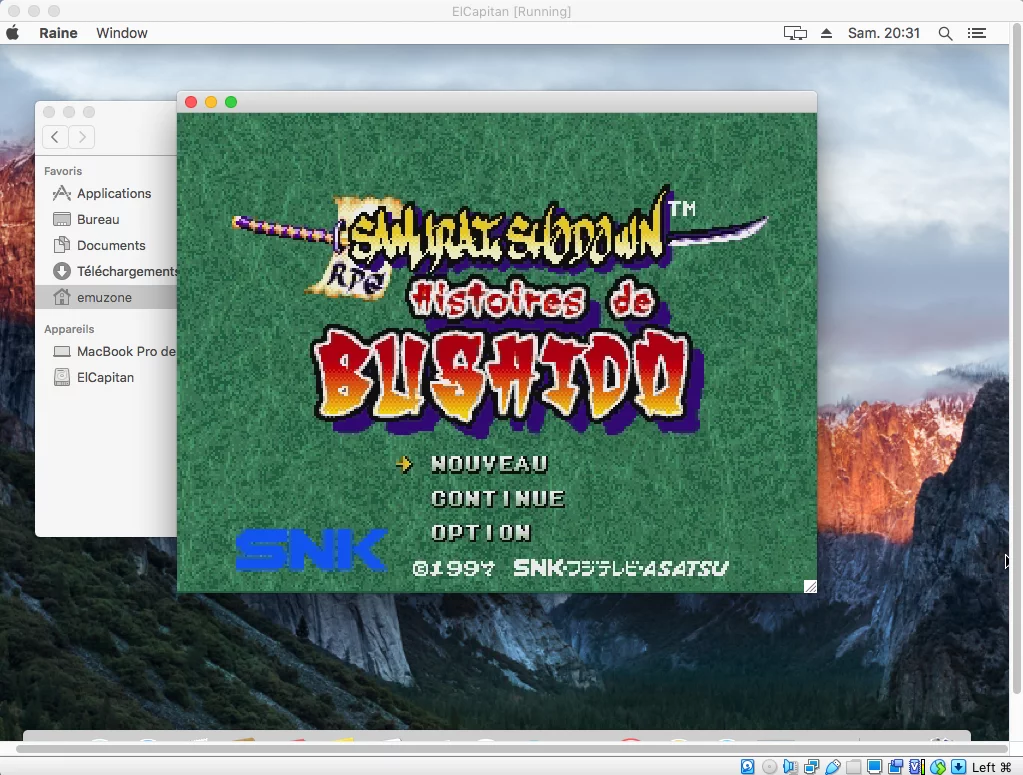
This guide outlines the creation of an OS X El Capitan installation image and its configuration in VirtualBox to run 32-bit applications on Mac.
This seventh part details the structure of MAME ROM archives and merged, split merged, and non-merged formats, along with their implications for repair and storage.
This sixth part explains the results of verifyroms in MAME on macOS, their implications for game compatibility, and the first steps to find suitable ROMs.
This follow-up guide covers the setup of MAME on macOS to overlay images simulating a cathode-ray tube display, including configuring the artworks folder and the `mame.ini` file.
This fifth part introduces the main graphical settings of MAME on macOS, particularly the selection of the video rendering engine and its default operation.
This section introduces MAME commands to launch a machine, verify the integrity of a romset, retrieve its exact name, and perform actions on multiple games.
This third part introduces the categories of images and artworks managed by MAME, their organization on macOS, and the required storage space.
This guide covers the installation of MAME on macOS using Homebrew or SDLMAME, including their advantages, limitations, and launch methods.
This introduction presents MAME, its evolution on macOS, and its built-in interface before exploring the diversity of arcade cabinets and their peripherals.

This guide explains how to use rsync in Terminal to merge a differential update folder with a MAME ROM collection, while preserving paths and the trailing slash.
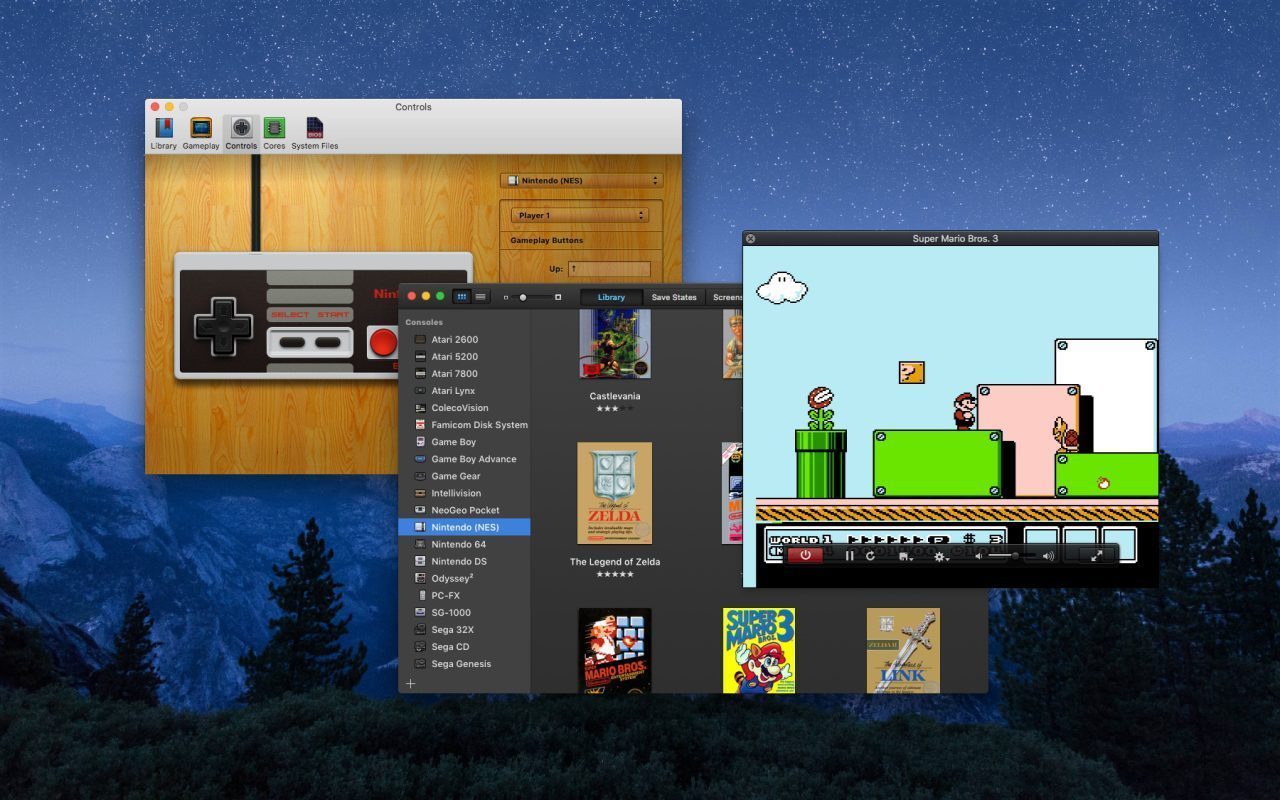
This guide explains the principles of emulation, the role of ROMs and the applicable rules, then introduces OpenEmu to start playing on Mac.
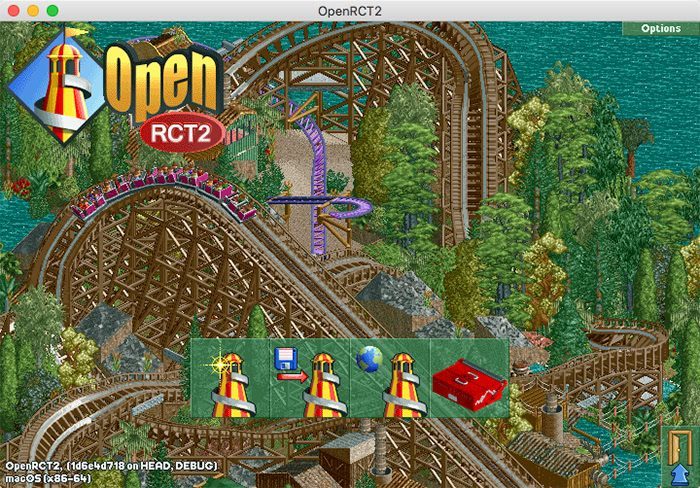
OpenRCT2 allows you to play RollerCoaster Tycoon 2 natively on macOS, provided you have the original game data, which is available notably on GOG.
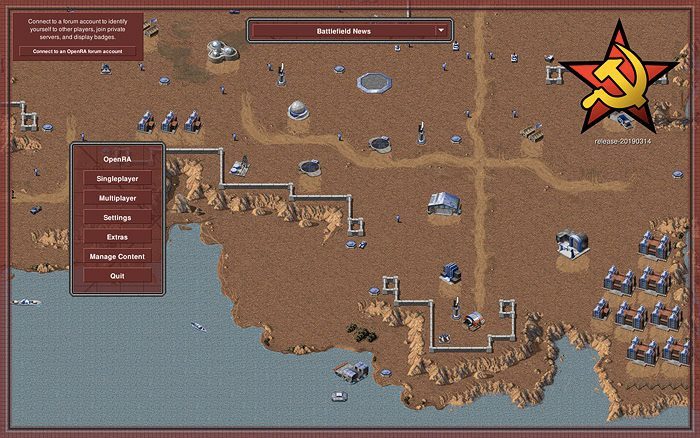
OpenRA rewrites Command & Conquer: Red Alert for macOS, featuring modern graphics, multiplayer support, and simplified installation thanks to the free game data provided by EA.
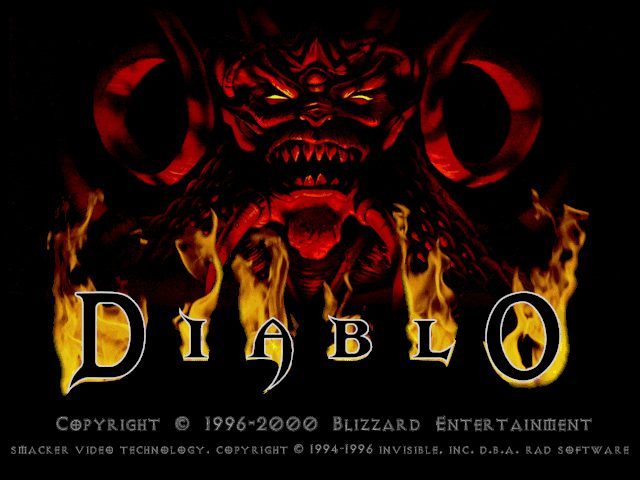
This guide presents DevilutionX, a native port of Diablo for macOS based on the decompilation of the original code, along with its installation steps from a copy of the game.