Playing Diablo natively on macOS
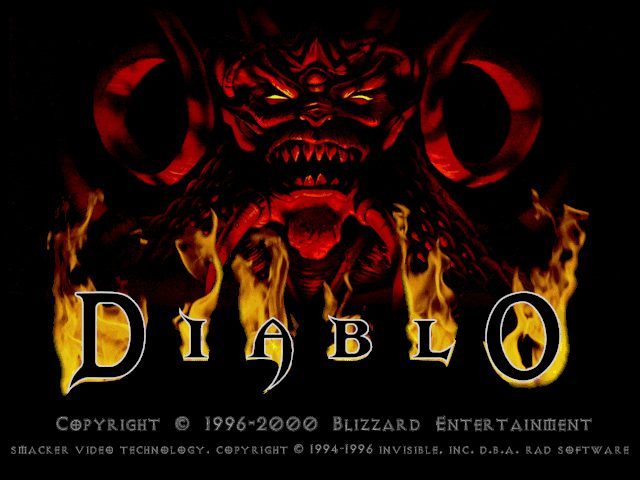
About a year ago, we talked about Diablo through a best-of. It's a game created by Blizzard in 1997 that had somewhat revolutionized video gaming by imagining a new style: hack'n slash. Diablo 2 and Diablo 3 later continued to innovate the genre and both, despite their age, have a solid player base. These two installments have the advantage of being available on modern operating systems (macOS and Windows). For the original Diablo, the only solution is to turn to the emulation of older systems, such as MacOS 9, DOS, or the PlayStation.
Until now, all hopes for playing Diablo 1 natively came from Freeablo, a long-standing project aiming to reproduce the original game as faithfully as possible. The project had made good progress but was still far from providing a satisfactory experience. For a few months now, the surprise has come from devilutionX, another project with a completely different approach. Instead of re-implementing, meaning recreating the entire code, they chose to decompile the original code and then recompile it for modern OS. The result is a near-perfect quality of the game.
Installation
The development team offers the project sources on GitHub, as well as ready-to-use builds. And to our great delight, there is a macOS version in addition to a Windows version, a Linux version, a Linux ARM version (for Raspberry Pi), or even a FreeBSD version.
Place it in your folder of choice.
You will then need an original version of the game, either through an original CD carefully purchased 22 years ago, or you can turn to GoG to buy a license for the game (10€) and download the Windows version.
Regardless of the source, you need to retrieve the file named diabdat.mpq and place it next to the application.
If you obtain the Mac version, you'll need to modify the filename to change the uppercase letter to lowercase on the "D" at the beginning of the filename.And… well, that's it! You can now launch Diablo 1.

Retrieving Your Old Saves
Since this isn't a reimplementation but rather the use of the original code, there's no issue using your old saves. I immediately went to fetch the save of my mage, which I had started on SheepShaver.
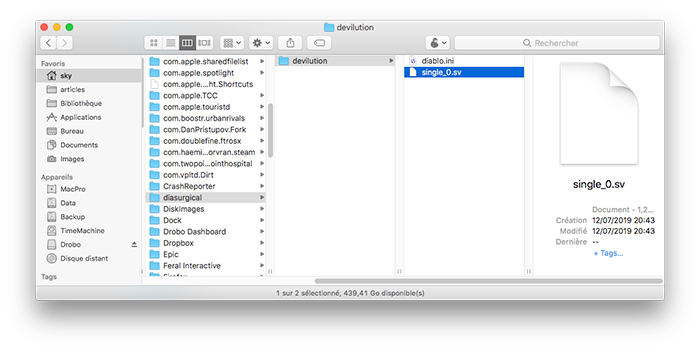
You just need to rename this save to
single_0.svreplacing the 0 if you have multiple saves. And place it in the folder
~/Library/Application Support/diasurgical/devilutionlocated in your Library folder. This folder will be automatically created after the first launch of the application, as it also contains the preferences file.
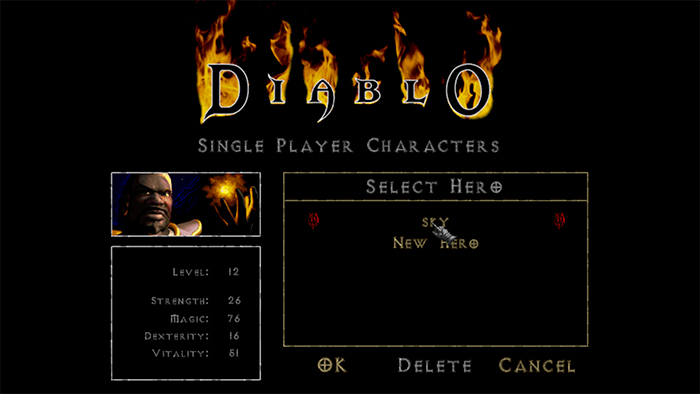
And there you go! There's no longer any reason to miss out on the original adventure!
Related software
Reply on the forum
A question or a hands-on report? Open the discussion on the forum.