Native Interpreter for Playing
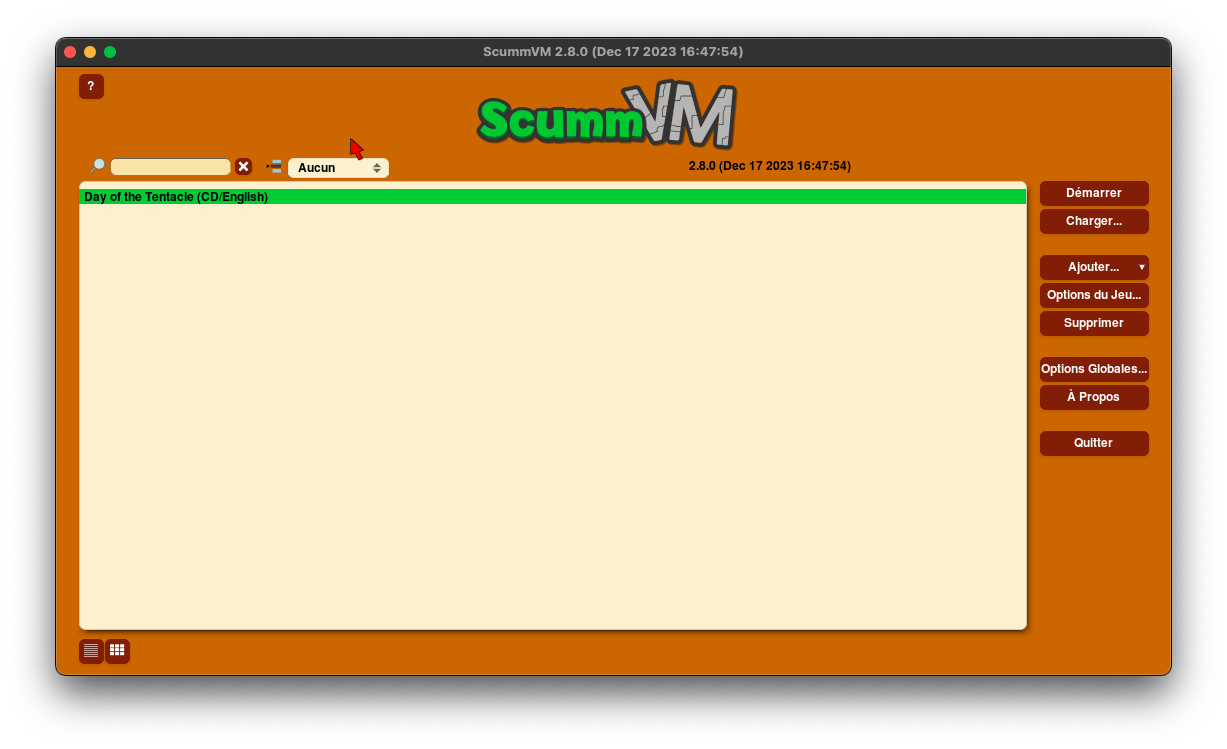
In the 1990s, point-and-click adventure games were numerous, and the same titles could be found on a wide variety of platforms. This was made possible by an engine that each publisher would try to implement for their different productions. The most famous of these was undoubtedly LucasArts' SCUMM, which stands for Script Creation Utility for Maniac Mansion, as this engine was originally created for that game. The principle is simple: create an engine that interprets scripts and various files—audio, video, images, and others—to deliver the adventure to the player on their preferred screen. The engine can then be ported to the targeted platforms, allowing the same files—sometimes with minor modifications depending on the machine's specifications—to be used. This way, when developing a game for this engine, it can be released on most platforms supporting it. As a result, we saw games like Maniac Mansion released on Apple II, Commodore 64, DOS, Amiga, Atari ST, and NES, or The Secret of Monkey Island on DOS, Amiga, Atari ST, Macintosh, FM Towns, and MegaCD.
However, platforms evolve, technology advances, and engines must keep up—or even be abandoned in favor of a complete rewrite to stay current with trends. This is how some past glories fade into obscurity or are smoothed out in remasters, stripping away the nostalgic charm of their once-pixelated graphics, now considered too crude. To address this and to the delight of nostalgic players, some fans have taken it upon themselves to rewrite these engines, allowing them to be (re)appreciated in their original form, and sometimes even with HD graphics, including fixes, improvements, modifications, and unfortunately, occasional bugs.
These engines resurface from the past and created by enthusiasts are generally referred to as interpreters, as they will, as described below, use the original files (with modifications for some of them). We will therefore review a few interpreters and explain their operation and configurations, sometimes being very simple, while for others more complex.ScummVM, and ResidualVM, the essential ones
The most well-known in the field of video games, the one we have already mentioned and which undoubtedly popularized the genre is undoubtedly ScummVM. It interprets today data for engines other than the various versions of Scumm, including those from key editors in the point-and-click universe such as Sierra or Revolution Software. Nowadays, in addition to LucasArt games like Indiana Jones, Sam & Max, Day of the Tentacles or Full Throttle, you can rediscover your Leisure Suit Larry, Gabriel Knight, Phantasmagoria, Beneath a Steel Sky, and other Broken Sword titles. And to honor all due respect, ScummVM deserves its dedicated dossier on mac-emu.net. Visit here to learn more about this essential program.
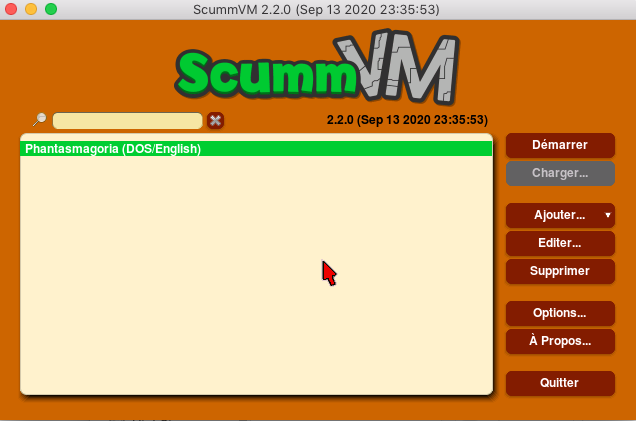
Note that ScummVM now includes ResidualVM, which supports Grim Fandango, Monkey Island 4, The Longest Journey, and Myst III games. However, if you wish to play The Longest Journey in HD, you will need to use a specific version of ResidualVM along with the HD mod
Riven X, before Myst III but after Myst
We no longer introduce Myst, ported to all known digital platforms in the universe, but perhaps you will want to try its sequel named Riven, before tackling Myst III mentioned above.
For this, you just need to obtain Riven X. This application requires the original CDs or the Windows DVD version.
That is precisely the method we used. Once you launch Riven X, upon inserting the DVD or CDs, the installation will proceed automatically, and the files will be copied to /Users/Shared/Riven X
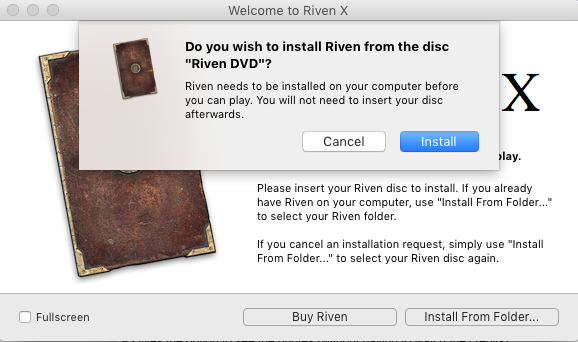
After installation, you can perform some configurations, but above all, you can start playing.
MagnetiX for Text Adventure Enthusiasts
MagnetiX is an interpreter allowing you to replay games written for ScriptMagic. These games are exclusively text-based, with some illustrations to enhance immersion and sometimes even a small piece of music for the atmosphere.
Upon first opening the application, you will be prompted to locate the folder containing the game files.
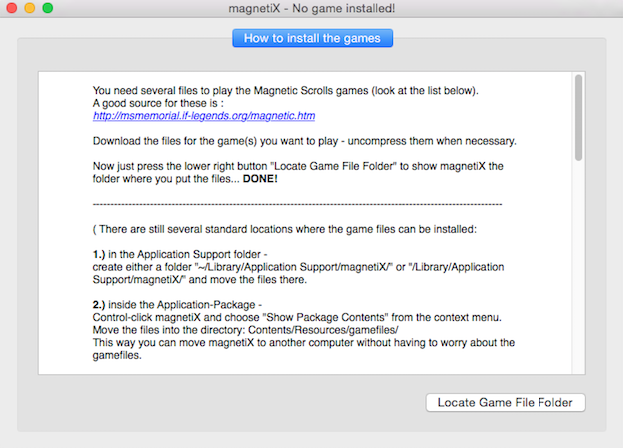
Note that in the displayed help at startup, the required files to ensure the game functions are listed.
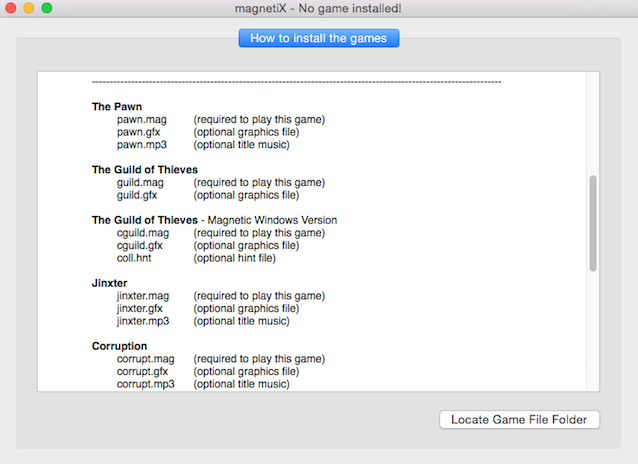
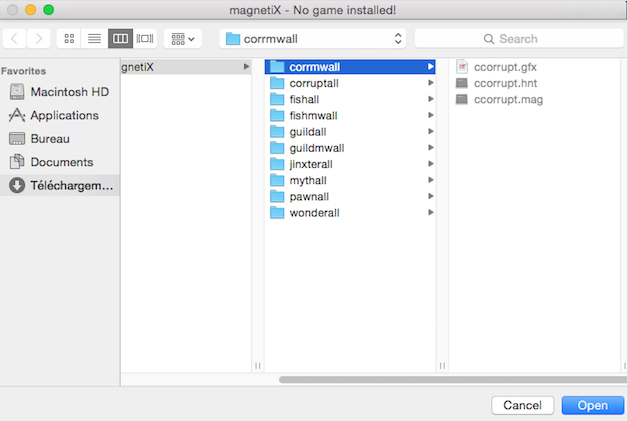
Once the data is located, you can dive into your chosen adventure, like reading a novel...
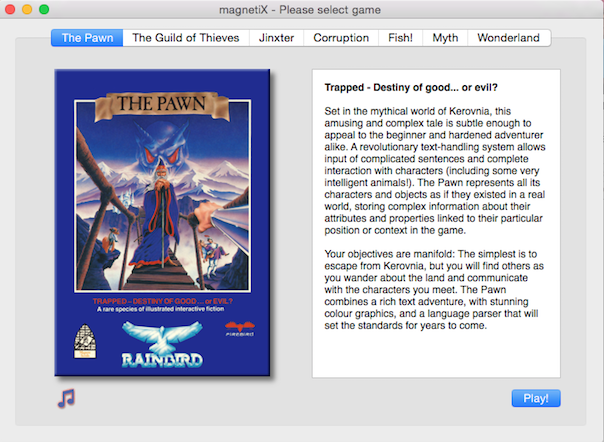
Of course, in the language of Shakespeare.
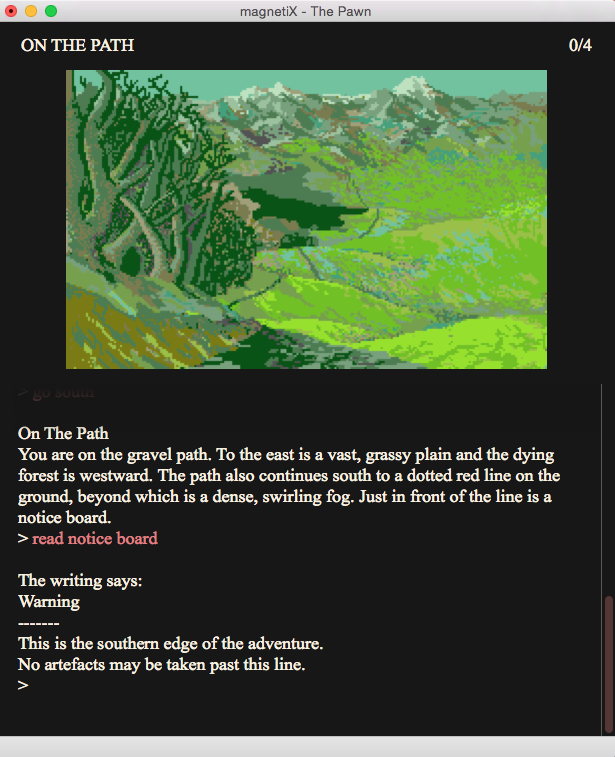
Note that a native save system is included and automatically triggers upon closing the application.
Zoom and the Genesis of Text-Based Games with Zork (for Example)
The older among you may find that the illustrations and background music do not make text-based games austere enough. Unfortunately, retrieving the old applications does not allow you to play them natively on Mac.
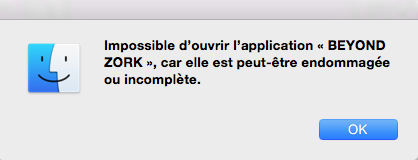
Perhaps yes, and this thanks to Zoom. Before this, a small modification of the original macOS application must be applied. Simply rename it to give it the suffix ".z5" and that's it.

Almost done, since you still need to open the Zoom application and click on the "+" button to locate the file.
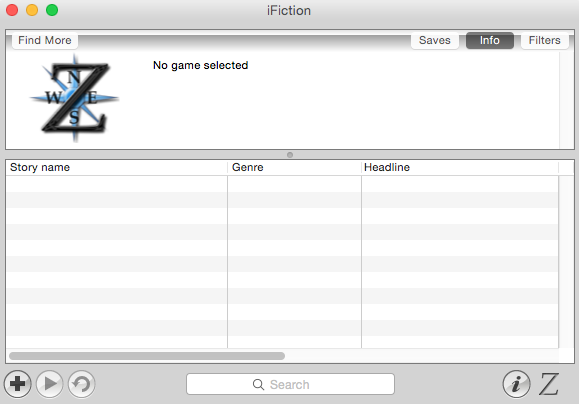
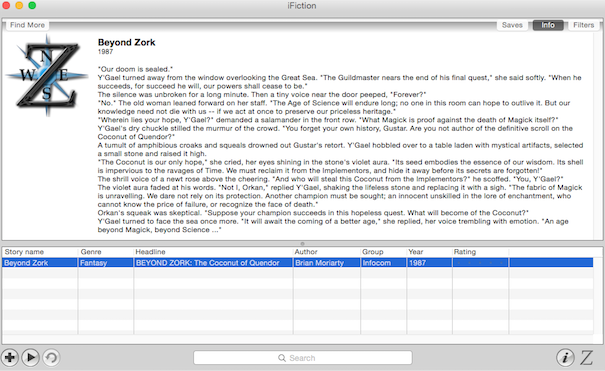
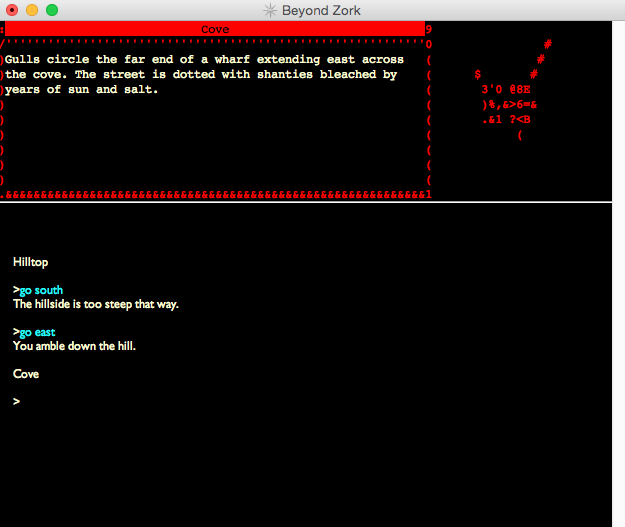
The file is then recognized and you just need to press the play button to play using your keyboard.
Nuvie, the Prophecy of Ultima 6
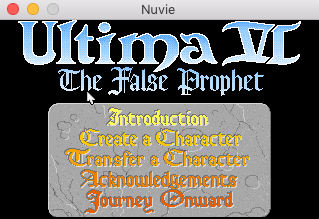
To replay the sixth installment of Ultima, you will need to retrieve the Nuvie application. However, installation will require administrator rights, since the original files are installed in the directory/Library/Application Support/Nuvie Support/ultima6
Once done, you can launch the application which unfortunately will remain in its original resolution.
To modify the preferences, you will need to edit the following file:~/Library/Preferences/Nuvie Preferences
Changing the different resolutions will not change the display; the best is to replace the value of the "fullscreen" parameter with "yes".
Note that the sources of Nuvie are now part of ScummVM.
Ultima 7 with Exult
Exult allows you to replay the beloved Ultima 7, but the configuration is not straightforward. Indeed, when launching the interpreter, no window will prompt you to locate the data files, and do not rely on the displayed message for a hint. Everything is available on the English site. Here’s how to proceed in the French language.
After launching Exult for the first time and quitting due to the displayed error, go to your Library directory and open the Exult folder located within Application Support.
The blackgate folder and other extension names like serpentisle should be located here. Copy the gamedat and static folders from the original games here.
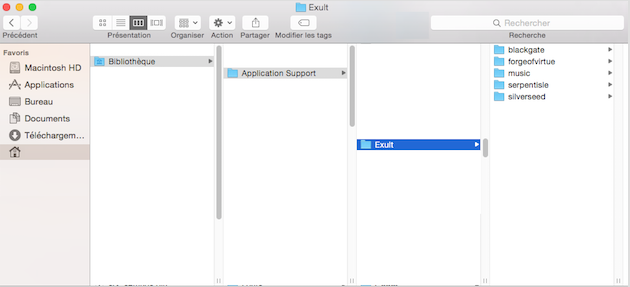
This is where the most complicated part begins: configuring the exult.cfg file located in the Preferences folder of your Library directory. Open it with any text editor, as it is in XML format.
Below the <disk> tag, you need to specify where the data is located with the following tag: <data_path>/Users/[username]/Library/Application Support/Exult</data_path>
Next, add the <game> tag and below it, add your game parameters as follows for blackgate:
<blackgate>
   <path>
   /Users/[username]/Library/Application Support/Exult/blackgate
   </path>
   <gamedat_path>
   /Users/[username]/Library/Application Support/Exult/blackgate/gamedat
   </gamedat_path>
   <static_path>
   /Users/[username]/Library/Application Support/Exult/blackgate/static
   </static_path>
   <keys>
   (default)
   </keys>
   <autonotes>
   (default)
   </autonotes>
</blackgate>
You will need to repeat this operation if you have also installed the data for extensions.
For example, for serpent isle, the following should be added right after:<serpentisle>
<path>
/Users/[username]/Library/Application Support/Exult/serpentisle
</path>
<gamedat_path>
/Users/[username]/Library/Application Support/Exult/serpentisle/gamedat
</gamedat_path>
<static_path>
/Users/[username]/Library/Application Support/Exult/serpentisle/static
</static_path>
<keys>
(default)
</keys>
<autonotes>
(default)
</autonotes>
</serpentisle>Once all your extensions have been added, you just need to close the game tag as follows:</game>
Exult is ready to run and the world of Ultima opens to you.
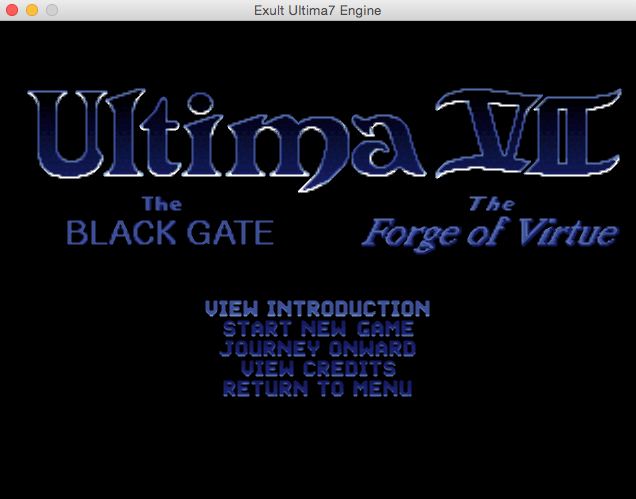
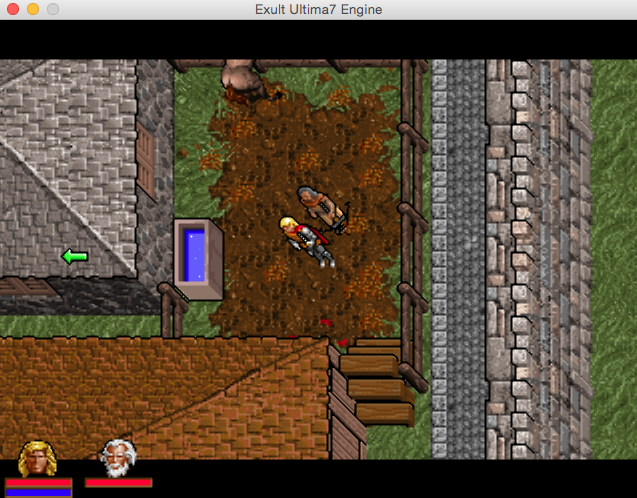
Pentagram and Ultima 8
Let’s not stop here in the series, and let’s try playing the opus titled Pagan, even though the previous one remains clearly the favorite of fans.
To do this, you will need to retrieve the Pentagram application. Launch it once, then quit it. This is to create the following directory: ~/Library/Application Support/Pentagram
Inside it, you then need to create a text file named pentagram.ini with the following content:
[pentagram]
defaultgame=u8
fullscreen=no
# Width of the game resolution. scalex=320
# height of the game resolution. scaley=240
# Select the scaler you want to use. Currently you can choose between
# point, bilinear, scale2x, 2xSaI, super2xSaI, supereagle, hq. # hq scaler will automatically decide whether to use HQ2x, HQ3x or HQ4x
# depending on width and height. scaler=2xSaI
# The game resolution is scaled to this width. width=640
# The game resolution is scaled to this height. height=480
bpp=32
# Enable this to use the BitStream Vera font for conversations and object descriptions. ttf=no
# If you don't specify midi_driver, Pentagram will automatically select one,
# based on your platform.
You will obviously have to replace
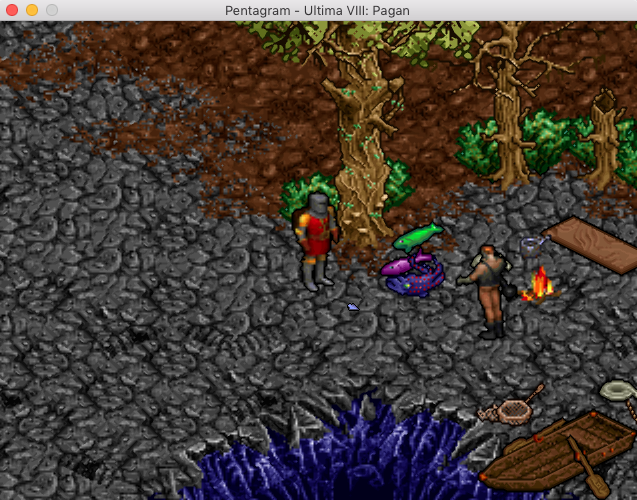
Note that the sources of Pentagram are now part of ScummVM.
FHeroes2 or Heroes of Might & Magic II,5
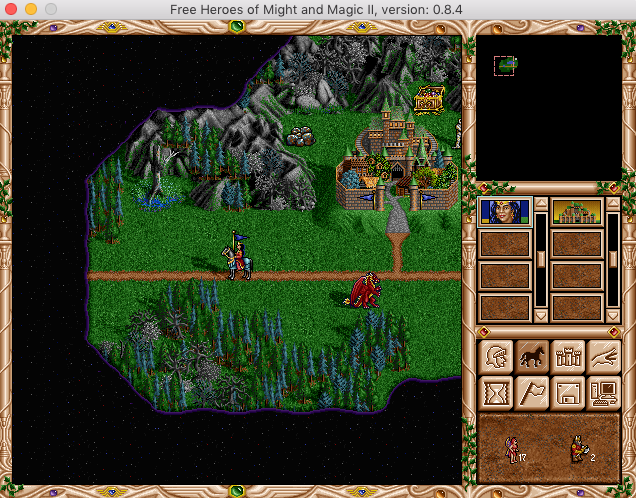
FHeroes2 is not just a reimplementation of the New World Computing game engine. It offers a configuration panel to modify certain rules to simplify, complicate, or balance the game. This is a nice attempt to bring some freshness back to this game.
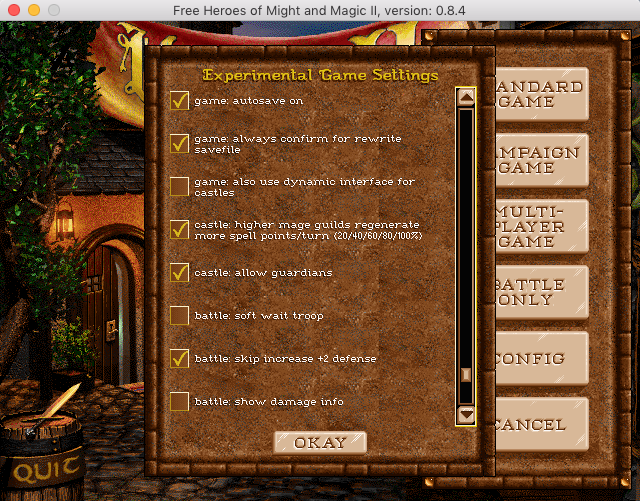
FHeroes2 has macOS builds using SDL2, and for older ones, SDL1. You will therefore need to install these to play.
Additionally, an installation script using homebrew is provided with the binary.All that remains is to copy the « data » and « maps » folders next to the executable to fully enjoy the game Heroes Of Might & Magic II, in a revised version.
VCMI and Heroes of Might & Magic III
VCMI, contrary to what its name might suggest at first glance, allows you to replay Heroes of Might & Magic III.
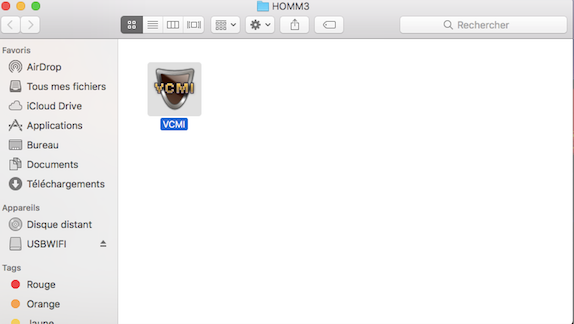
For this, you obviously need the game data (Mac or PC) as well as an internet connection during the first launch.
Let's launch the application to see that it requires downloading an essential package for proper functioning but also offers options.
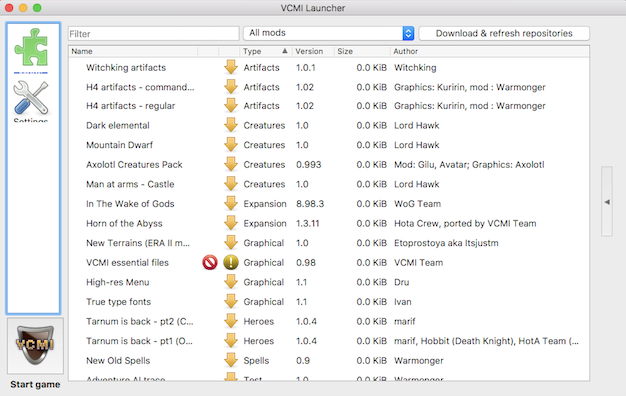
First, click on the tools icon to choose where the data will be stored, as well as the display options.
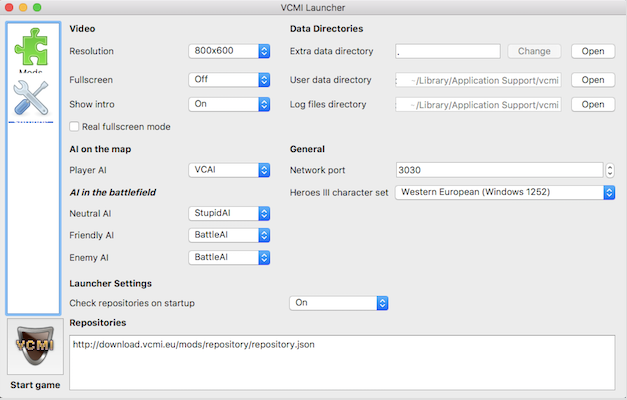
Once you have chosen your options and the location of the data, go back to the mods page by clicking on the puzzle piece and select the "VCMI essential files" package and others if you wish (be careful as some extensions make the game necessarily localized in Russian).
Once everything is selected, download the packages by clicking on the "update" button.
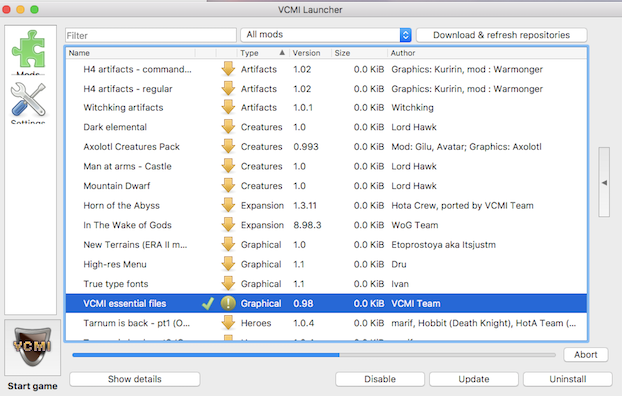
All that remains is to copy the original files into the VCMI folder or into the folder ~/Library/Application Support/vcmi/
Note that if your original files are from the MacOS version, you will need to convert the music to OGG format (keep the extension) and place them in a folder named « Mp3 ».
This isn't very conventional, but it's the only way for them to be recognized.
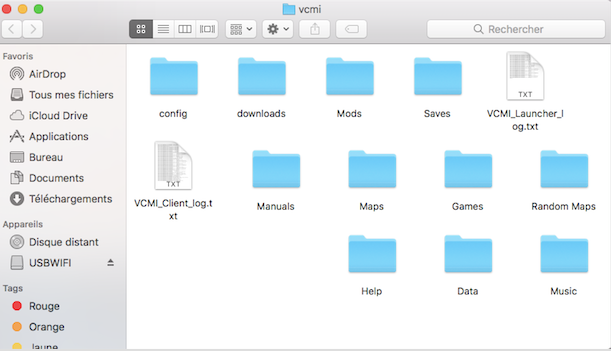
VCMI is then functional.
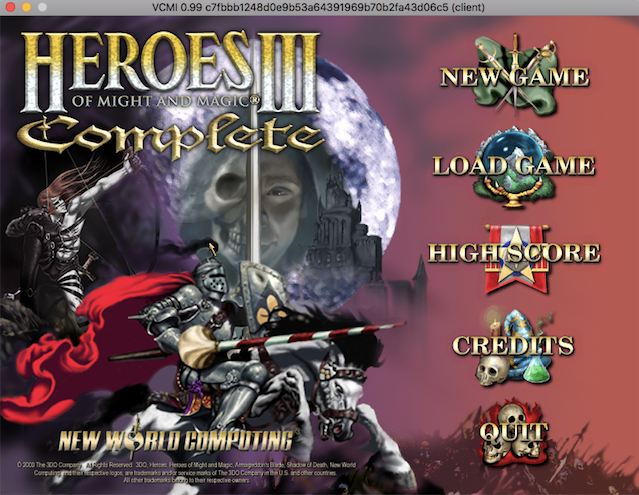
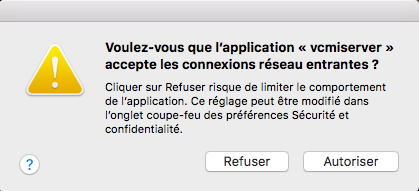
However, be careful with the latest development versions, which include a client and server version. You will need to launch the vcmiserver executable found in the application package so that the client part can function and accept opening the network port.
SDLPoP, OpenTTD, the ready-to-use options
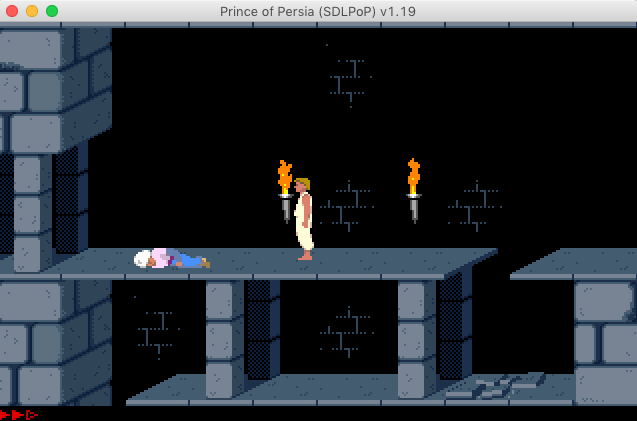
To play the first Prince of Persia as it was on DOS-based PCs, you will need to retrieve SDLPoP.
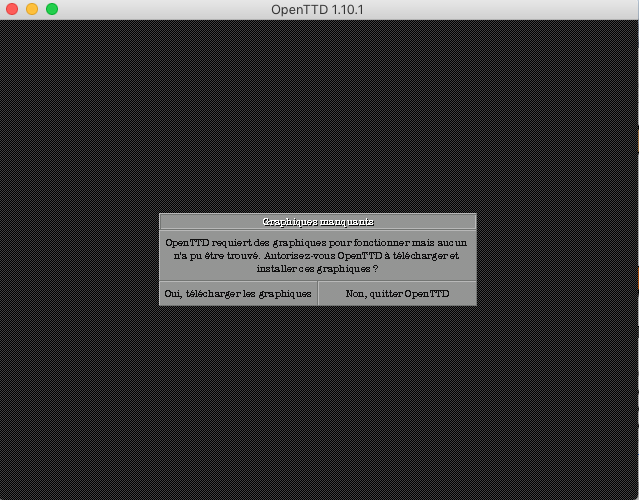
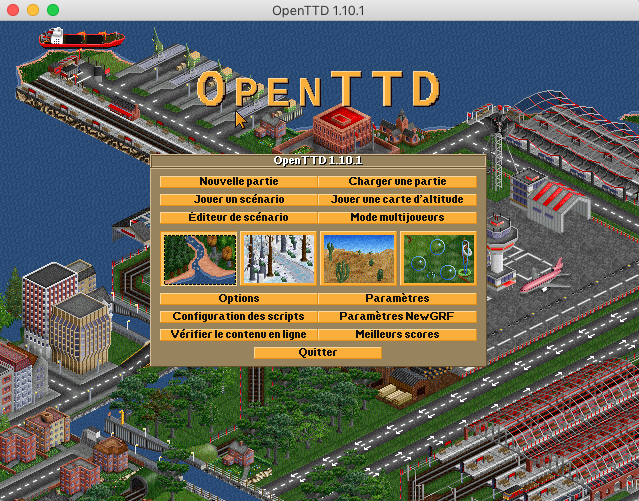
For transport enthusiasts, OpenTTD, based on Micropose's Transport Tycoon Deluxe, will undoubtedly be a free application of choice, since the data is now included with the application. You will however need to download the data separately or allow the application to do so.
Aleph One, a Marathon in a short time
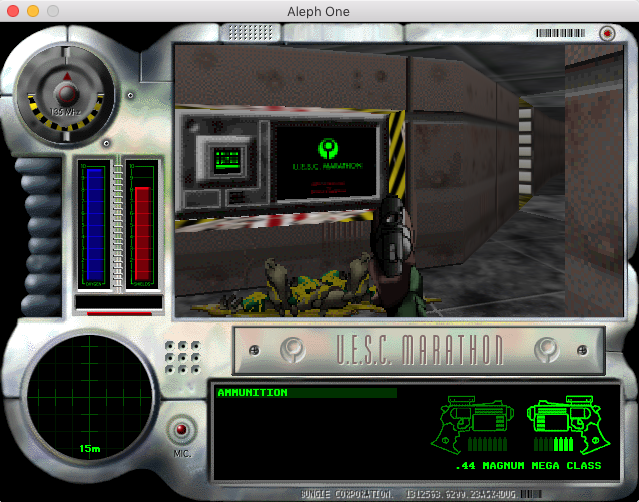
Old Mac players are undoubtedly familiar with the legendary series by Bungie Software known as Marathon. This trilogy, long coveted in PC gaming magazines from the Atlantic coast of the time, was only released on Mac, except for the first two, which, in the form of a compilation, ended up on the Bandai Pippin (by Apple). Aleph One now allows you to relive these magnificent creations on an impressive number of systems, including macOS. Since Bungie decided to make the data free, installation is therefore very simple.
All you need to do is retrieve the original data and place it in the folder containing the Aleph One application.
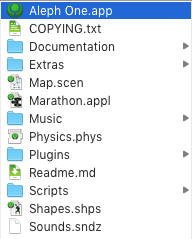
As for the three original games, pre-packaged bundles are available for Mac, but be aware that the procedure described above also allows you to enjoy numerous additional fan-made scenarios, such as the charming Rubicon X.
Eduke32, ECWolf, xDoom, the roots of the FPS
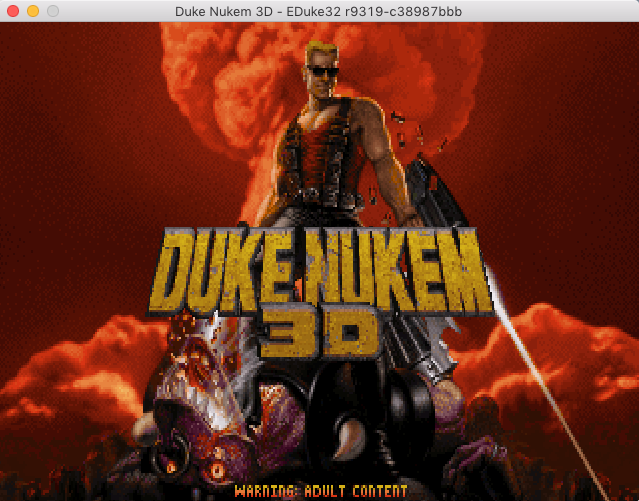
With Eduke32, you will be able to relive the sensations of being Duke in the cult 3D opus. To do this, you will need to open the application package and copy the file DUKE3D.GRP into the Resources folder.
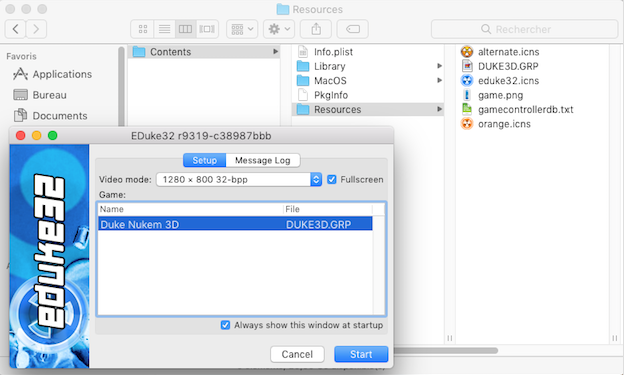
All that remains is to launch the application and destroy everything in your path.
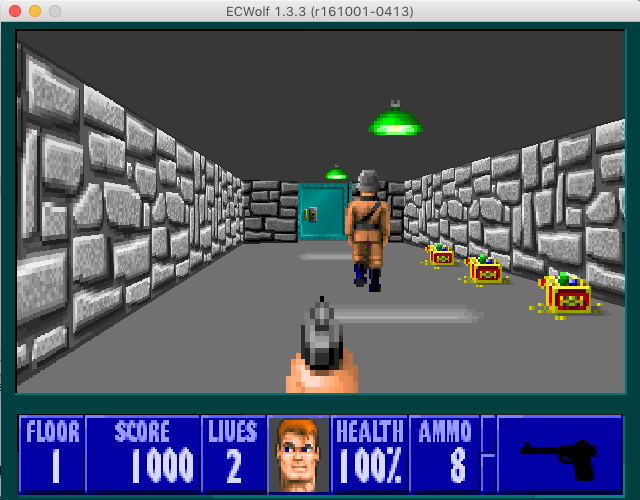
You may prefer to eradicate Nazism in a very radical way with Wolfenstein 3D. To do this, you will need to obtain ECWolf and copy the original game files with the *.WLx extension (where x corresponds to the version of the game you own) into the directory ~/Library/Application Support/ECWolf.
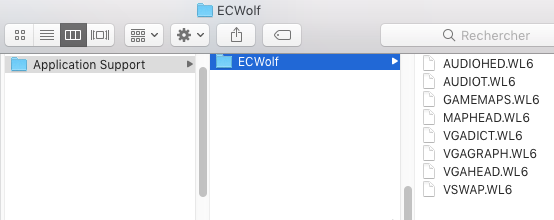
On the next launch of the application, the game will start immediately.
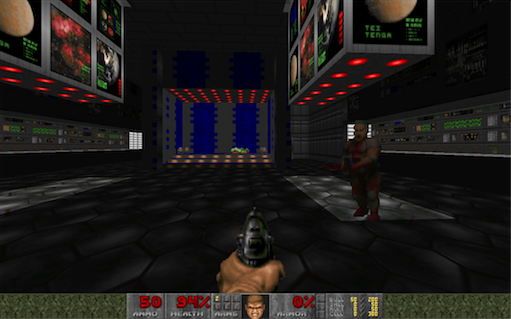
Let’s move on to the essential Doom. For this game, we had the zDoom project (available for PowerPC) but now GzDoom (compiled for Intel and M1) is preferred. Note the existence of the alternative LzDoom (Intel only).
Regardless of the engine used, installation is done the same way, namely by copying the files with the *.WAD suffix into the folder, for example for GzDoom,~/Library/Application Support/GZDoom
Note that Doom and Doom II are not the only supported games, as you can also enjoy, for example, Heretic or Hexen.
Also note that there is another alternative named Doomsday Engine.
GemRB, a Gateway to Baldur
GemRB is an attempt to rewrite BioWare's Infinity Engine, the one that brought to life series such as Baldur's Gate or Icewind Dale.
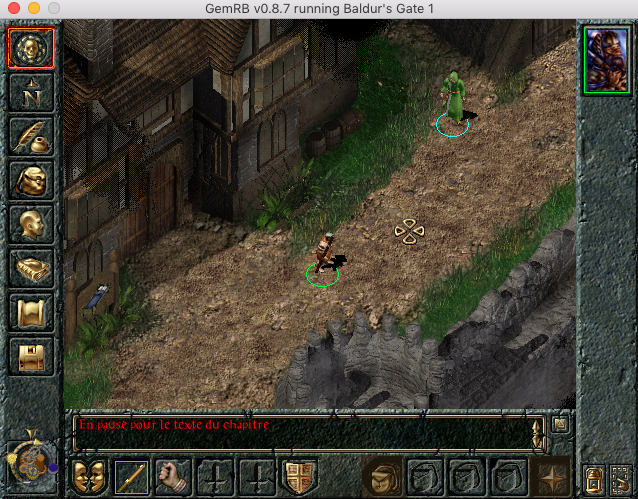
While both Baldur's Gate and the first Icewind Dale are fully playable, except for network functionality, the second installment of the latter is not yet well enough supported to be completed, unlike Planescape Torment, which can be finished.
To explore the lands of Féérune, you will need to have the original PC or Mac game data, as enhanced versions are not yet supported.
This means you will need to previously save a game installation to retrieve the files or reinstall your game using SheepShaver, Wine, or VirtualBox for Mac or Windows.
You will also need to make a copy of the contents of each original media.
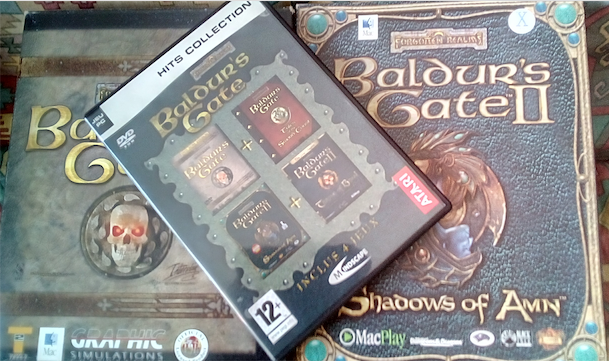
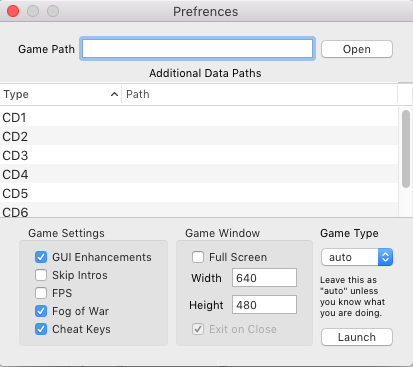
Once the precious files are retrieved, you just need to open the GemRB application, previously installed in the Applications folder (otherwise you will have to recompile your application), and click on the « Open » button to indicate where the folder with the installed files is located.
Less obvious, to enter the CD locations, you will need to double-click on the text area where you should write the path, and for the
Less familiar with Unix paths, know that you just need to drag and drop the folder in question for the path to automatically fill in correctly.
Note that it is preferable to have paths without spaces or special characters for this to work. Below is an example installation for Baldur's Gate 1.
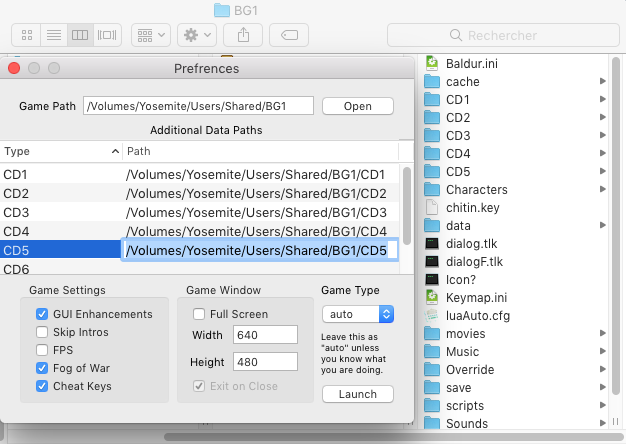
You will likely notice that you can launch the game in fullscreen and also modify its resolution, but be careful, some resolutions, too large or poorly calibrated, are not supported.
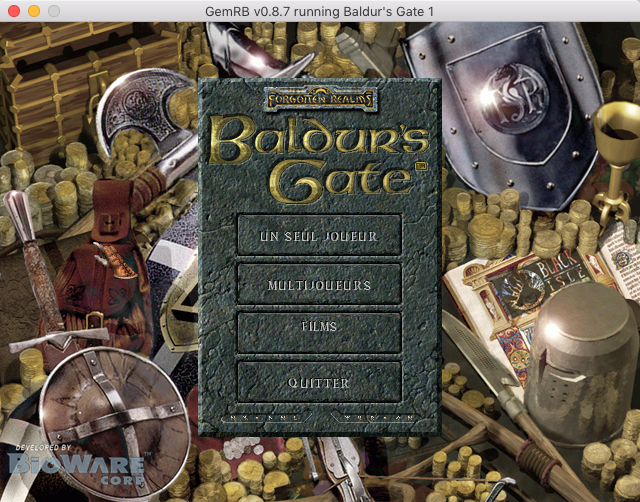
Finally, it is possible to force the game to recognize this, which is normally only useful if the game does not launch or if you are using a modded version (possibly incompatible).
OpenRA, OpenRCT2 and DevilutionX, the well-known ones
If you follow the site, you probably already know them, otherwise, here is a brief introduction.
OpenRA, or Open Red Alert, described in our guide, will allow you to sharpen your tactical sense with this entry in the famous Command & Conquer series.
OpenRCT2, also explained here, will surely make your head spin as it will let you relive the sensations of RollerCoaster Tycoon 2.
DevilutionX, on the other hand, will plunge you back into the hell of the first installment in the Diablo series as well as its Hellfire expansion.
The very good dossier on this subject is available here.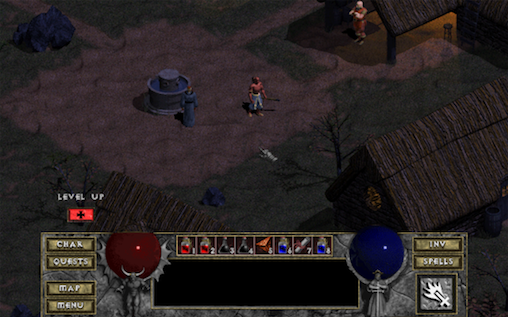
Note that there is also an attempt to rewrite the entire engine with Freeablo, which does not seem to be updated anymore and, above all, does not make the game fully playable.
OpenLara, the upgrade for TombRaider
This project, which aims, in the long term, to support several entries in the series, currently allows you to play the original with a certain comfort as it provides many graphical improvements, including the so-called « famous » 60 fps, as well as support for HD resolutions.
Once the macOS application is retrieved, you will need to open it to access the resources folder and copy the data from your PC, Saturn, or PlayStation version.
For information, the data from my Saturn game was not recognized properly, so I had to resort to a DOS version.
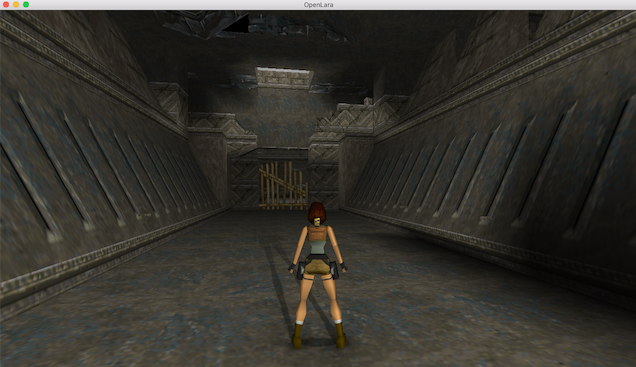
Once done, the application launches without problems with the upgraded Lara graphics.
FreeCiv, FreeCol, FreeOrion, and Widelands, the inspirations
Some games look remarkably like well-known video game titles and yet do not require the original files. They are therefore not interpreters in the strict sense, but rather complete reimplementations in the form of tributes. There are quite a few of them, more or less well done and more or less easy to use. The ones described below are just a few examples.
FreeCiv (dead link) is quite well-known and quite complete in its attempt to revive the early days of Sid Meier's Civilization games for free.
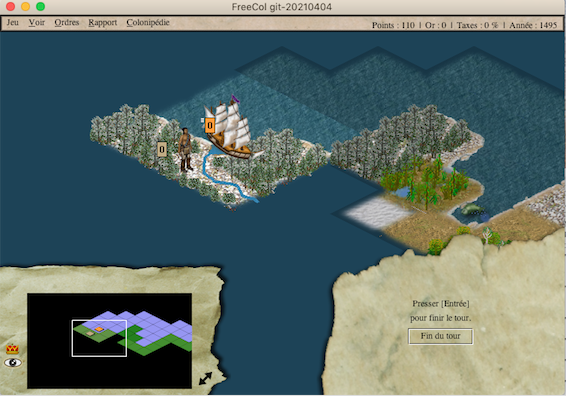
Unfortunately, Mac builds do not exist and you will have to compile and install it yourself.FreeCol, written in Java and quite resource-intensive, is a reimplementation of Sid Meier and Brian Reynolds' game, Colonization.
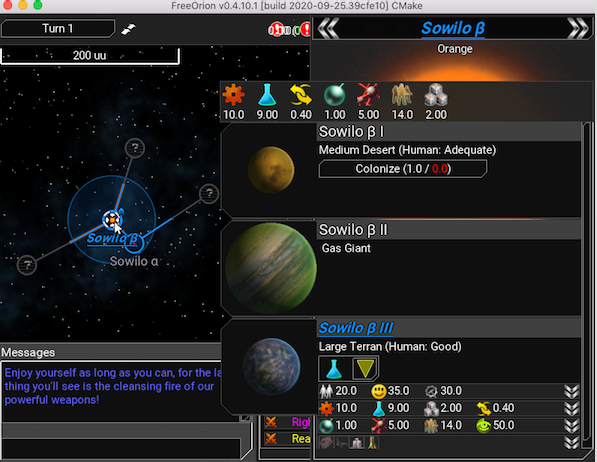
A 4X game heavily inspired by Master of Orion, FreeOrion is clearly a tribute, even though it claims not to be a remake or clone of this game series or any other.
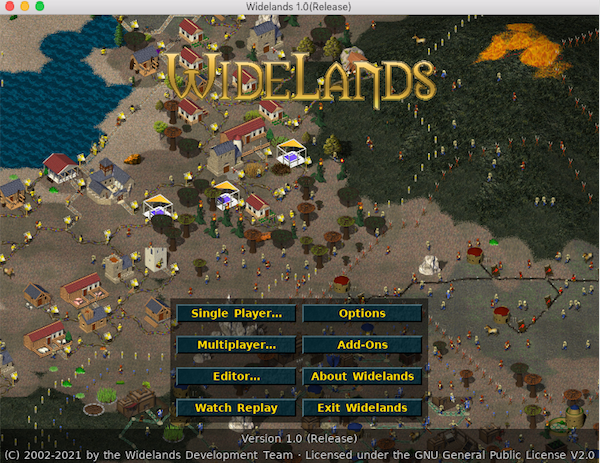
Widelands is, for its part, a revised version of Settlers II available for OSX.
Reminiscence and other self-compilation projects
In many cases, as mentioned earlier, you will need to retrieve the sources and recompile, either using Homebrew like rawgl, which allows you to play Another World via the command brew install rawgl
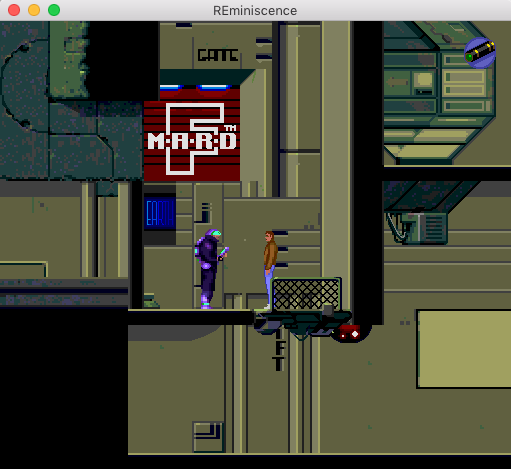
Or with the included Makefile or Configure files when available, or writing or modifying them yourself if they are not compatible with your Mac's architecture. This is the case, for example, with Reminiscence, which allows you to play the timeless Flashback.
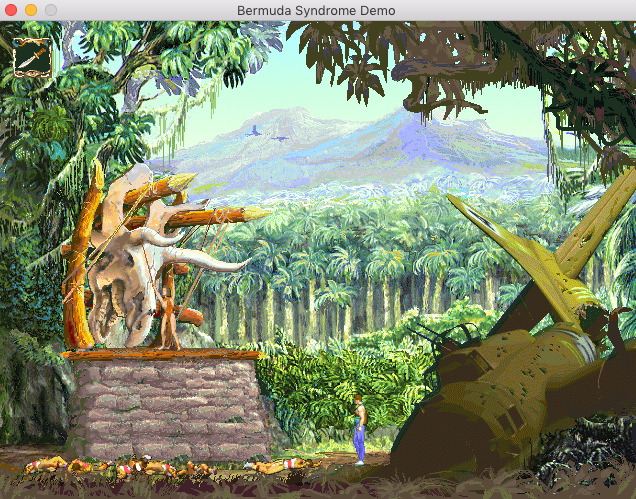
This is also true for bs, which lets you replay the little-known Bermuda Syndrome.
Stratagus, the unloved one
So far, it seems that any interpreter said to be compatible with macOS will work. But, like emulation, this is not always the case, as we will see with Stratagus.
Despite retrieving the latest MacOS binaries for Wargus, the Warcraft II interpreter (Stargus for Starcraft and War1gus for Warcraft 1), no human or orc has appeared on screen yet.
Normally, you first need to insert your original game CD, in this case the French version of Warcraft II Gold Edition. To do this, it is essential to have previously installed ffmpeg (via brew for example) and then launch the utility wartool so it can extract the data properly with the following command:
wartool -v /Volumes/<Nom_du_CD_Warcraft2> /Users/<compte_utilisateur>/Library/Stratagus/data.Wargus
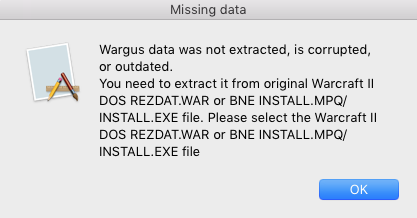
If everything seems to proceed correctly, with logs initially detecting the CD properly and ending with an encouraging message, upon closer reading, errors are noticed.
Detected French original DOS CD
Please be patient, the data may take a couple of minutes to extract...
Archive "/Volumes/WARCRAFT2/data/rezdat.war"
mkdir /Users/emuzone/Library/Stratagus/data.Wargus
Copied /Volumes/WARCRAFT2/data/rezdat.war->/Users/emuzone/Library/Stratagus/data.Wargus/rezdat.war
Archive "/Volumes/WARCRAFT2/data/strdat.war"
Ignore entry 42 in archive (invalid uncompressed length)
mkdir /Users/emuzone/Library/Stratagus/data.Wargus
Copied /Volumes/WARCRAFT2/data/strdat.war->/Users/emuzone/Library/Stratagus/data.Wargus/strdat.war
Archive "/Volumes/WARCRAFT2/data/maindat.war"
Ignore entry 25 in archive (invalid uncompressed length)
Ignore entry 32 in archive (invalid uncompressed length)
Ignore entry 68 in archive (invalid uncompressed length)
Ignore entry 431 in archive (invalid uncompressed length)
Ignore entry 437 in archive (invalid offset)

video:2301kB audio:302kB subtitle:0kB other streams:0kB global headers:7kB muxing overhead: 0.782146%
Done. Extracting from expansion subdir
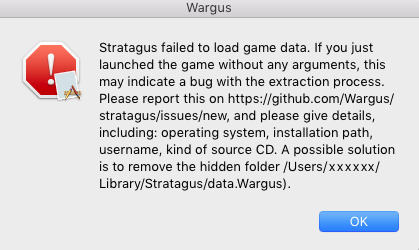
Unfortunately, launching the application confirms this.
This was no more successful with Starcraft.
You will often have to spend a lot of time searching, modifying, and testing to achieve an acceptable result.
Conclusion?
It is difficult to draw a conclusion about interpreters, as new ones emerge, others evolve, and some disappear or are abandoned. That said, this small selection was only meant to show you what some fans are willing to put in to bring back little pieces of video game history.
Unfortunately, not all of them are available for our macOS platform or will require a good technical knowledge of development.
However, there is already a solid foundation for those who want to relive some nostalgic gaming experiences natively.
To encourage you to explore new projects on your own and perhaps share them with us on the forum, we’ll conclude with some announced titles compatible with macOS, some of which already make you eager to test them.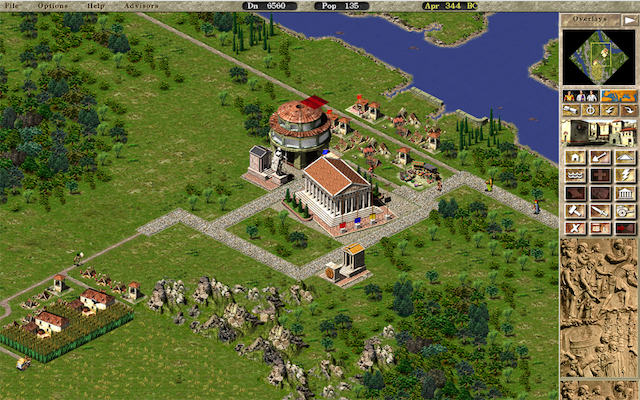
| Game | Interpreter or Engine |
|---|---|
| Age of Empires 2 | Open Age |
| Arx-Fatalis | Arx-Liberatis |
| Axis & Allies | TripleA |
| Battle Isle | ASC |
| Caesar 3 | Julius or Caesaria |
| Dragon Age - Origins | Xoreos |
| Dragon Age 2 | Xoreos |
| Duke Nukem 2 | Rigel Engine |
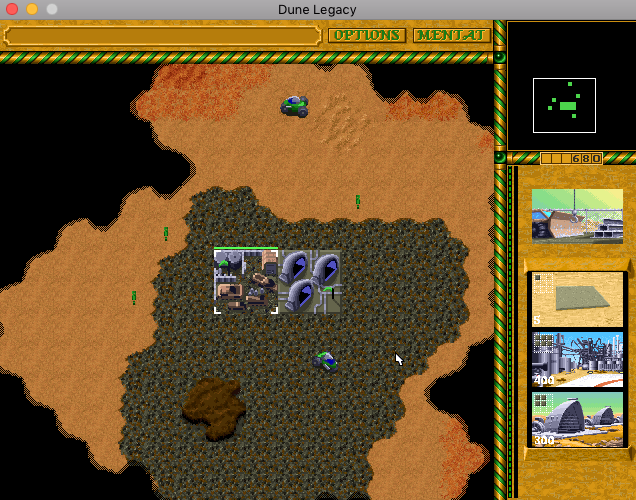
| Dune 2 | Dune Legacy or OpenDune |
| F-1 Spirit | F-1 Spirit Remake |
| Fallout | Falltergeist |
| Fallout 2 | Fallout 2 ce |
| Gothic | REGoth |
| Grand Theft Auto 3 | re3 (dead link) |
| Grand Theft Auto - Vice City | re3 (dead link) |
| Jade Empire | Xoreos |
| Jagged Alliance 2 | JA2 Stracciatella |
| Lemmings | Lemmini |
| Little Big Adventure 2 - Twinsen's Odyssey | LBA2 Remake (dead link) |
| Neverwinter Nights | Neverwinter Nights |
| Xoreos | |
| Neverwinter Nights 2 | Xoreos |
| Outpost | OPHD |
| OutRun | Cannonball |
| Quake 3 | ioquake3 |
| Rise of the Triad | rott |
| RPG Maker 2000/2003 | Easy RPG |
| RPG Maker XP/VX (ACE) | mkxp |
| Settlers | freeserf |
| SimCity | Micropolis |
| SimTower | OpenSkyScrapper (dead link) |
| Star Wars - Knights of the Old Republic | Xoreos |
| Star Wars - Knights of the Old Republic 2 - The Sith Lords | Xoreos |
| Star Wars - Jedi Academy | OpenJK |
| Star Wars - Jedi Outcast | OpenJK |
| Stronghold | Sourcehold |
| System Shock | Shockolate |
| The Elder Scrolls - Arena | Open TES Arena |
| The Elder Scrolls 2 - Daggerfall | Daggerfall-Unity |
| The Elder Scrolls 3 - Morrowind | OpenMW |
| The Witcher | Xoreos |
| The Lord of the Rings | lotr |
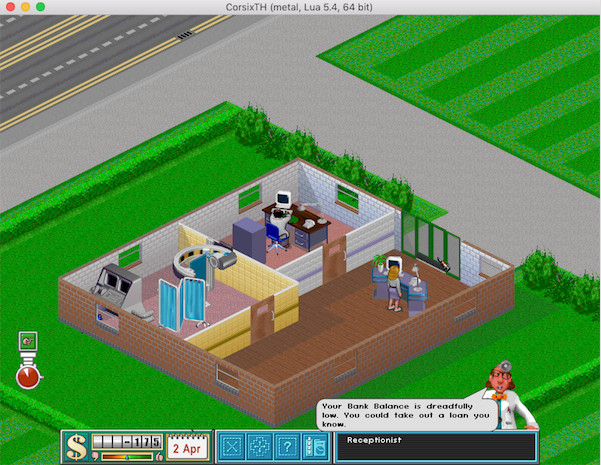
| Theme Hospital | CorsixTH |
| Total Annihilation | ta3d |
| UFO - Taipan |
| Ennemy Unknown (X-Com - UFO Defense) | OpenXcom |
| Ultima 4 | xu4 (or ScummVM) |
| Wolfenstein - Enemy Territory | ET Legacy |
Related software
Reply on the forum
A question or a hands-on report? Open the discussion on the forum.