Compile and Run DobieStation on macOS
Here is a guide to install DobieStation on Mac. Only the sources being available, you have to compile it yourself.
Attention, let me tell you right away, DobieStation is still in its early stages, and no game currently runs properly on it. To be honest, out of the few games I tested, none worked well enough to start and play a session.
To begin, you will need the package manager Homebrew and possibly Xcode. This should normally work without it, using only the command-line tools already installed with Homebrew. If Xcode is not installed, start without it and if it doesn’t work, you can try with it. If someone tries compiling DobieStation without Xcode, please send me your feedback in the comments so I can update the article.
1/ Installing Dependencies via Homebrew
To compile DobieStation, we will need 2 packages available through Homebrew.
In your terminal, type the following commands to install them.
brew install Qt5
brew install cmake
2/ Downloading Sources from Github
Still in your terminal, navigate to the folder where you want to work on compiling the software.
For my part, I have a git folder in my user directory, which I use for all projects downloaded from the platform. Don’t forget to modify the command with the folder of your choice and possibly create it beforehand (using Finder)
cd git
then launch the download with the git tool
git clone https://github.com/PSI-Rockin/DobieStation
The retrieval is quite fast
Cloning into 'DobieStation'... remote: Enumerating objects: 13867, done. remote: Total 13867 (delta 0), reused 0 (delta 0), pack-reused 13867
Receiving objects: 100% (13867/13867), 3.78 MiB | 2.74 MiB/s, done.

Resolving deltas: 100% (9820/9820), done.
3/ Compiling the Source Code
Your folder should now contain a subfolder named DobieStation, enter it
cd DobieStation
Then, simply follow the instructions available on the emulator's GitHub page. Create a build folder, then enter it
mkdir build && cd build
Next, run cmake with the correct parameters.
cmake .. -DCMAKE_BUILD_TYPE=RelWithDebInfo -DCMAKE_PREFIX_PATH=/usr/local/opt/qt5
The result should look like this.
-- The C compiler identification is AppleClang 10.0.1.10010046
-- The CXX compiler identification is AppleClang 10.0.1.10010046
-- Detecting C compiler ABI info
-- Detecting C compiler ABI info - done
-- Check for working C compiler: /Library/Developer/CommandLineTools/usr/bin/cc - skipped
-- Detecting C compile features
-- Detecting C compile features - done
-- Detecting CXX compiler ABI info
-- Detecting CXX compiler ABI info - done
-- Check for working CXX compiler: /Library/Developer/CommandLineTools/usr/bin/c++ - skipped
-- Detecting CXX compile features
-- Detecting CXX compile features - done
-- Looking for pthread.h
-- Looking for pthread.h - found
-- Performing Test CMAKE_HAVE_LIBC_PTHREAD
-- Performing Test CMAKE_HAVE_LIBC_PTHREAD - Success
-- Found Threads: TRUE
-- Configuring done
-- Generating done
-- Build files have been written to: /Users/sky/git/DobieStation/build
And finally, run the last command
make
[100%] Linking CXX executable DobieStation
[100%] Built target DobieQt
4/ Launching the Emulator
To launch the emulator for the first time
./src/qt/DobieStation
During this first launch, the application will ask for the path to the BIOS and you can add the path to your games folder.
It will then search for all available images in the specified folder.
For subsequent uses, it will be more convenient to move the application to a folder where you can find it more easily.

5/ Emulation Performance
Here are the results, as mentioned in the introduction, with the first tested games. The emulation is clean, with nearly perfect rendering, however, the emulation speed is really too low, rarely exceeding 3 fps in action. Let's hope the emulator continues to evolve.
I will add more results on the PS2 page of the MECL site, dedicated to emulator compatibility with games.
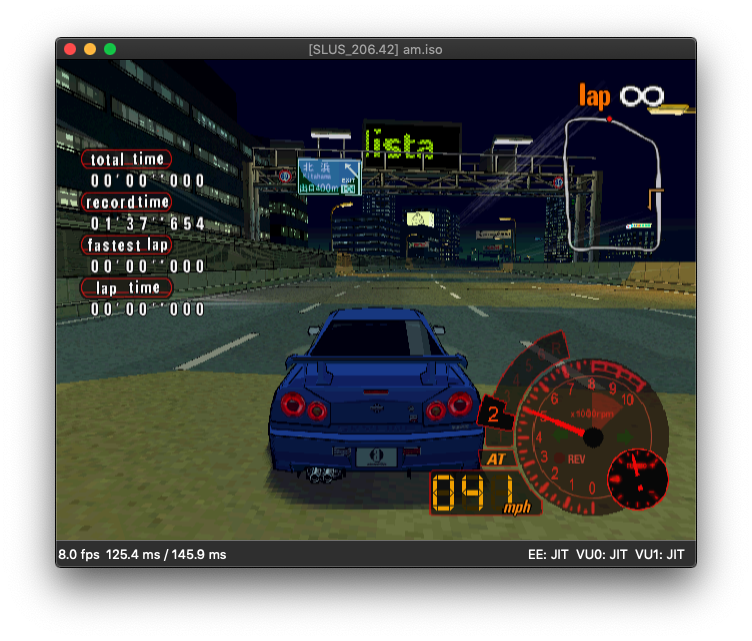
Auto Modellista
One of the most compatible games on PCSX 2 that I know of. The graphical result is clean and, with its best 8 fps, it is one of the fastest.

God of War
Correct graphical result, but it took so long to reach the menu that I didn't attempt to go any further.
I’m not really sure if the emulator was able to maintain the announced 3 FPS.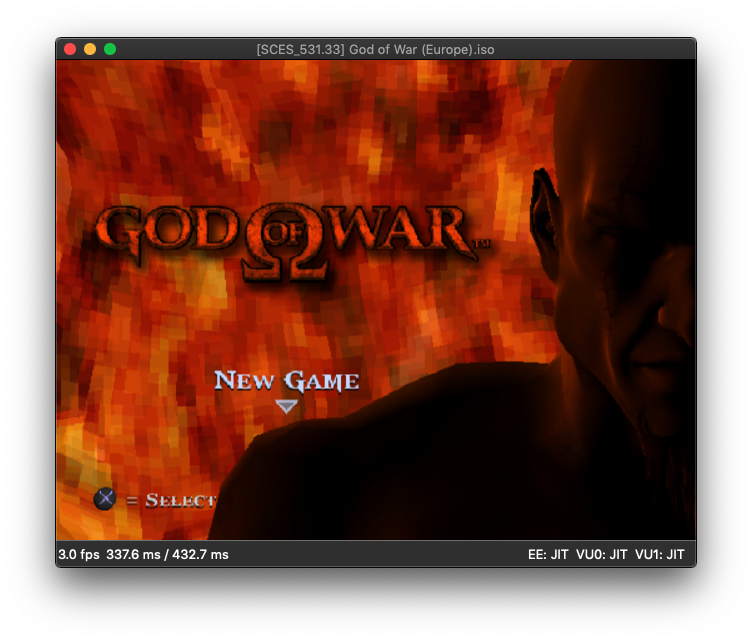
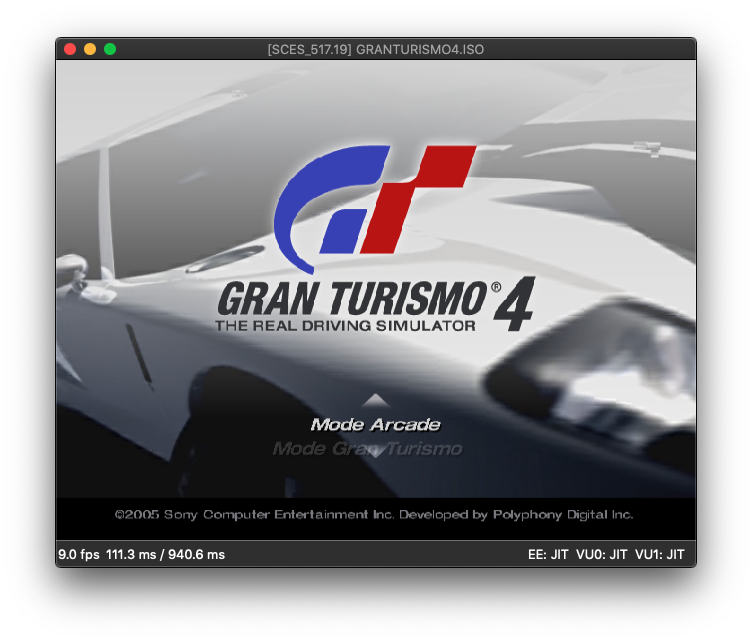
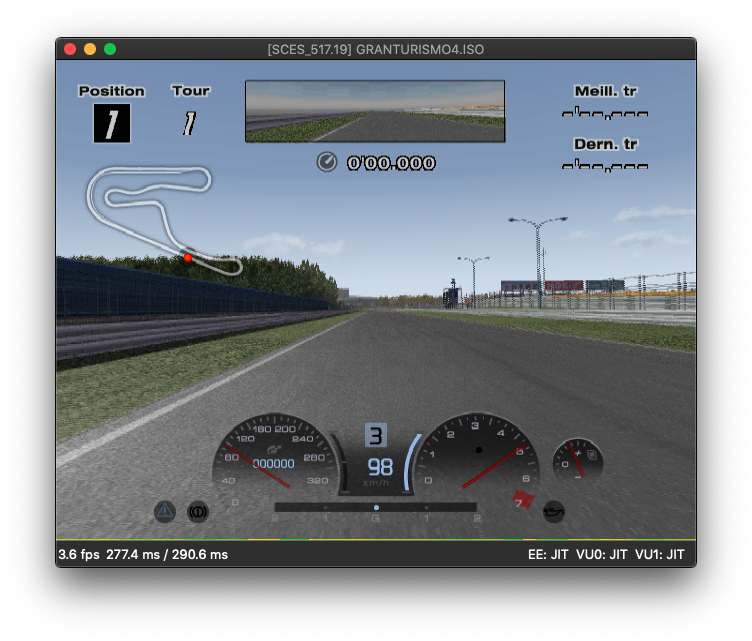
Gran Turismo 4
The graphical result is very nice here, but the emulation speed is catastrophic.
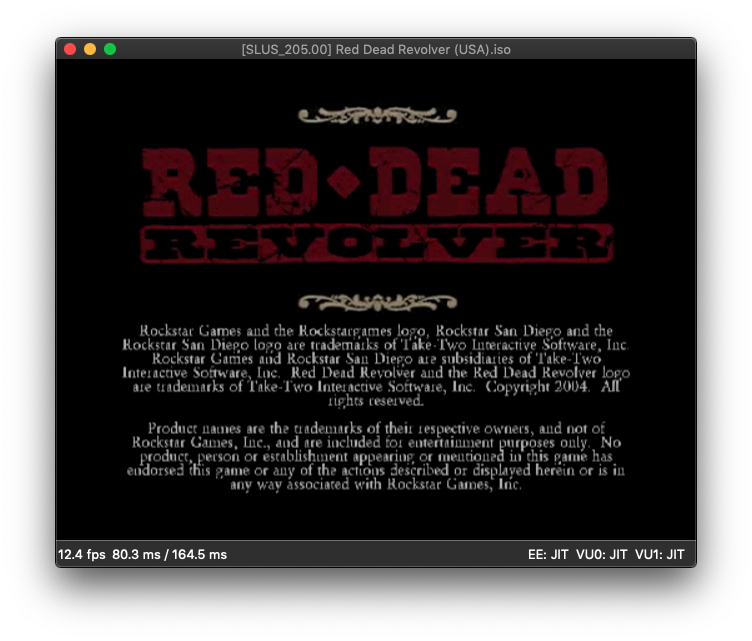
Red Dead Revolver
Like God of War, reaching the menu is such a trial that I didn’t have the time or the courage to go any further.
Related software
Reply on the forum
A question or a hands-on report? Open the discussion on the forum.