Emulation of Systems Earlier Than macOS X (on macOS 7/8/9)
Before anything else, you should know how to use emulators in a so-called Classic environment.For Macintosh computers with a 68k processor
The system generally used with these machines is Mac OS 7, which Apple provided free updates up to version 7.5.5, as well as the full version of Mac OS 7.5.3 in North American language only [*].
Arcade: It appears that a version of MacMame can be used under 68k. Not having been able to test it properly, its presence is for informational purposes only. If it turns out that this version works, do not expect to be able to emulate the latest arcade cabinets or those that were themselves equipped with 68k processors. A text document in English lists the playable arcade cabinets. It should be noted that this version, basic, does not support the decompression of zip files. You will therefore need to decompress the files and place them in the folder named after the game (see the file cited above) in the Roms folder. The ReadMe file, also in English, indicates the keyboard keys to control the emulator. It will be difficult to find roms supported by this version, as the most distributed ones are compatible only with the latest versions of MAME.
MacMAME version 0.28:
https://files.mac-emu.net/index.php/s/HrEEYPBXcYYEYcZ
Game Boy: There is a paid black-and-white Game Boy emulator no longer supported, named GBMac, created by a Japanese developer.
The main drawback of this emulator is that it is impossible to save, even through the game itself, without paying (if that is still possible).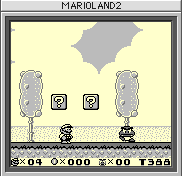
It runs in 256 colors and the keys are as follows:
- Configurable directional keys
- Start = Return
- Select = ???
- A = Option
- B = Shift
French version of GBMac for 68k (and PPC):
https://files.mac-emu.net/index.php/s/RfxZPzNjEFLoTNF
Famicom / NES: The only available one was created by the same author as GBMac and is unsurprisingly named NESMac. This one does not allow any saving and remains very basic.
However, it only emulates games 32 KB or smaller (forget about Super Mario Bros or Zelda) and supports very few mappers, rarely in full.
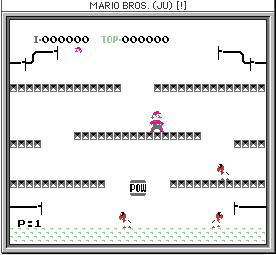
It runs in 256 colors and the controls are as follows:
- Directional keys = numeric keypad
- Start = Enter
- Select = ???
- A = a
- B = z
Partially French version of NESMac for 68k:
https://files.mac-emu.net/index.php/s/DeBTKYDWr4Af8HQ
Macintosh: Surprisingly, the official site of Mini vMac still offered a version for your architecture, but despite JIT emulation with the same processor, expect reduced performance.
Version 3.4.1 of Mini vMac:
https://files.mac-emu.net/index.php/s/mWmtW8nakJboe6t
CPC: Again, the official site of this Amstrad emulator, here, offers version 1.3.2 with likely limited performance.
TRS-80: Far more exotic, this machine still has an emulator available on its official site, requiring at least a 68020 under 7.5.5.
Sinclair QL: Another uncommon platform, but an emulator is available on the official page.
Nothing is less certain about its speed on a 68k.For PowerPC Macintosh under MacOS 7.6
In addition to previous emulators, your Mac has an architecture that allows it to emulate an Apple II thanks to Catakig 1.6 available on the official website.
Apple Macintosh: Normally, the 68k version below should work, but the version for PowerPC processor should also work.
Version 3.4.1 of mini vMac:
https://files.mac-emu.net/index.php/s/PC7465eH4FmCnpF
And even more surprisingly, you can emulate a PC using VirtualPC version 3, but don't expect miracles; emulating DOS or even Windows 3.1 will already be an achievement, even though Windows NT and 95 are officially supported.
For PowerPC Macintosh under MacOS 8.1
For those still using MacOS 8.0, note that Apple offered a free update to 8.1 [*]. Moreover, before starting emulation, it is strongly recommended to install the extensions OpenGL 1.2.1, GameSprocket 1.7.5, and CarbonLib 1.0.4, as well as the QuickTime 5.0.5 application (which were available on Apple's website [*]).
Arcade: Again, version 0.37b16 of MacMame seems to be one of the last compatible versions for this system. The emulation of various arcade cabinets will partly depend on the power of your Mac.
Version 0.37 beta 16 of MacMAME:
https://files.mac-emu.net/index.php/s/jxAL6LDEEMMy67i
Game Boy (Color): The well-known paid emulator for black and white and color Game Boy by John Stiles, before the arrival of KiGB and others, is called VirtualGameboy.
If state backups are only allowed for paying users, game backups and basic options are available for free.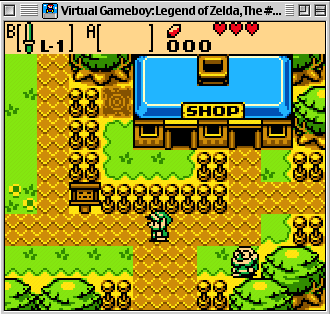
Version 1.6.1 of Virtual Gameboy:
https://files.mac-emu.net/index.php/s/MqZb8BgMCXfZ2ny
French version 2.0 of Virtual Gameboy:
https://files.mac-emu.net/index.php/s/Mp9rgTBJooiY2xx
Game Gear / Master System: For such emulation, you will need to turn to a Stiles port for emulation.net called Master Gear. Like Virtual Gameboy, this is shareware with the same features.
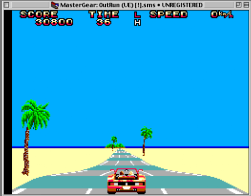
Version 1.4 of Master Gear:
https://files.mac-emu.net/index.php/s/8PrRkjQaEJyfcFo
Genesis / Megadrive: For Sega's 16-bit systems, we must thank Bannister for creating the DGen port. However, note that this emulator does not support games localized only for PAL, so you may sometimes need to use US or Japanese versions instead.
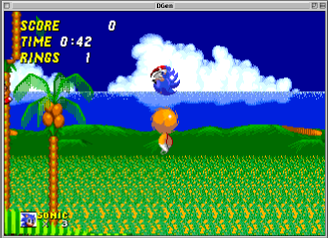
Famicom / NES: For Nintendo's Famicom, you will need to turn to another Stiles port.
This is iNes, a still-paid emulator for those who wish to use save states or other advanced features.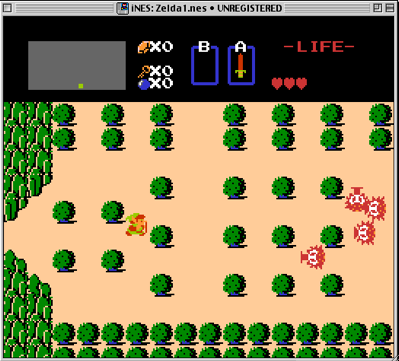
Version 1.2 of iNes running in 256 colors:
https://files.mac-emu.net/index.php/s/st8Baa8bSSYo3yW
Super Famicom / Super Nintendo: The console widely regarded as Nintendo's golden age and undoubtedly one of the most emulated worldwide, the 16-bit system is no exception on our old Macs.
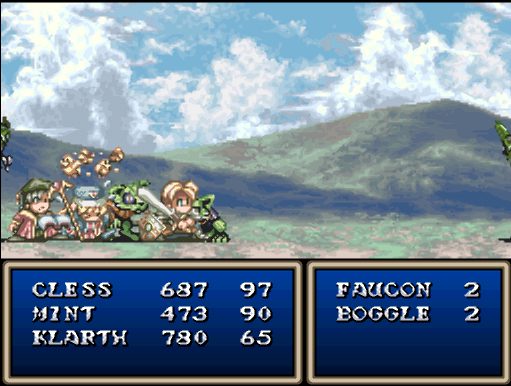
Snes9X: Without a doubt, the emulator that brought John Stiles recognition through his MacOS port, this excellent application is one you won’t want to miss installing.
- Directional buttons = Directional keys
- Start = Enter
- Select = Tab
- A = Command
- B = Option
- X = Control
- Y = Shift
- L = w
- R = x
Version 0.24 localized for small configurations not supporting all games:
https://files.mac-emu.net/index.php/s/qKpC8Y4HAeKkZqH
Version 1.3.2 supporting most games:
https://files.mac-emu.net/index.php/s/CHeCJdnrCS23w5m
Silhouette: Appears to be the codename for a rumored Nintendo ghost project, supposedly developed by an anonymous former Nintendo of America employee, aimed at targeting the PC market with emulated Super NES hits.
- Directional buttons = Directional keys
- Start = Enter
- Select = Tab
- A = Command
- B = Option
- X = Control
- Y = Shift
- L = w
- R = x
Only available version that does not support all games:
https://files.mac-emu.net/index.php/s/RD25Z2jsaAWxrxy
VSWC: This Bannister emulator, quickly abandoned, is provided here only for informational purposes and as a last resort.
Despite this, it doesn’t support many games and was compiled in three specific versions for the PPC 601, 603, and 604. It is paid and seems quite limited.
Apple Macintosh: mini vMac, the essential one, is available in a PPC version.
mini vMac version 3.4.1:
https://files.mac-emu.net/index.php/s/PC7465eH4FmCnpF
For PPC Macintosh under MacOS 8.6
For those still using MacOS 8.5, note that Apple offered a free upgrade to 8.6 [*]. Moreover, before starting emulation, it is strongly recommended to install the extensions OpenGL 1.2.1, GameSprocket 1.7.5, and CarbonLib 1.6, as well as QuickTime 6.0.3 (which were available on Apple’s site [*]).
Arcade: To play MacMAME on your OS, you will need version 0.56a.
MacMAME version 0.56a:
https://files.mac-emu.net/index.php/s/42zLpmJ5ab4QYjm
Genesis / Megadrive: Bannister offers the Generator emulator, which emulates most Sega 16-bit games.
PlayStation: Sony’s console was quickly emulated on various systems, including MacOS.
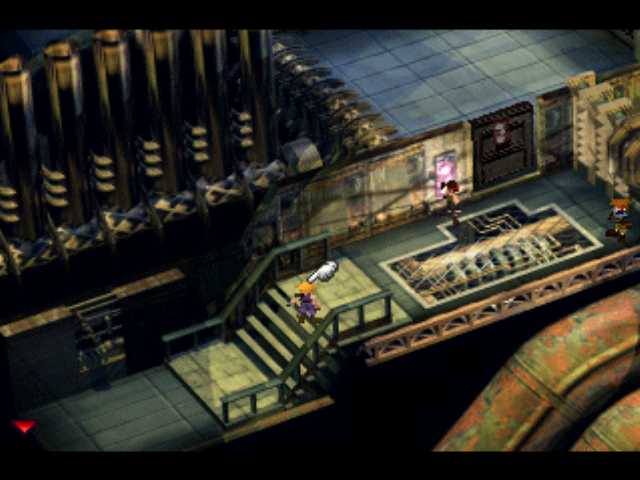
For your system, you will need to obtain the paid emulator from the former Connectix called Virtual Game Station. Although its compatibility was reasonable, it still requires a G3/G4 processor (without an upgrade card) running at a minimum of 300 MHz. Historically, this paid emulator was acquired by Sony, which, after losing numerous lawsuits, saw this excellent product as a threat and thus decided to withdraw it from the market following an acquisition.
Here is the translation:That’s why only updates for those with the original application are offered here.
Update for Connectix VGS in French version:
https://files.mac-emu.net/index.php/s/RNsKLJDi3KdP6YP
Update for Connectix VGS in English version:
https://files.mac-emu.net/index.php/s/fPq5GDHCE5FNSnZ
Super Famicom / Super Nintendo: While SNES emulation has advanced, the last stubborn games have gradually been emulated.
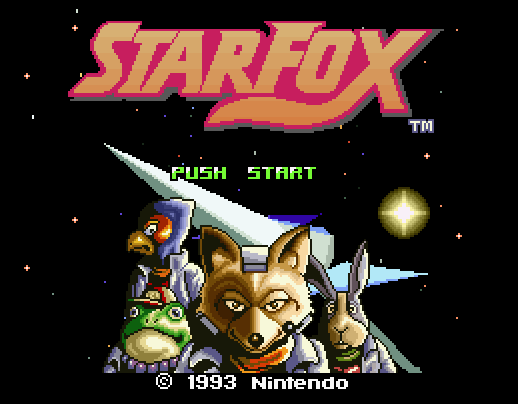
The indispensable SNES9X, version 1.3.9, should satisfy you:
https://files.mac-emu.net/index.php/s/oXb5PTTi2ksf2Yd
Apple Macintosh: mini vMac should work without issues.
Version 3.4.1 of mini vMac:
https://files.mac-emu.net/index.php/s/PC7465eH4FmCnpF
PC: IBM’s Personal Computer and its characteristic Windows system (though others like Linux also had their share) was often Apple’s direct competitor, yet its architecture has been emulated on our PowerPC.
For this, you’ll need to turn to another excellent paid product from Connectix, namely VirtualPC 4. However, this product was also acquired—this time by Microsoft—as was the company itself. Microsoft then used it in its virtualization solution. If you manage to obtain this program, you can still only expect to emulate up to Windows 95 or even 3.1.
ScriptMagic Interpreter: ScriptMagic is a scripting language, as its name suggests, for the Windows system, widely used in Japan to create games, particularly visual novels.
Its interpreter named Nekoze only appears to support QuickTime 5.0: https://files.mac-emu.net/index.php/s/TxQBDtB6cBcKE76For Power Macintosh under MacOS 9 up to 9.2.2
Under MacOS 9.0, updates were free up to version 9.0.4 on Apple's website [*]. For owners of OS 9.1, still on Apple's website, they could update their version for free up to 9.2.2 [*].
Arcade: Brad Olivier will discontinue support for MacOS 9, and the last version of MacMame available for this system will be 0.66: https://files.mac-emu.net/index.php/s/MEXtBr9gzXaaZKb
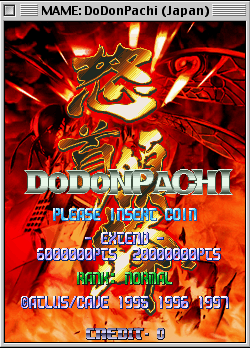
Note also that there are two emulators that are only part of MacMame. The first, CPSMame, allows emulating CPS1 and CPS2 games: https://files.mac-emu.net/index.php/s/7NKbGoSstt442pN
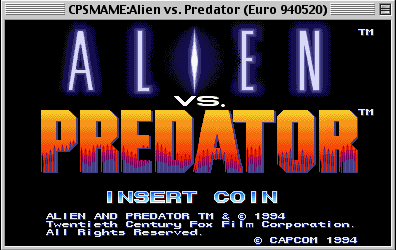
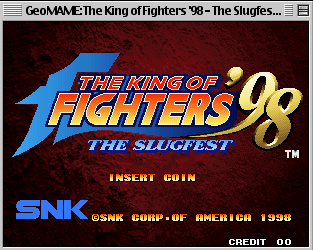
The second, GeoMAME, specializes in MVS, specifically NeoGeo by SNK, requiring its BIOS: https://files.mac-emu.net/index.php/s/PwKLGgGFQ2q8Wse

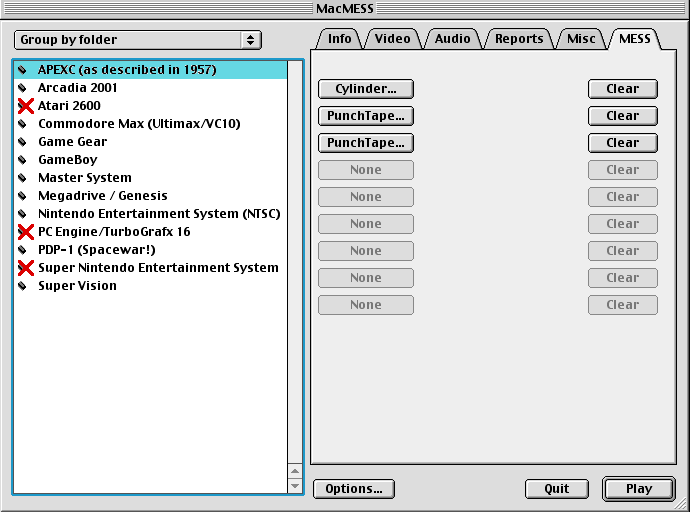
Multi Machines: Still in its early stages and therefore limited in terms of support, MacMess was already well-established and required some practice just to find the BIOS for each machine: https://files.mac-emu.net/index.php/s/2pHGFFwoFdHALbB
Game Gear / Master System: This excellent port by Bannister, SMS Plus version 1.0.3, lets you enjoy the gems of Sega's 8-bit consoles. Version 1.0.3 of SMS Plus
Genesis / Megadrive: Genesis Plus, by Bannister, is an unmatched emulator for Sega's flagship console on Mac OS Classic users. Version 1.2.2 of Genesis Plus
Famicom / NES: For Nintendo's undefeated 8-bit system, there is still an updated emulator for so-called "Classic" environments, completely free and well-made, named MacFCEU.
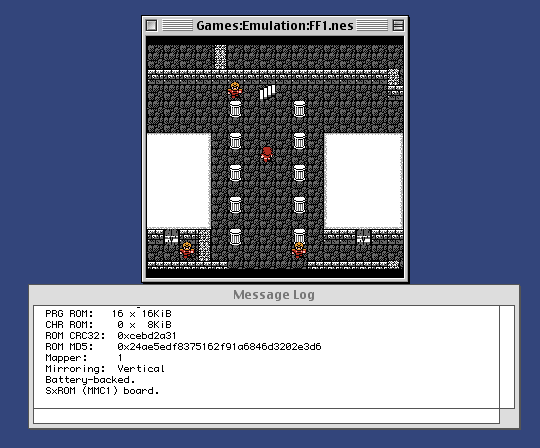
Less updated but just as good, the RockNes port in version 2.5 is also compatible with Mac OS 9. Version 2.5 of RockNes
Finally, lighter but possibly with less compatibility, there is also QuickNes version 1.1b3: https://files.mac-emu.net/index.php/s/b656iimTzcG33xK
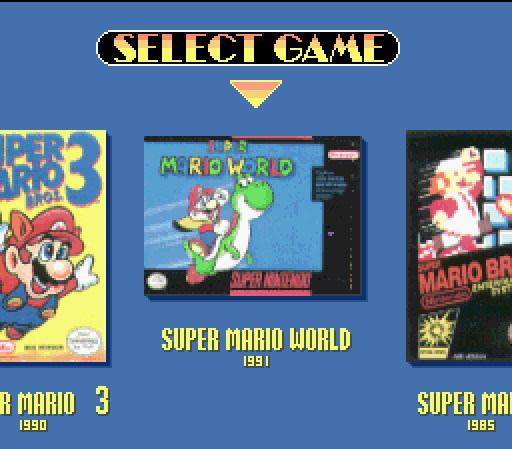
Super Famicom / Super NES: To emulate this console almost perfectly under Mac OS 9, there is only one known emulator, namely Snes9X in its latest build for this system, version 1.43:
https://files.mac-emu.net/index.php/s/oXb5PTTi2ksf2Yd
Nintendo 64: Depending on your Mac's power, you may be able to experience Nintendo's last cartridge-based home console, but while games like Mario 64 or Waverace can sometimes be playable with occasional slowdowns, others like Golden Eye will likely not run well with this version 0.8 of Sixtyforce:
https://files.mac-emu.net/index.php/s/5NN7eMdnxMmyQyB
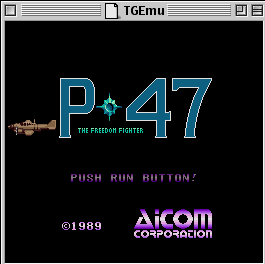
PC Engine: Less known among Europeans, NEC's console can be, with difficulty, emulated on OS 9. Either through an old beta version of the paid emulator MagicEngine, still available on the official site, or for free using TGEmu.
PlayStation: While Connectix's Virtual Game Station remains the best emulator for the platform, there is another application, much less compatible—especially for PAL versions—named Flarestorm, which remained at the alpha stage before switching to OSX:
https://files.mac-emu.net/index.php/s/TPGy5aKfEnmJjkq
Odyssey² / Videopac: The younger sibling of one of the first consoles to pave the way, emulation is possible thanks to O2em.
Version 1.0.3 of O2em
Game Boy (Color): Bannister's KiGB emulator is likely the best you can get, free in most of its features.
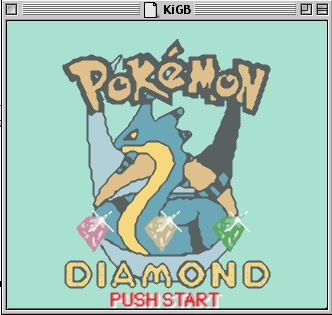
Game Boy Advance: This console was almost emulable upon its release, and it is still possible to play its games using Bannister's port, Boycott Advance.
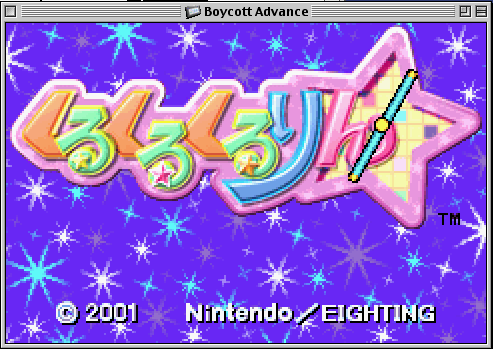
Version 0.3 of Boycott Advance
Neo Geo Pocket: Despite having a difficult life in the shadow of the Game Boy Color, this SNK console still features excellent arcade-style titles exclusive to it.
To discover these, you'll need to download NeoPocott.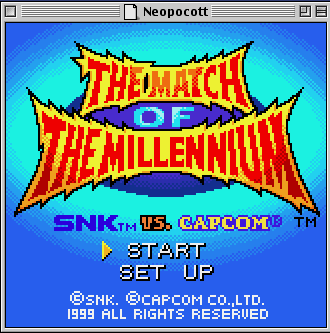
Lynx: Atari also entered the portable console market with the Lynx, more of a transportable device. To emulate it, Handy is the tool to use.
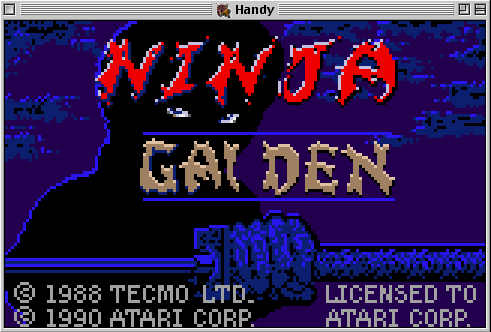
PC: As previously mentioned, emulating a PC is possible with VirtualPC 6, but the best you should be able to comfortably emulate on your Mac is likely Windows 98.
Apple III: After the famous Apple II, the Apple III followed with little acclaim. An emulator that we admit we haven’t tested is available and is named Sara:
https://files.mac-emu.net/index.php/s/2TcnWfFyTQnfKaL
Apple Macintosh: Once again, the go-to solution is undoubtedly mini vMac, whose builds for MacOS 9 were still available on the official website.
There is also a port of vMac by Bannister which was abandoned following the release of the first version.Version 3.4.1 of mini vMac:
https://files.mac-emu.net/index.php/s/PC7465eH4FmCnpF
Amstrad: Yes, simply stating that Arnold is an excellent Amstrad emulator is a bit vague, but it's important to know that the supported models include the CPC 464, CPC 664, CPC 6128, CPC 464+, CPC 6128+, and the KC Compact.
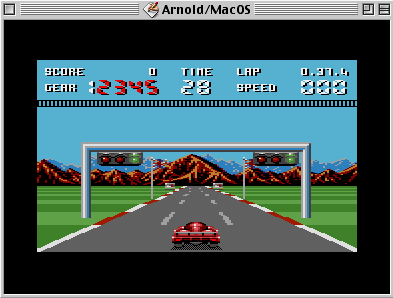
There is also Joyce, perhaps less accessible and which emulates a PCW:
https://files.mac-emu.net/index.php/s/ToHJzD5YeQ7i6Go
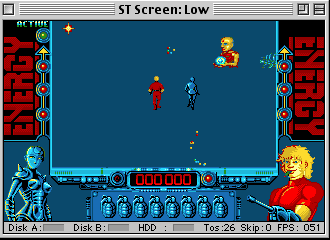
AtariST: To emulate an AtariST, you can choose between MagicMacX v1.1, a paid German emulator, and Nostalgia, which is shareware costing $10:
https://files.mac-emu.net/index.php/s/nptKPQWTM9djSXR
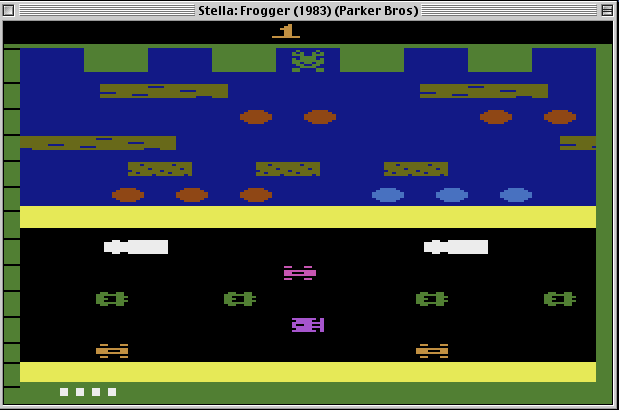
Atari VCS / 2600: This iconic Atari machine is, of course, emulatable on Mac OS 9. For this, you will need to go to the official Stella website to download version 1.2.
Atari 5200: We conclude the emulation of Atari machines with this last emulator named Jum52.
Jum52 version 0.8.2
Commodore VIC-20: To emulate this machine, you will have no choice but to use version 4.9.3 of Power20, which is shareware.
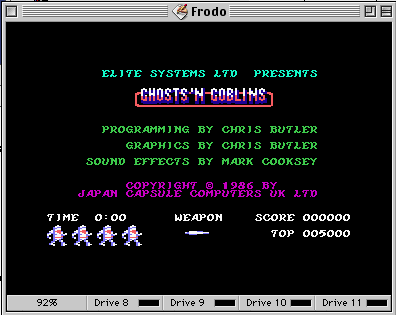
Commodore 64: This time, you can choose between a shareware version 4.9.3 named Power64 and the free emulator by Bannister, named Frodo.
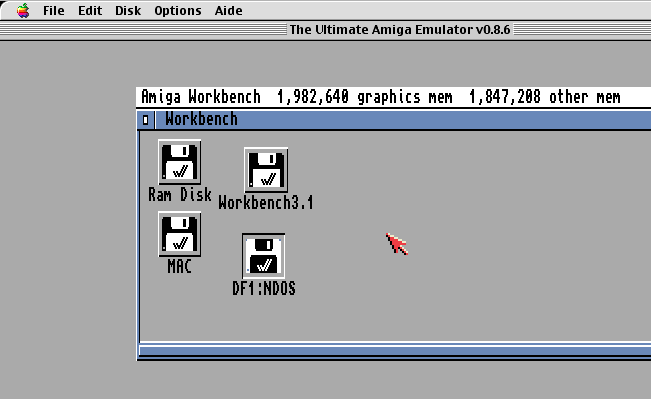
Commodore Amiga: This iconic machine is not the easiest to emulate, but by following the rules outlined in the attached text files, MacUAE allows you to relive the nostalgia of this microcomputer:
https://files.mac-emu.net/index.php/s/FpBrgPemBqPKGfc
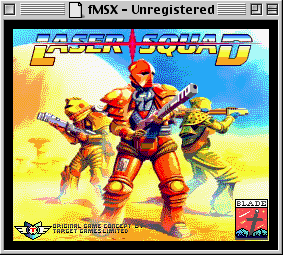
MSX: A microcomputer standard from the Land of the Rising Sun, there are two emulators for Mac OS 9. The first, Zodiac, has builds available on the official site. There is also a paid emulator named fMSX.
MO5: A Thomson microcomputer, the emulator called MO5 allows emulation of the machine.
Version 2.3 of MO5
TO7: Also from Thomson, the TO7 can be emulated using thom.
Version 1.5 of thom
TO8: Thomson's TO8 can be emulated with the TEO emulator.
Version 1.7.1 of TEO
SAM Coupe: Less well-known, this 512k microcomputer can be emulated using SimCoupe.
Version 0.7.9v3 of SimCoupe
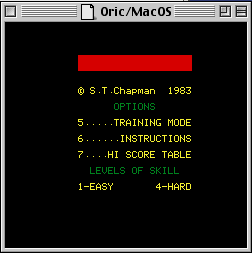
Oric: For those wishing to emulate an Oric on their old Mac OS 9, there is simply Oric.
PDP-8: More oriented towards microprocessors, PDP8E version 1.5 will allow you to emulate this architecture. The download link is available on the official website.
BBC Micro: More well-known in the UK, this British microcomputer has an emulator named Horizon.
Version 1.3 of Horizon
PC-9801: A Japanese microcomputer less known in the West, it can be emulated via NekoProject II:
https://files.mac-emu.net/index.php/s/bP9Gkp8otWTiwq4
Palm: One of the first electronic organizers can be emulated on Mac OS 9 provided you have retrieved the BIOS beforehand.
Palm Emulator generates more curiosity than practical use: https://files.mac-emu.net/index.php/s/s4ATxtsS5xX4B3E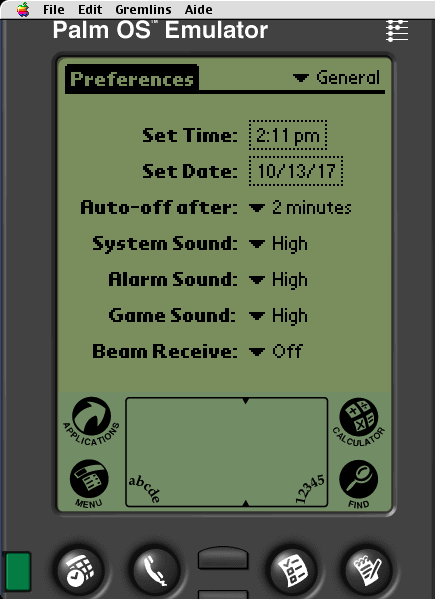
AlephOne: This interpreter allows you to play the various installments of Marathon, the famous FPS by Bungie, long exclusive to Macs and the Pippin: https://files.mac-emu.net/index.php/s/S9qRnErY3fwqHHR
Here is a selection of various emulators available for old Macintosh systems, whose last supported OS is Classic. Note also that emulators ported by Bannister, although most are not paid, can be enhanced with an additional library named EmulatorEnhancer, which is paid and allows, for example, support for some old controllers.
In conclusion, the more powerful your Mac is and the more up-to-date your OS, the more you can enjoy the pleasures of emulation and benefit from a significant number of still incredibly good games.
[*] Apple no longer offers free updates on its official website, but archives are available on the Internet. To find them, a simple search for "Apple FTP archive" in your preferred search engine should help you locate the valuable files. Note that some are already available in other sections of our site, such as the one concerning Sheepshaver tips.
Reply on the forum
A question or a hands-on report? Open the discussion on the forum.