VMTek
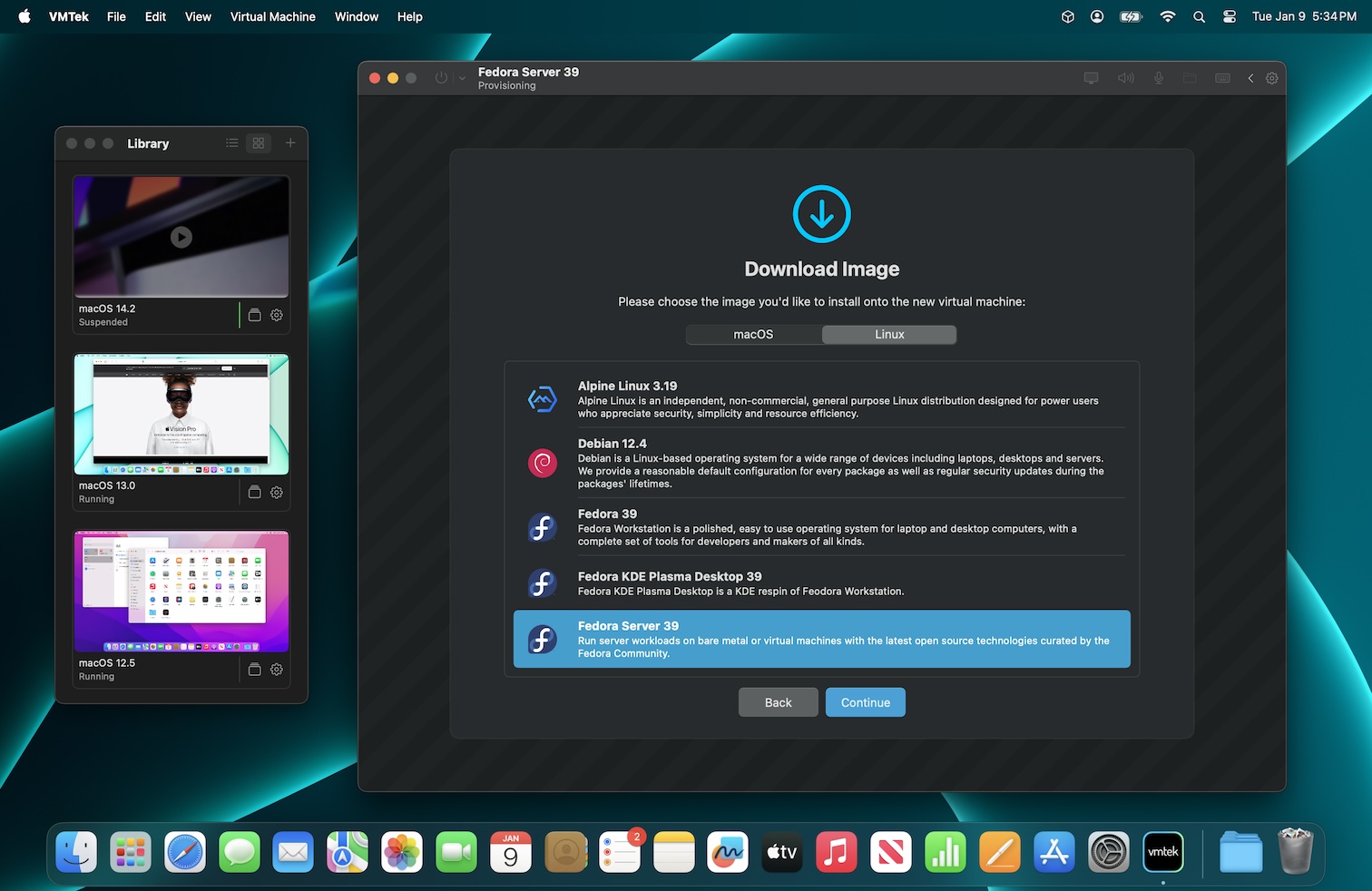
VMTek est un outil de virtualisation conçu pour macOS, permettant d’exécuter des machines virtuelles basées sur macOS ou Linux depuis un Macintosh. Il exploite la virtualisation matérielle native (pas une émulation) pour offrir des performances optimales, avec une interface épurée et intuitive, adaptée à l’écosystème Apple.
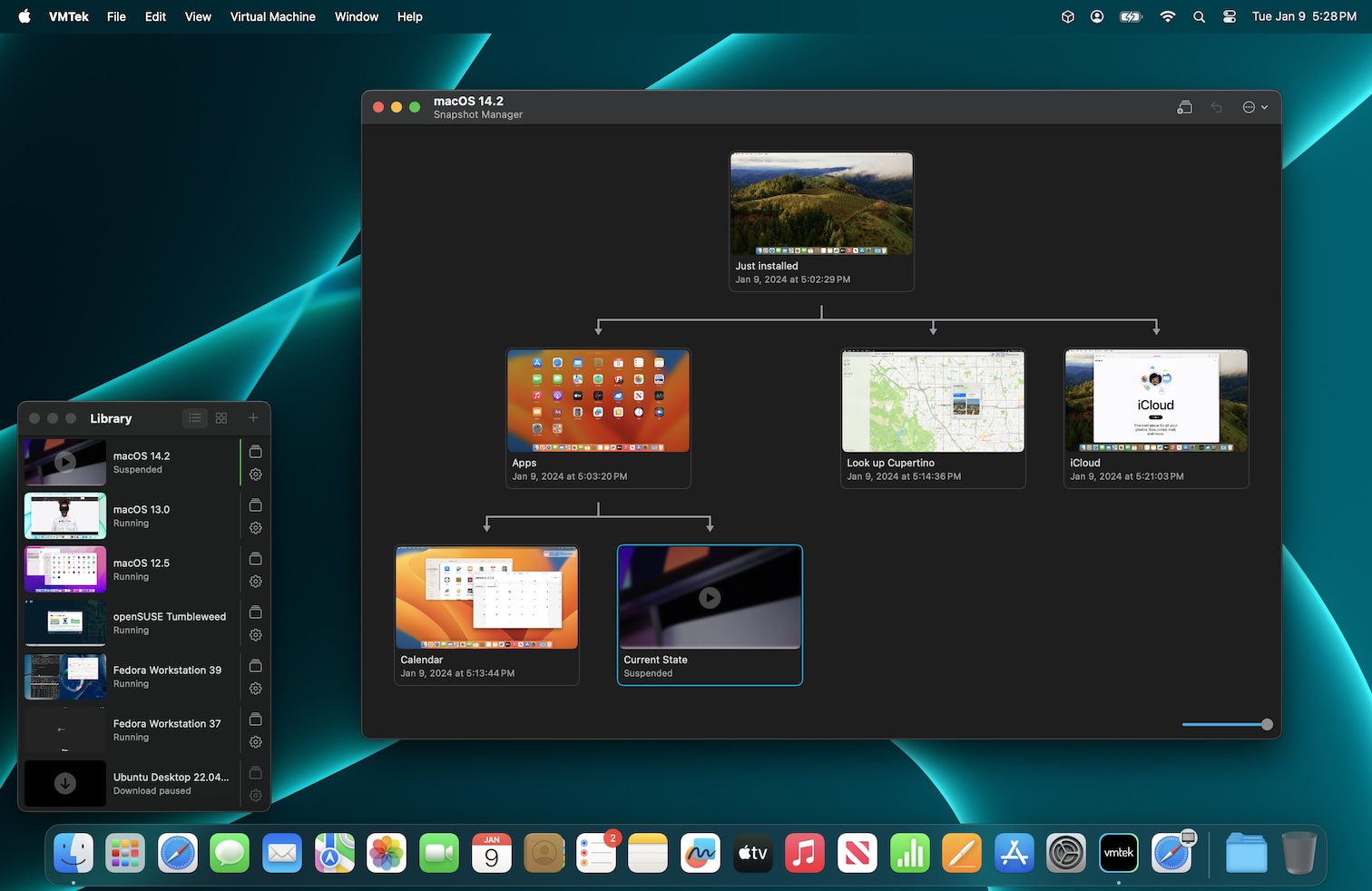
L’application intègre des fonctionnalités avancées comme le sauvegarde instantanée, le partage de fichiers performant, ou encore un système de gestion des VMs (clonage, organisation, gestion des disques). Elle prend en charge les écrans Retina, le trackpad natif pour les invités macOS, et des options réseau flexibles (NAT, bridged). Bien que Windows ne soit pas encore supporté, l’outil se distingue par son intégration fluide avec les versions récentes de macOS, incluant les fonctionnalités APFS pour une gestion efficace de l’espace disque.
Dernière mise à jour :
Plateformes


Architecture
 Mac OS X - macOS
 Intel x86
 Apple Silicon
 64 bits
Téléchargement et liens
Historique des versions
2.2.5
Sep 19, 2024
Fixed a bug that could prevent restoring older snapshots on Linux/EFI VMs.
2.2.4
Jul 31, 2024
- Fixed a bug that prevented resuming of cloned Linux VMs
- Fixed a bug that prevented VMs with external disk images from starting
2.2.3
Jul 9, 2024
Added suspend/resume support for linux VMs
2.2.2
Apr 3, 2024
- Improved Folder Sharing configuration UI
- Improved image selection UI
- Minor UI improvements
2.2.1
Apr 2, 2024
- Added "Include Unavailable" filter to grid view
- Fixes an issue where a VM could fail to resume from suspension due to the VMTek Agent Disk Image being automatically unmounted
- Disabled the Shut Down option on macOS guests when the agent is not installed
2.2.0
Mar 28, 2024
- Fixed an issue in the previous update that prevented saving snapshots correctly
- Improved provisioning recommendations
- Added selection of input device during macOS provisioning
- Various UI improvements
2.1.4
Mar 14, 2024
Various minor UI improvements.
2.1.3
Mar 9, 2024
Disabled suspend/resume on Linux/EFI temporarily
2.1.2
Feb 29, 2024
- Added a remove button to the folder sharing configuration UI
- Fixed an issue with saving the location of a VM that was relocated
2.1.1
Feb 18, 2024
- Fixed an issue with detecting mounted disks containing virtual machines
2.1.0
Feb 4, 2024
- Added guest agent for macOS guests
- Force Shut Down can now be used while the VM is suspended
- Fixed delay when suspending a VM after it has been running for a substantial amount of time
- Worked around an issue where switching to bridged network could crash the VM
- Performance improvements
- Minor UI tweaks
2.0.4
Jan 28, 2024
- Allow deleting suspended VMs from the library
- Fixed an issue with VM cloning failing that was introduced in the previous update
- Fixed a potential disk image corruption issue in macOS guests
2.0.3
Jan 22, 2024
- Added option to start or resume selected VMs on VMTek launch
- Added option to start VMTek on login
- Added app Settings window
- Fixed in issue with reordering VMs in the menubar item
- Improved file picker
- Fixed an issue where the mouse cursor over a VM may remain invisible when a popup dialog appears
2.0.2
Jan 13, 2024
2.0.2
- Added filtering to grid library view
- Implemented drag and drop open for library window
- Improved guest/host resolution change code
2.0.1
- Enabled drag & drop in the grid view
- Improved VM shutdown code when quitting
- Minor UI tweaks
2.0.1
Jan 12, 2024
- Fixed an issue with the activation system
- Suspend/resume is now supported on macOS guests (macOS 14.1.2 or later host required)
- Added snapshots support
- Added a graphical snapshot manager interface
- Added Meta section to configuration window
- Added Maintenance section to configuration window
- Added support for online cloning
- Added support for Mac Trackpad pointing device (macOS 13 or later guests only)
- Added support for NVME controller
- Added dynamic resolution change support
- Added menubar extra
- Added grid view to library
- Added color labels to library
- Fixed a possible install issue for macOS guests
- Improved macOS keyboard support
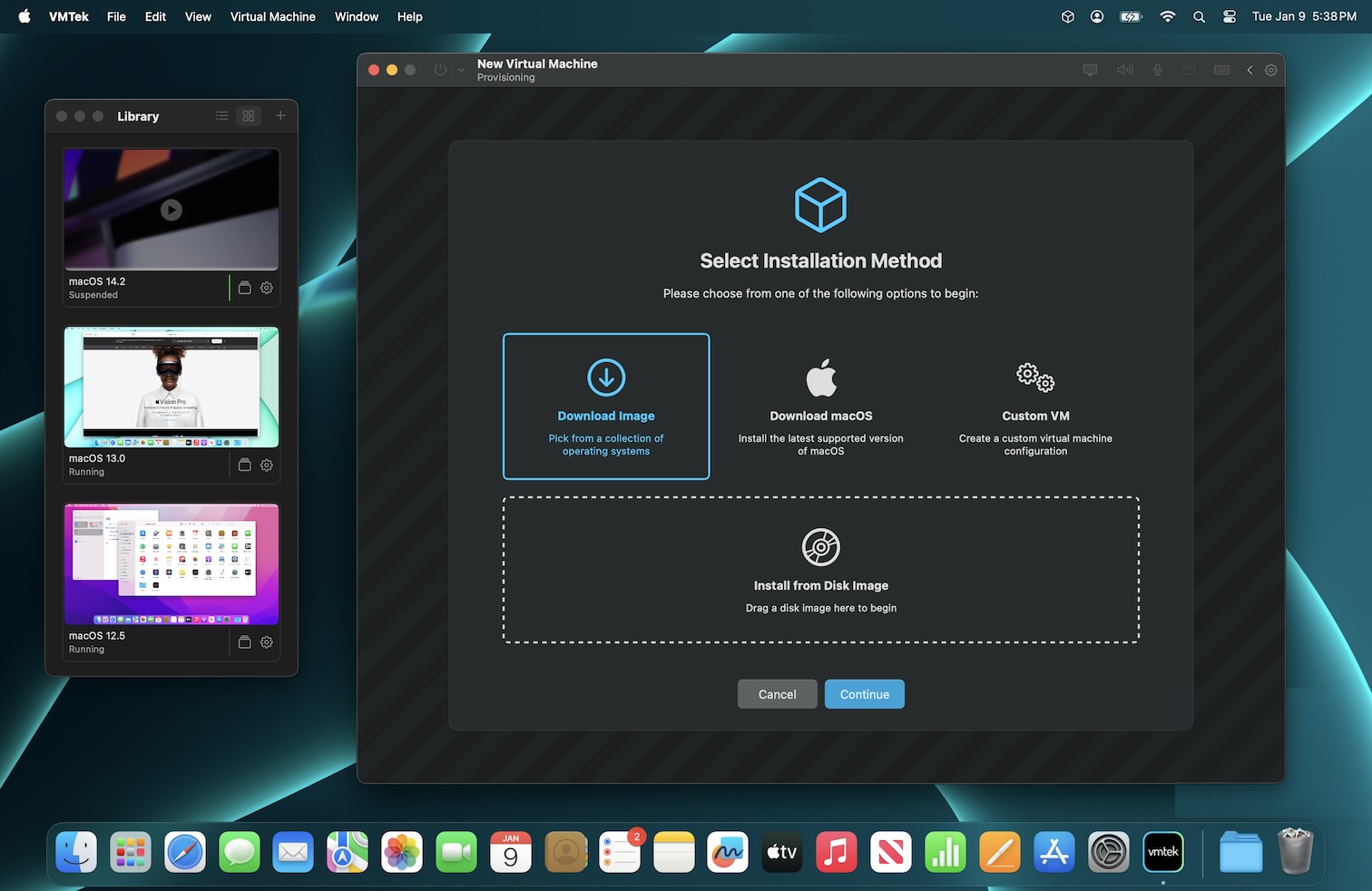
- Improved provisioning UI
- Improved Library UI
- Improved VM shutdown code when quitting
- A free 7 day trial is now available
2.0
Jan 10, 2024
- Suspend/resume is now supported on macOS guests (macOS 14.1.2 or later host required)
- Added snapshots support
- Added a graphical snapshot manager interface
- Added Meta section to configuration window
- Added Maintenance section to configuration window
- Added support for online cloning
- Added support for Mac Trackpad pointing device (macOS 13 or later guests only)
- Added support for NVME controller
- Added dynamic resolution change support
- Added menubar extra
- Added grid view to library
- Added color labels to library
- Fixed a possible install issue for macOS guests
- Improved macOS keyboard support
- Improved provisioning UI
- Improved Library UI
- A free 7-day trial is now available
1.6
Oct 18, 2023
Fixed a possible install issue with macOS.
1.5
Jul 3, 2023
- Fixed IMG disk images not being selectable from the open dialog in some cases
1.4
Jun 5, 2023
Improved tabbed interface support.
1.3
Jun 3, 2023
- Fixed some configuration options not being changeable since last update
- Fixed an issue causing disk images to be saved as .dmg instead of .img
1.2
May 10, 2023
- Fixed disk images not being selectable in open dialogs on some machines
1.1
Mar 27, 2023
Fixed an possible hang whe
Captures d'écran