All Paths Lead to ROMs
In this article, we'll see how to find ROMs. First of all, what is a ROM?
You can quickly define a ROM as a "virtual cartridge". It is a file, usually compressed, containing data readable by the appropriate emulator. For example, you have the ROM for the game "Super Mario World" for Europe (see the ROM nomenclature explanation), the file is named "Super Mario World (eu).gz" (compressed here in gzip format) and you can launch the game using a Super Nintendo emulator that emulates the original console of the game.
Back to the point. How to find these rare goods that are ROMs? Well, they are not as rare as they seem, but the question comes up so often in our forum that I finally decided to create this modest guide that gives you several solutions.
Ask your friends!
It's simple, fast, and effective.
How do you ask friends for ROMs:
"Hey cousin, do you have any ROMs?" That's just one way among many others. ;-)
If you don't have any friends or if your friends are more interested in Star Academy than in emulation, move on to the next solutions.
Download from Internet sites
This is the simplest and fastest solution, but not necessarily the most reliable. The problem on the Internet is finding trustworthy ROM sites where half of the links are dead and where the quality of the ROMs is not poor. But if you really want to search online and don't know any reliable sites, there's only one solution: search engines.
Here is the translation: Here are some examples:- DuckDuckGo
- Ecosia
- Qwant (cocorico)
- Bing
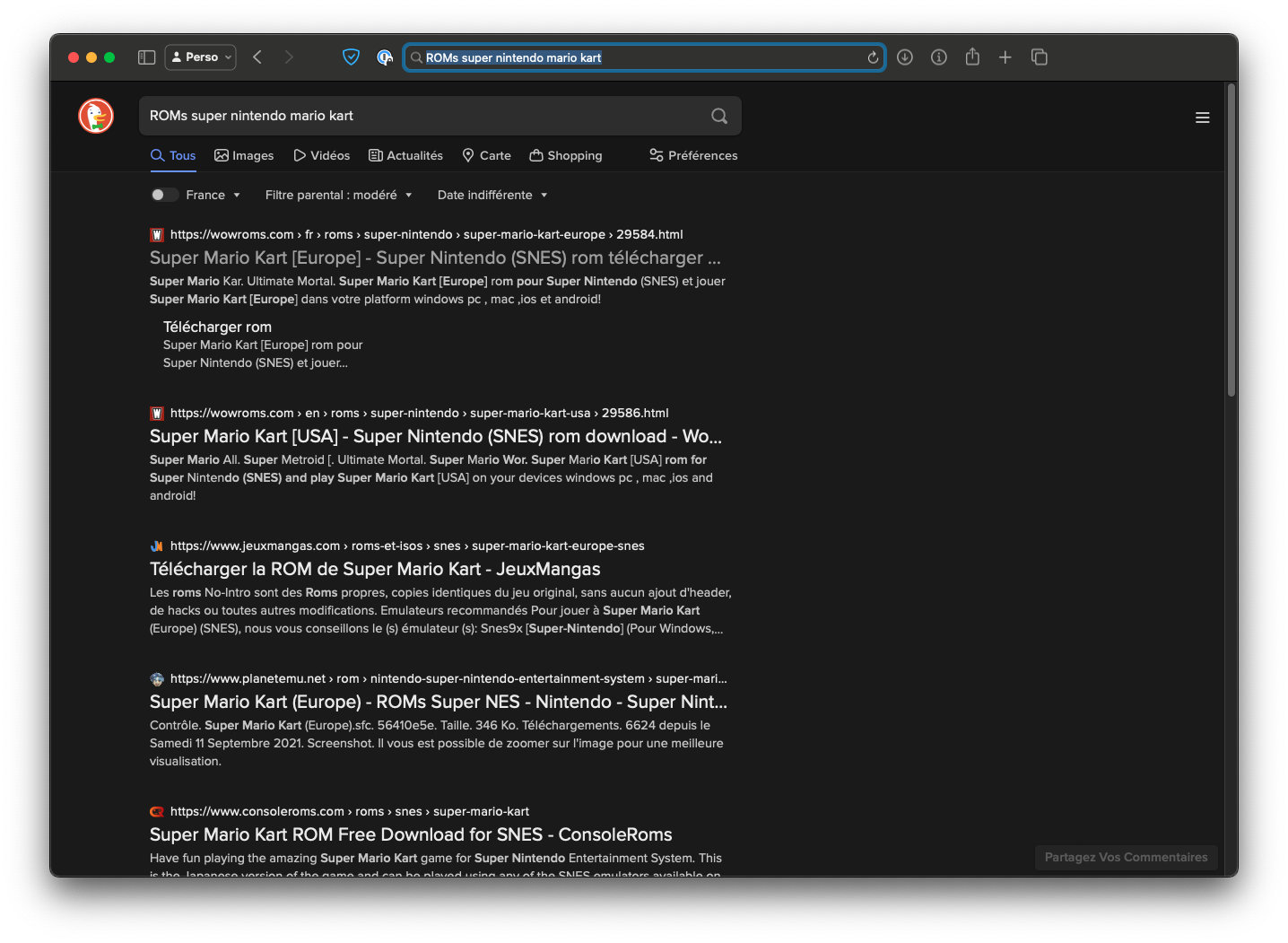
For example, if you're looking for a site offering the ROM for Super Mario Kart for download, type the following into the search field:
ROMs super nintendo mario kartYou just need to sort through the results to find what you're looking for.
You can also find a subreddit dedicated to ROMs.
Peer-to-Peer (p2p)
The best solution, in my opinion, is to use peer-to-peer file-sharing software. I recommend the BitTorrent protocol, which remains one of the most effective.
BitTorrent
The main advantage of BitTorrent is its fast download speed and the simplicity of the system.
Despite aggressive law enforcement efforts worldwide, there are still many websites where you can find .torrent files or magnet links.
You can download these files directly by entering their address in the BitTorrent software or by downloading them using your browser and then opening them in the BitTorrent software. Magnet links open directly from the browser in your BitTorrent client.
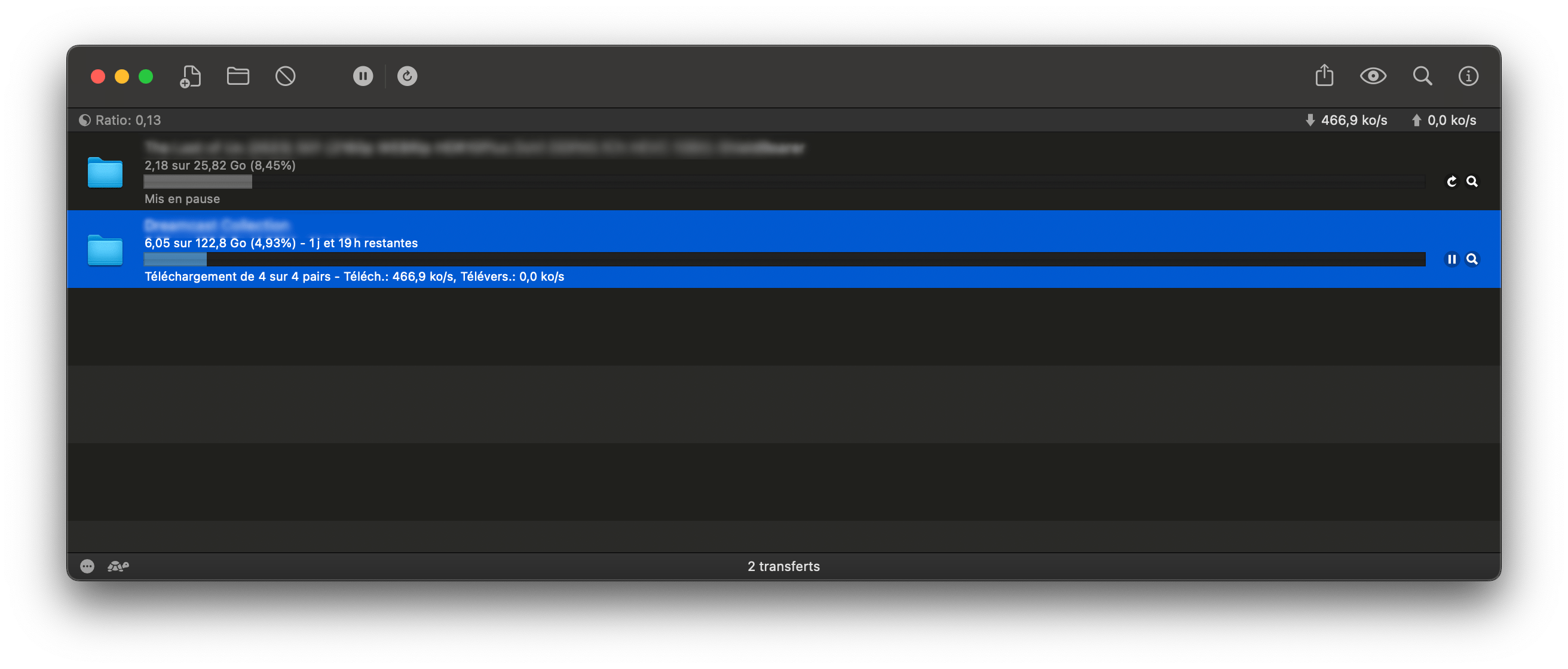
There are several clients for the BitTorrent network, but I'll just suggest my favorite: Transmission.
Other P2P Protocols
- Soulseek: Originally mainly used for music, you might find ROMs there (let us know if that's the case)
- eD2k/Kademlia: The client aMule seems to be one of the last survivors for the eDonkey protocol on Mac.
Other Methods
Usenet
Newsgroups are places where you can leave messages... and files. You can access newsgroups using clients like sabnzbd (open source), NZBGet (open source) or EasyNews (dead link) (paid subscription).
IRC
IRC is not only for chatting but also for sharing files. Good IRC clients: LimeChat (free in the Mac App Store) or Textual (paid).
That's it, I hope this little guide was useful to you, don't hesitate to leave your comments. If you have questions or need clarifications, don't hesitate to visit the forum.
Reply on the forum
A question or a hands-on report? Open the discussion on the forum.