SheepShaver : quelques astuces
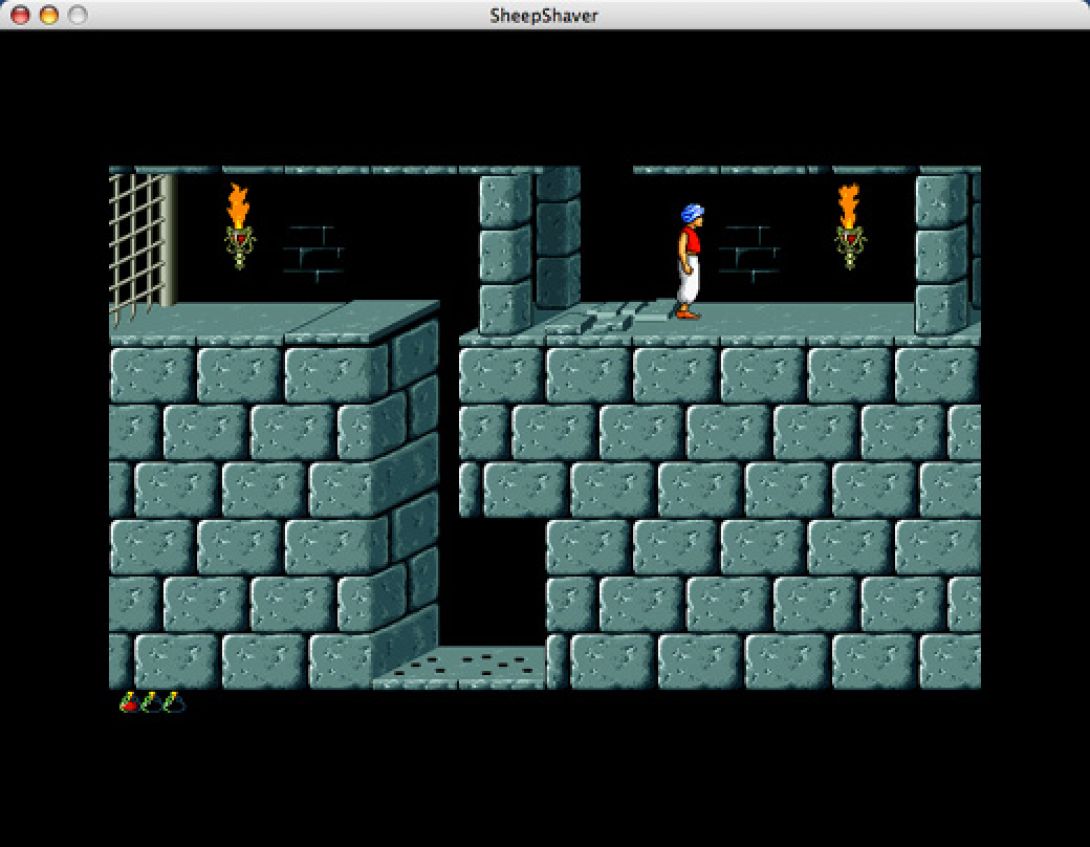
Before anything else, we assume that readers of this guide already have a good knowledge of Mac OS 9 and SheepShaver thanks to the previous dossier: SheepShaver: A Mac in Your Mac.
On the latest Mac OS X versions, SheepShaver does not recognize CDs, and you usually end up with a request to initialize the volume or eject it.
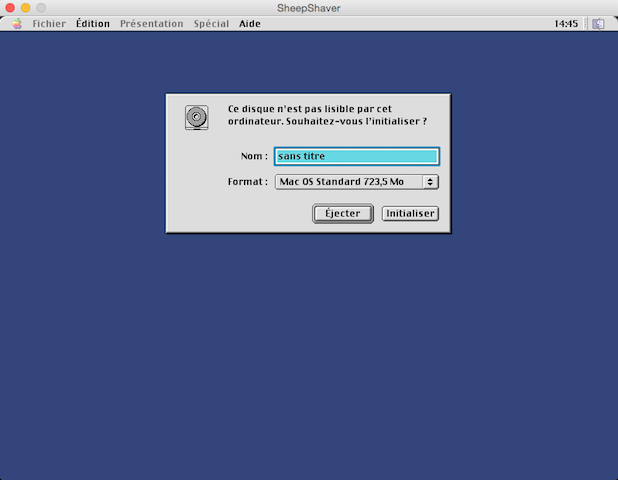
Unfortunately, this type of issue prevents us from playing many of our classic games. But don't give up and let's try to find a workaround.
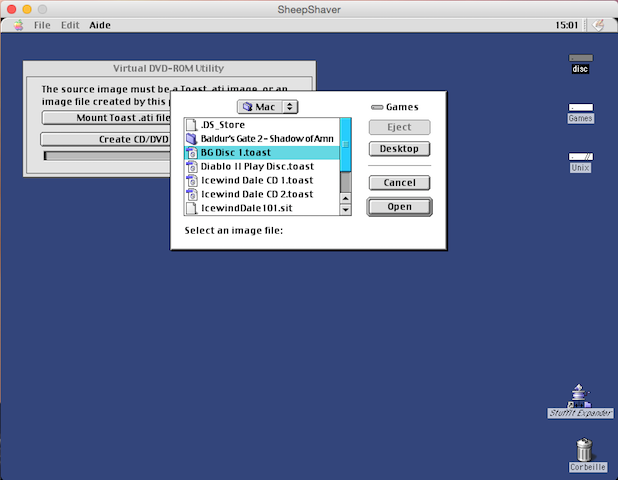
The first and simplest solution is to have the luck of owning an old version of Roxio Toast 5.0 or 5.1, for example, and a recent version on Mac OS X. Just create a Toast image of your CD and transfer it to your OS 9 partition to mount the image with Toast and enjoy the game.
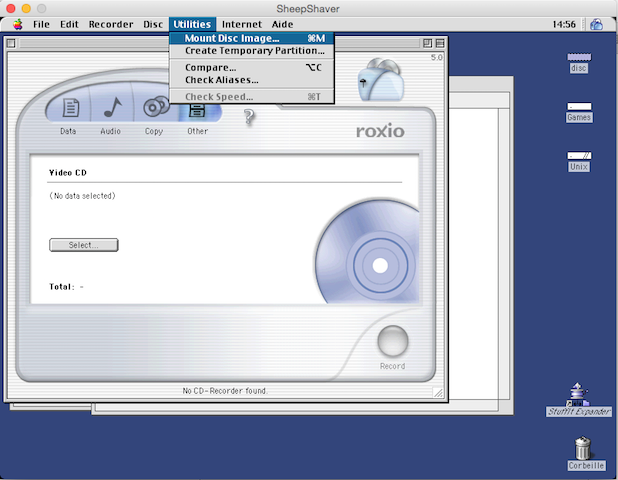
While this technique works in most cases, some games are more resistant and realize that a mounted image does not correspond to the physical CD of the game. Installation or gameplay is impossible. For this, you need to use another utility, VirtualCD Imager (available at the end of the article). With it, your Toast images will be recognized as a CD in a real drive.
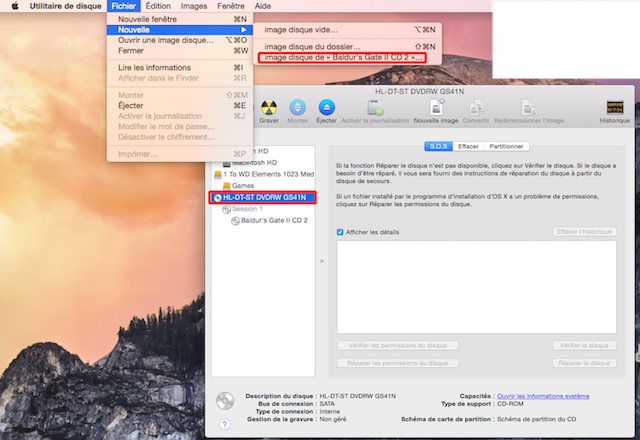
In the absence of Toast on your Mac, you still have the second method to create images of your favorite games using the Disk Utility.
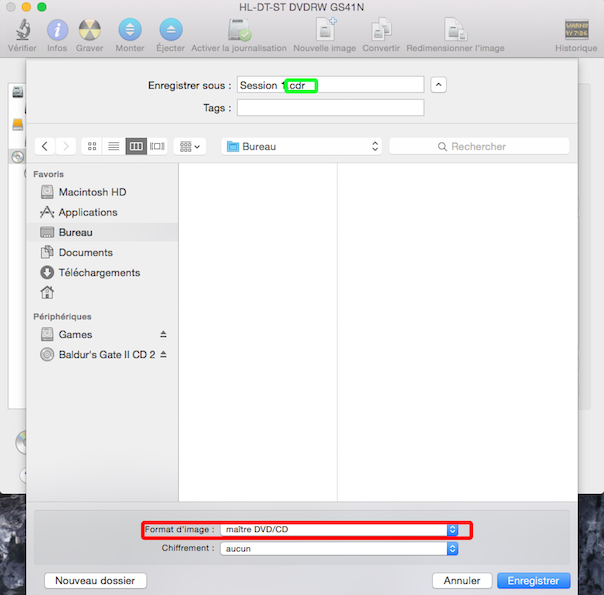
From there, you can rename your image, but the most important thing is to select "Master DVD/CD" in the image format choice, with the extension changing from .dmg to .cdr. All you have to do is validate the save and enter your administrator password.
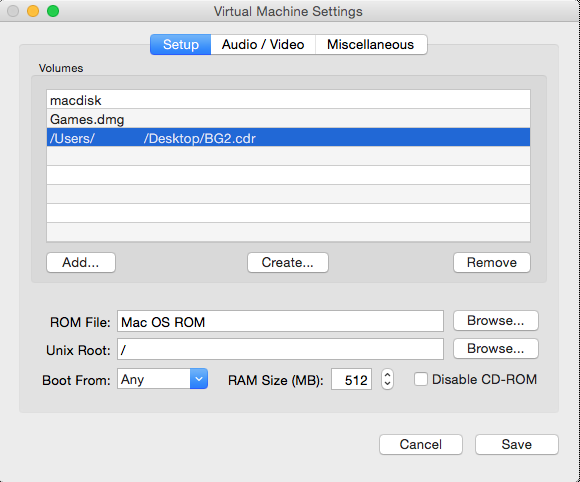
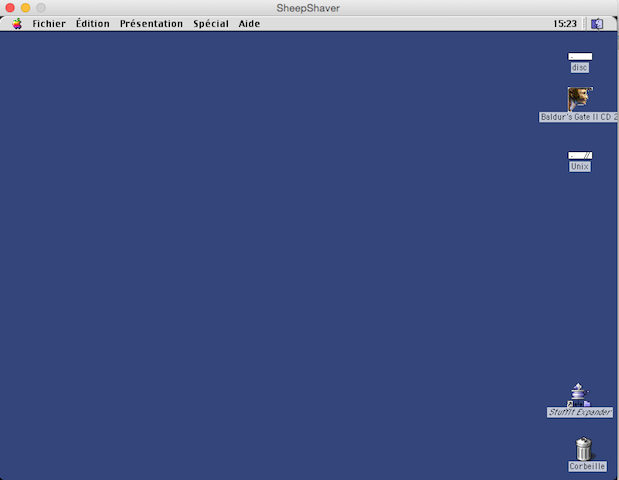
Now things get complicated. You will need to modify SheepShaver's preferences so that your newly created .cdr file is mounted on the desktop at startup, like a hard drive.
Run the previous utility and create a Toast image of the desired volume.
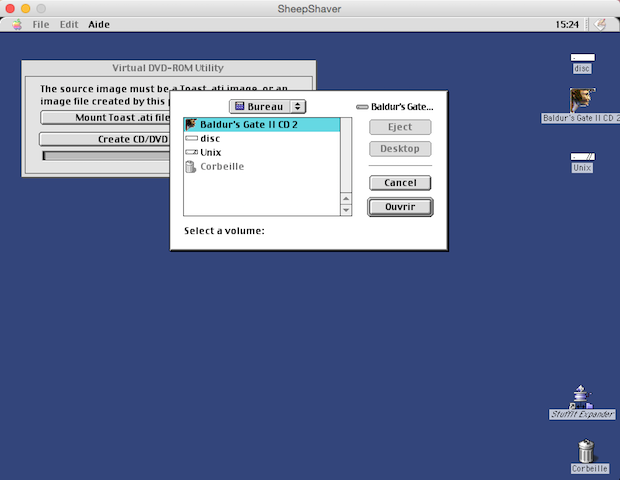
Now you have an image of your disk and all you have to do is mount it properly with the same utility to enjoy your game.
We remind you that SheepShaver only supports Mac OS 9 up to version 9.0.4, because from 9.1 onwards, technical constraints related to hardware emulation make SheepShaver incompatible with starting on such a system. However, some games require additional extensions, and the most requested will undoubtedly be GameSprocket, OpenGL, and possibly even CarbonLib. Some installers include them and offer to install them. If this were not the case, Apple support having completely abandoned this period and French Universal versions becoming increasingly difficult to find, installers are therefore available at the end of the article.
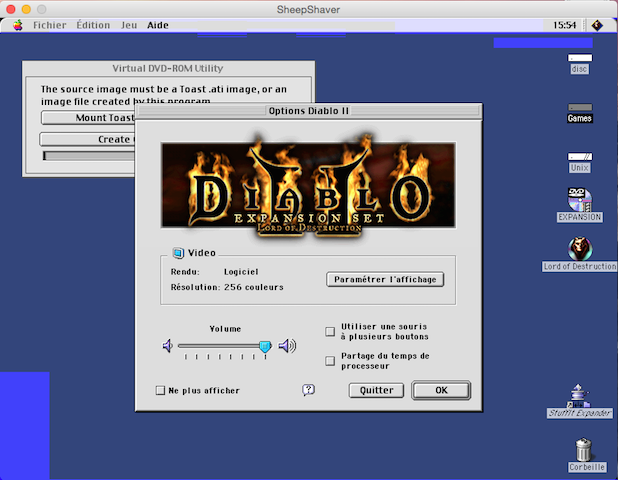
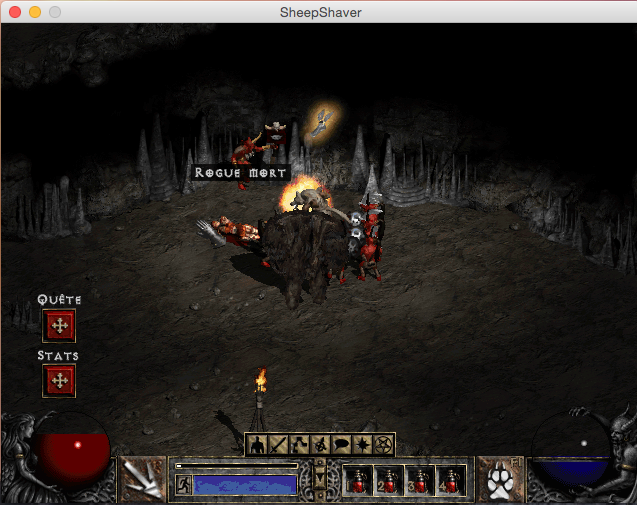
With up-to-date extensions, it becomes easy to play many OS 9 games under SheepShaver.
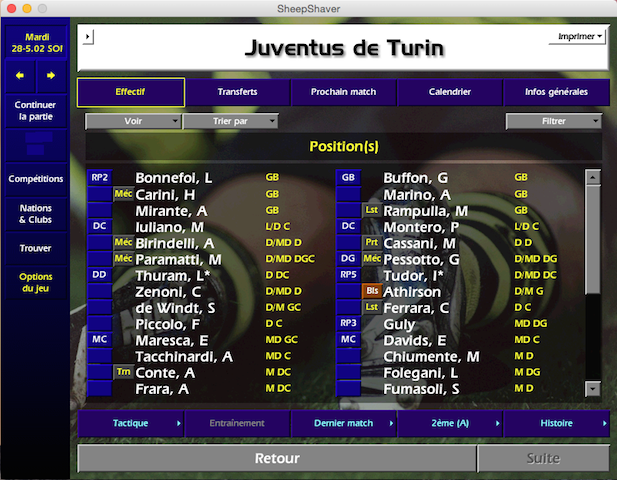
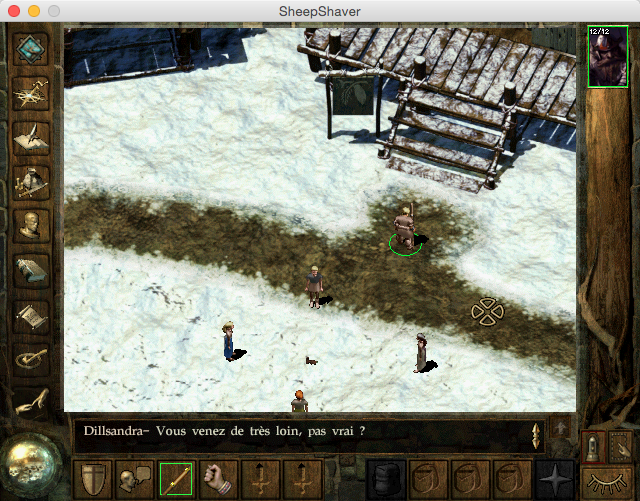
Special Cases:
- Warcraft III (The Frozen Throne) does not work due to an issue with OpenGL, and the extension causes SheepShaver to crash.
- Diablo II (Lord of Destruction) requires the installation of Gamesprocket and OpenGL. Since the latter does not function, only Software Mode at 640x480 is usable.
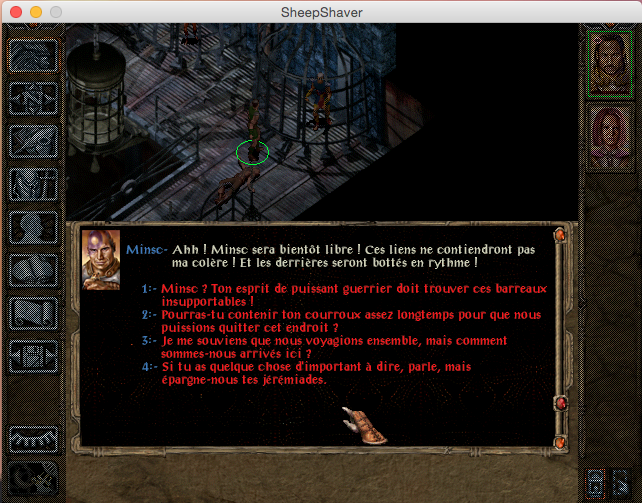
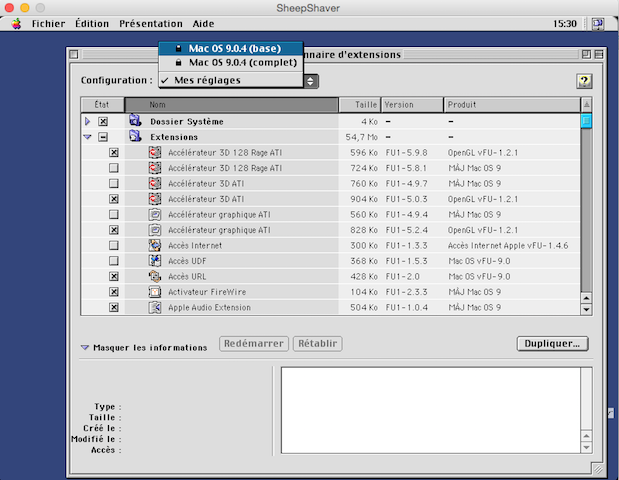
- For the installation of Baldur's Gate II or Icewind Dale, you will need to reboot your OS 9 with the basic extensions using the control panel named Extension Manager.
Additionally, Baldur's Gate II only works with patch 1.1.2.
We remind you that SheepShaver is an emulator, with all that entails, meaning it does not guarantee that all games are playable at 100%. The example of Warcraft III demonstrates this, as well as Icewind Dale, which tends to crash OS 9.
You should not hesitate to create backups and occasionally update your programs to see if it improves the situation, as with Baldur's Gate II.
Here are the various elements you might need:
VirtualCD Imager
GameSprocket 1.7.5 (French Universal)
CarbonLib 1.6 (French Universal)
OpenGL 1.2.1 (French Universal)
To expand a bit on the topic, here is a brief overview of the different tested games. First, you will have to forget Max Payne, which requires at least Mac OS 9.1. Among LucasArts games, it is impossible to launch titles like StarWars Racer or Jedi Knight II. As for Jedi Academy, the installation does not seem to work, nor does Bad Mojo. StarWars Galactic Battlegrounds could work if the CD were recognized by the drive, which unfortunately it is not. For all games based on the ID Software Quake III engine, such as McGee's Alice, Undying, Medal of Honor, or Return to Castle Wolfenstein, the fact that the latter requires a graphics card fully supporting OpenGL—and that SheepShaver does not emulate this hardware—will make it impossible to play (the same applies to Quake II). This is not the case with the Unreal Engine used by Unreal Tournament 99 or Rune, which handles software rendering, but the blocking issue is the lack of mouse support, making the games unplayable. Others, like Oni, Vampire: The Masquerade, F1 2000, will not launch and thus will not work. This is also the case with Alone in the Dark II, although the first game works, it is inexplicably painfully slow, leaving only the third installment playable. Finally, some games will prove unplayable due to horribly mismanaged display, such as Tomb Raider III.
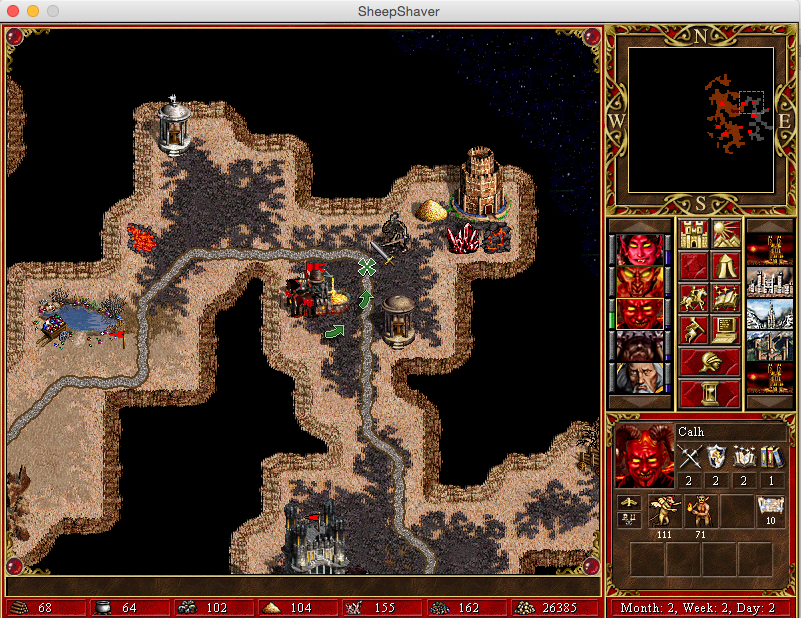
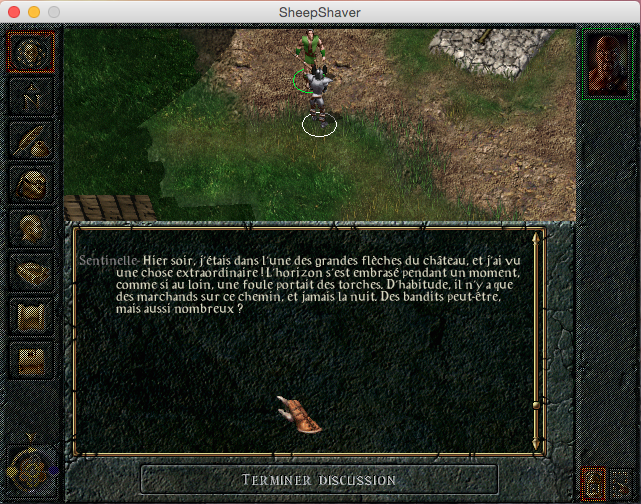
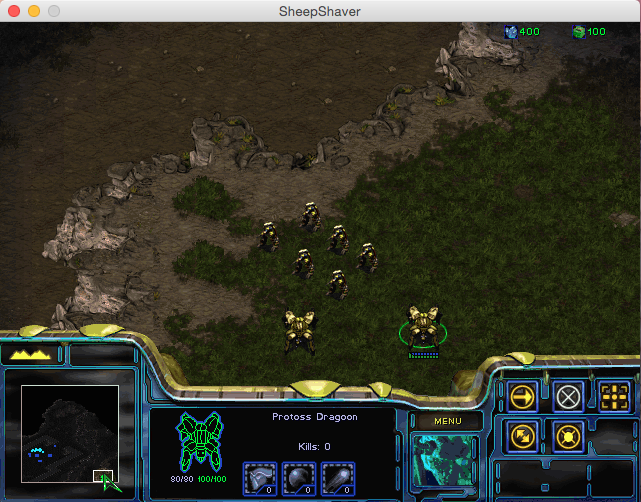
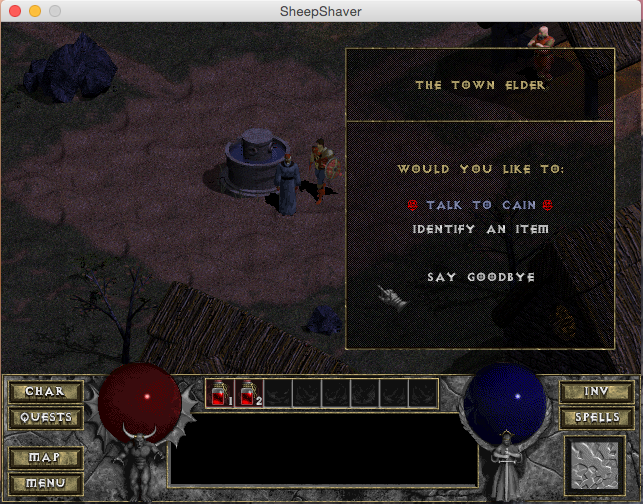
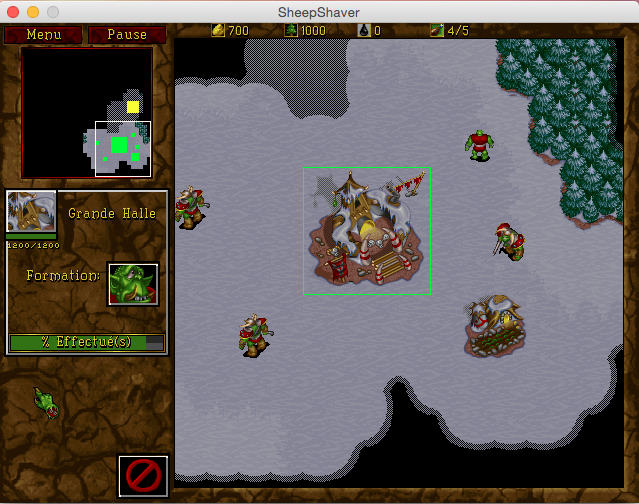
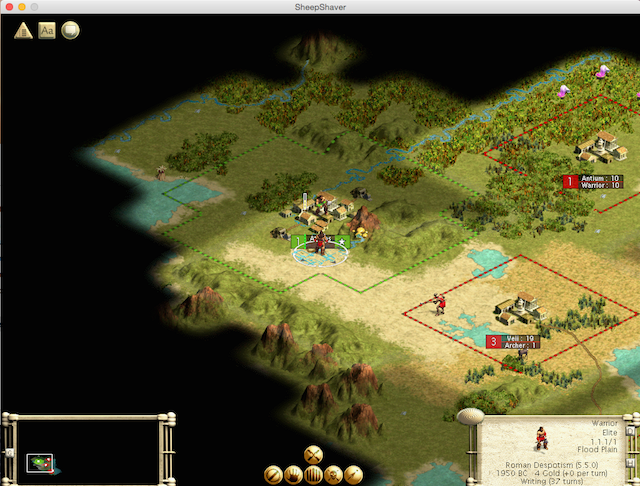
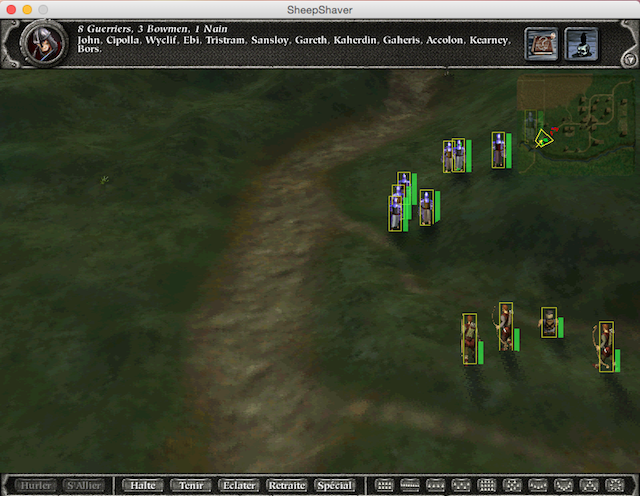
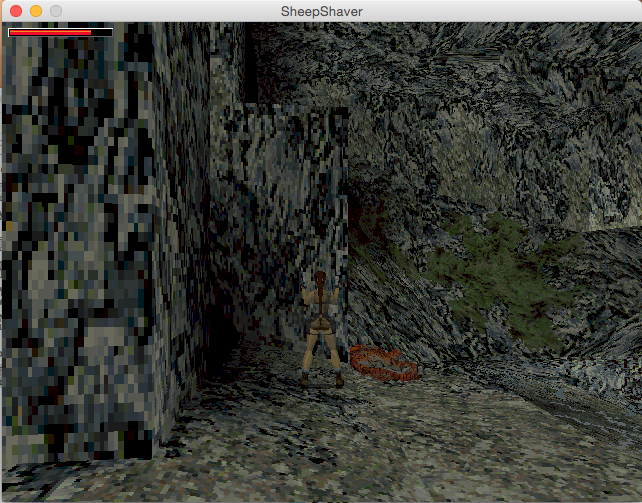
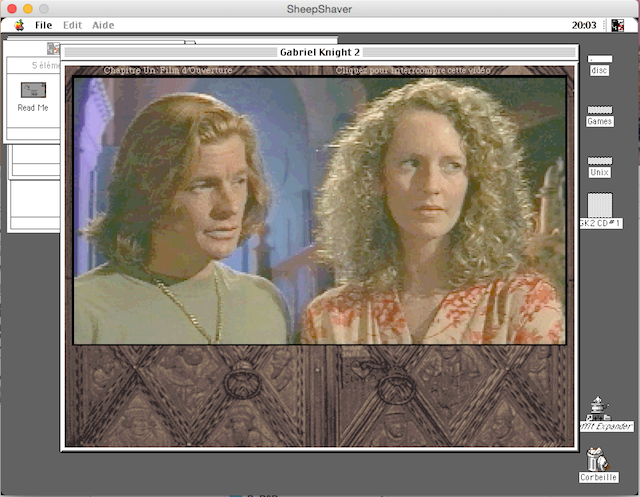
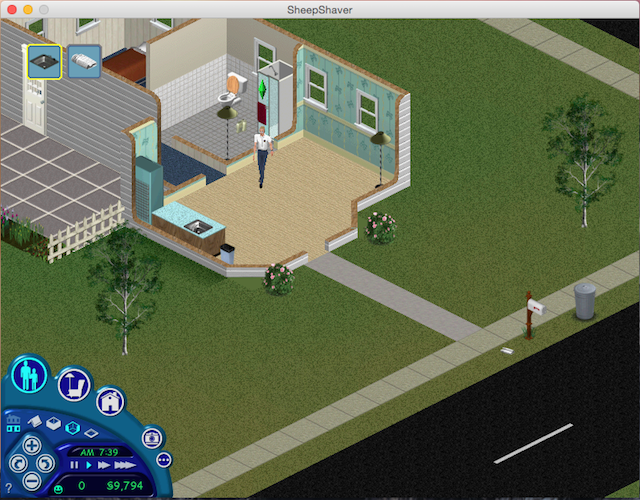
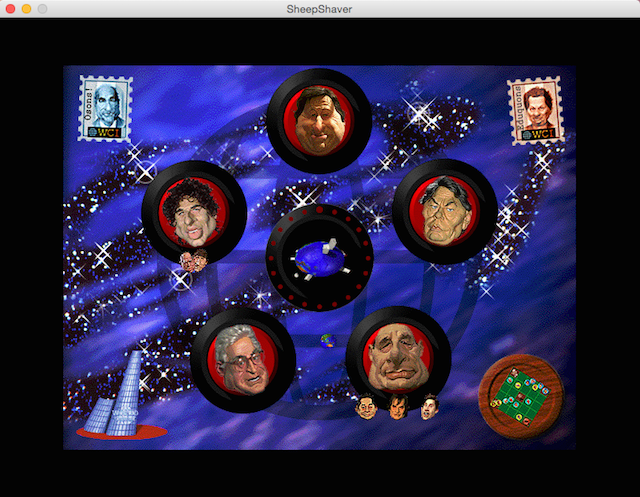
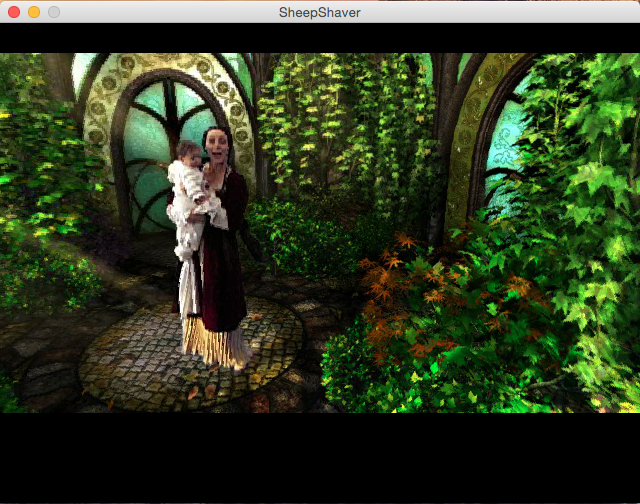
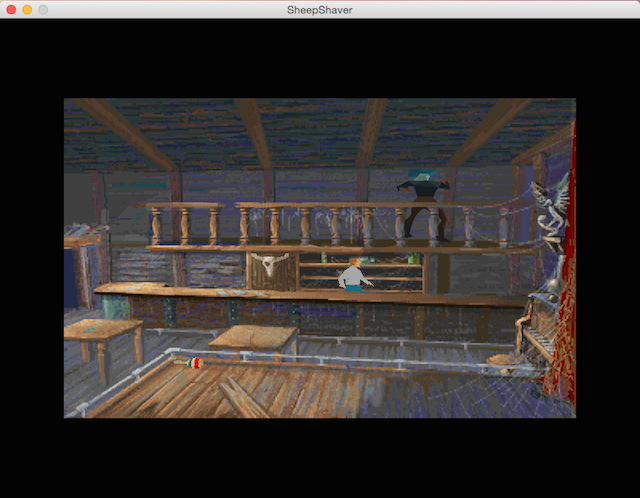
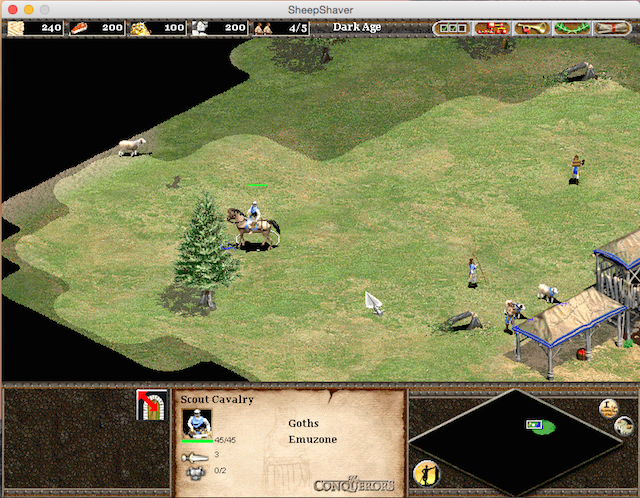
A vast number of games have not been tested, but here is a small list, in screenshot form, of games that have worked.
PS: Maybe the next step will involve networking SheepShaver, which is not always successful, as told in the folder "Setting up Mac OS 9 networking through Qemu or SheepShaver".
Related software
Reply on the forum
A question or a hands-on report? Open the discussion on the forum.