ScummVM - Tutoriel
Introduction
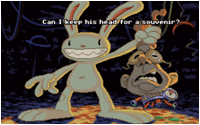
One day, a development team named Lucasfilm Games decided to create a wild adventure game called Maniac Mansion. Their requirements specified that the game should be released on several platforms (Mac, PC, Atari ST, Amiga, etc.), and they created a utility along with a scripting language to easily manage game development from start to finish, regardless of the machine on which the game ran. This utility was named SCUMM (Script Creation Utility for Maniac Mansion). The game was a huge success, and Lucasfilm Games continued on its path...
ScummVM is not an emulator but rather a virtual machine or 'interpreter' for LucasArts (the new name of Lucasfilm Games) games based on SCUMM or games using a similar engine.
As of this writing, it supports the following games:
- SCUMM-based games: Maniac Mansion, Zak McKracken, Indiana Jones & the Last Crusade, Loom, Monkey Island 1, Monkey Island 2, Indiana Jones and the Fate of Atlantis, Day of the Tentacle, Sam & Max, The Dig, Full Throttle, Curse of Monkey Island, Grim Fandango.
- Non-SCUMM games: Beneath a Steel Sky, Broken Sword I, Broken Sword II, Flight of the Amazon Queen, Simon the Sorcerer 1, Simon the Sorcerer 2.
Other games can be played but are not yet fully supported. Most of these games are adventure games released between 1987 and 1997 and were the golden age of adventure games.
Note: 20 years after this article was written, ScummVM supports several hundred games. Notable series include Adibou, Gobliiins, King's Quest, Leisure Suit Larry, Phantasmagoria, Police Quest, Space Quest, The Legend of Kyrandia, The 7th Guest, Ultima (IV, VI, VII), Might and Magic, Zork, Myst, The Journeyman Project, Discworld, Syberia, etc.
Note2: All game screenshots are from version 0.6 on an old version of Mac OS X.
The screenshots of the options are taken from version 2.8 released in December 2023.
Installation
First, you need to download ScummVM for macOS from this address:
https://www.scummvm.org/downloads/
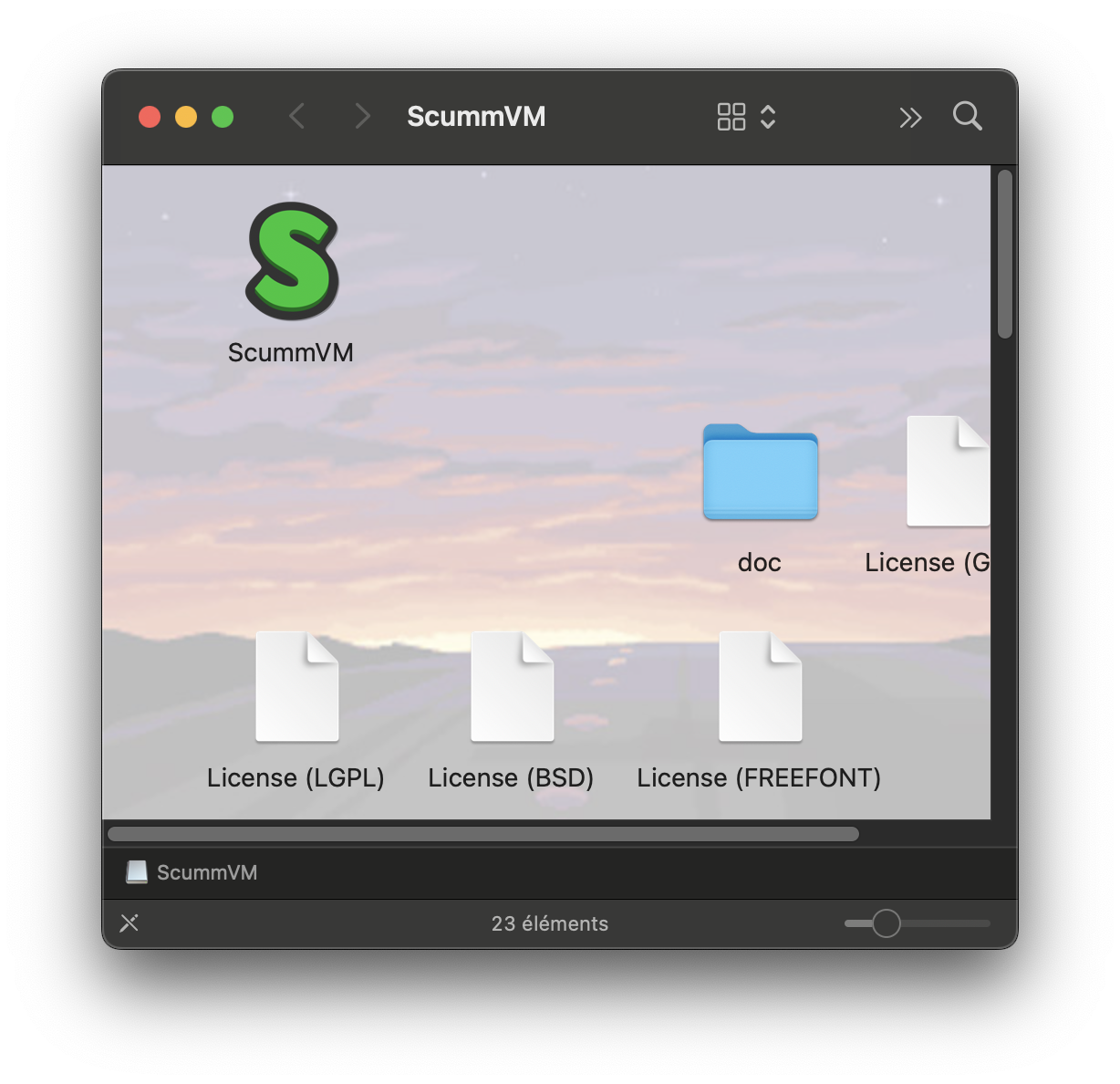
Copy the software to the desired location on your hard drive and prepare the CDs of the games you want to play. It is recommended to copy the games to your hard drive, but it is not strictly necessary. ScummVM does not need the executables to run, but rather data files.
Double-click on the software icon to launch it and here is what you should see:
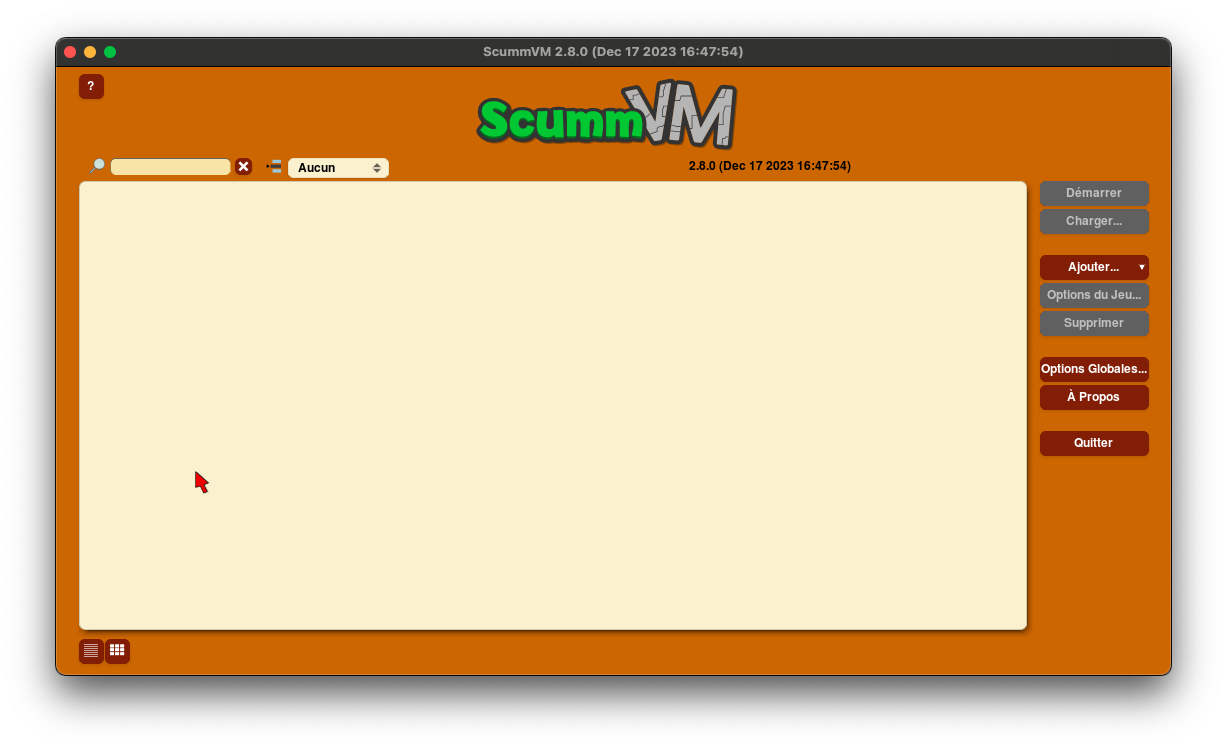
Click on the 'Add…' button and navigate through your hard drive's directory structure to choose the folder containing the game data files you want to add to your ScummVM 'playlist'. Once the folder is selected, click on "Choose" to confirm.
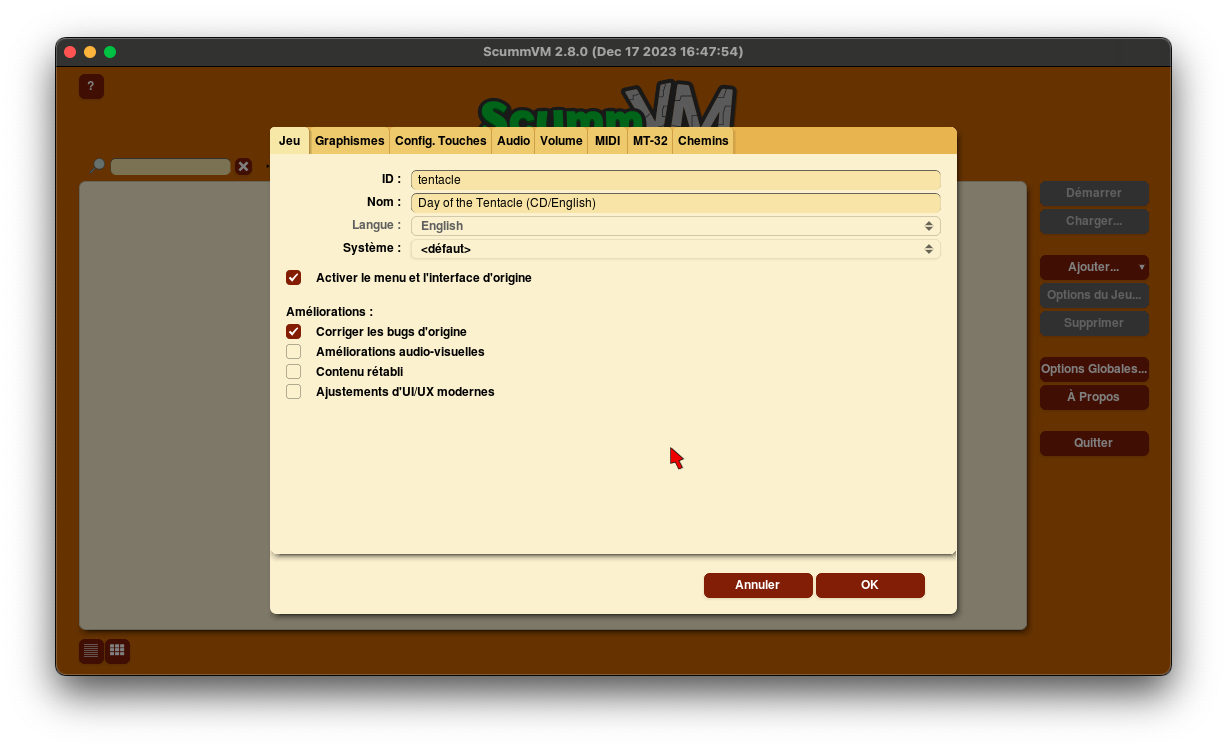
A configuration window for the selected game will then appear. You can set different graphical and audio options for each game. We will cover all this in more detail a little further on in this article. Just click on 'OK' to add the game to the list.
Usage
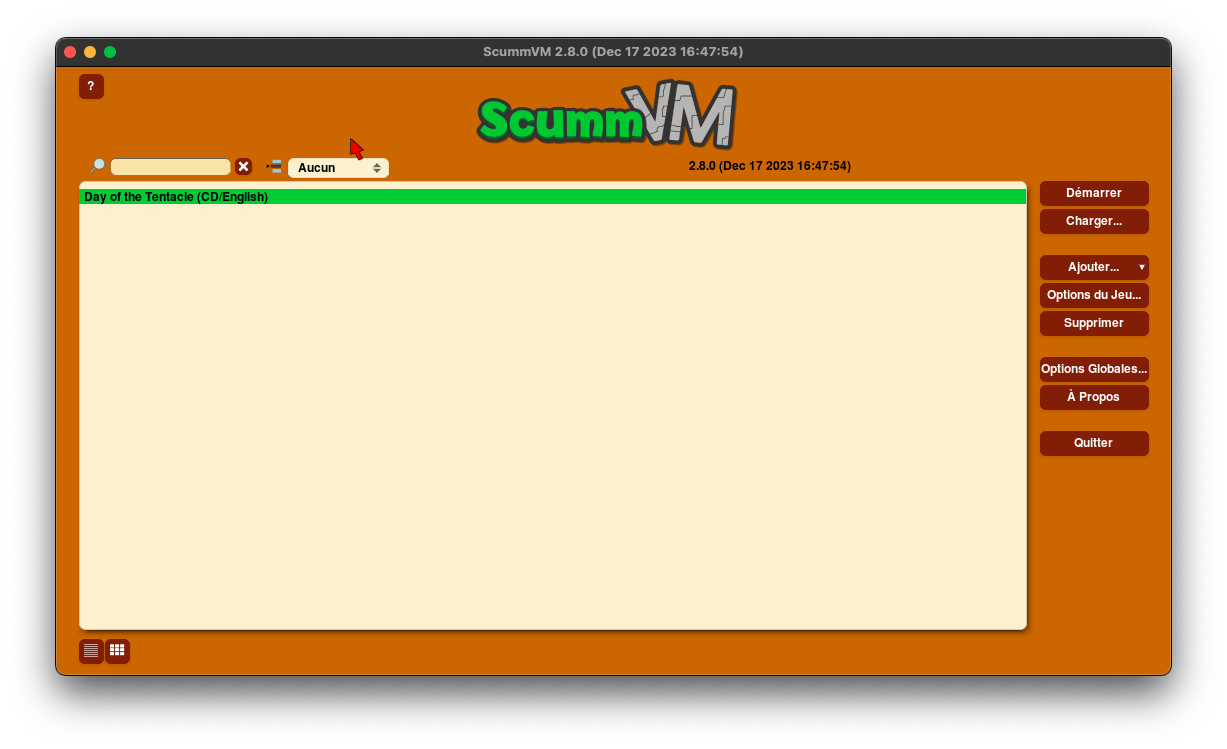
There you go, everything is ready. You can already launch your game, but let's first focus on ScummVM's interface and its options:
- "Start" launches the selected game from the list.
- "Load…" allows you to resume directly from a save.
- "Add…" allows you to add a game to the list. You can also scan to add multiple games by clicking on the arrow to the right of the "Add…" button, then "Bulk Add…".
- "Game Options…" allows you to change the options specific to the selected game in the list.
- "Remove" deletes the selected game from the list.
- "Global Options…"" lets you choose options common to all games. These options are not applied when you have already configured options for a specific game.
- "About" opens the software's credits window.
- "Quit"" exits ScummVM and returns to the Finder.
Let's explore the options in detail:
Tab Game:
In this tab, the options are primarily specific to each game engine.
Tab Graphics:
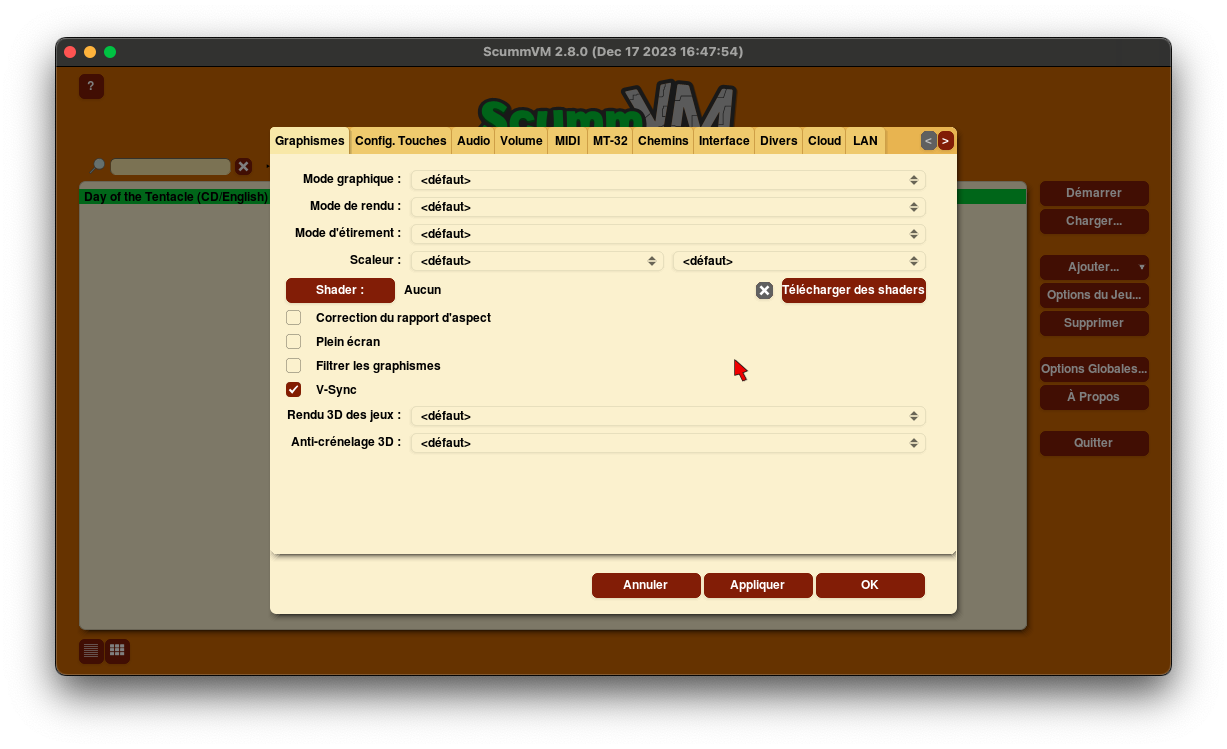
- "The Graphics Mode" lets you choose between the SDL Surface or OpenGL display engine. OpenGL uses your graphics card to modify the resolution. SDL Surface modifies the resolution through software.
- "Rendering Mode" allows you to adjust the display to match the selected platform (if the game was released on that platform).
- The "Stretch Mode" changes how the game fills the ScummVM window or screen.
- The "Scaler" lets you choose a resolution and a filter that improves the latter.
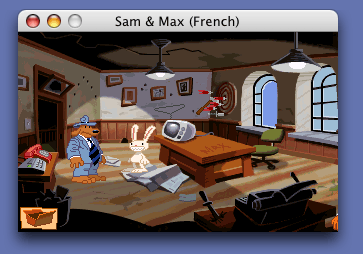
Here is the Normal graphical mode:
And some examples of x2 resolution depending on the selected effects:
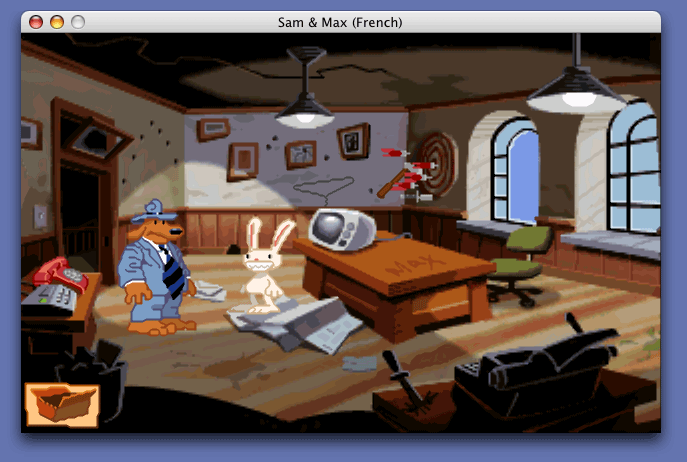
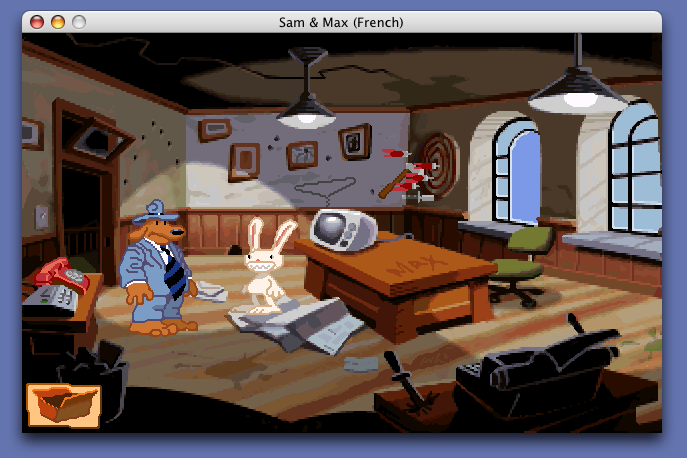
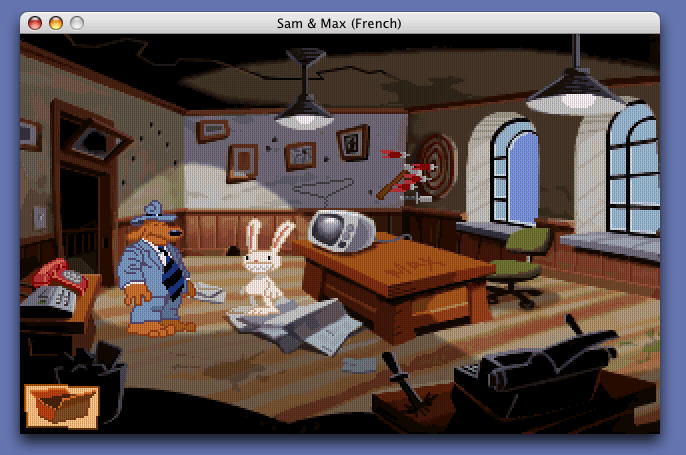
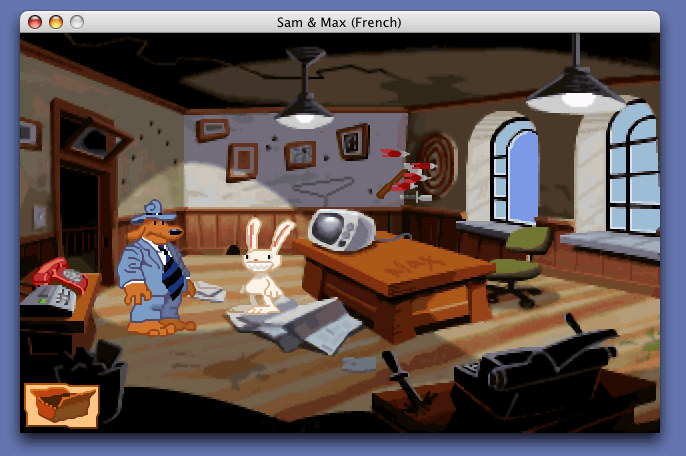
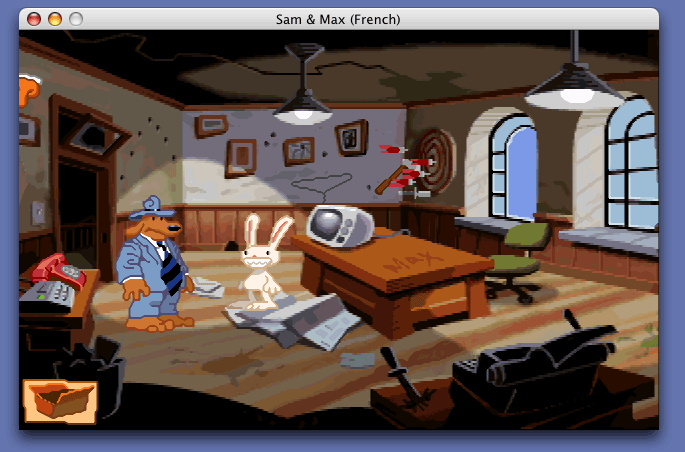
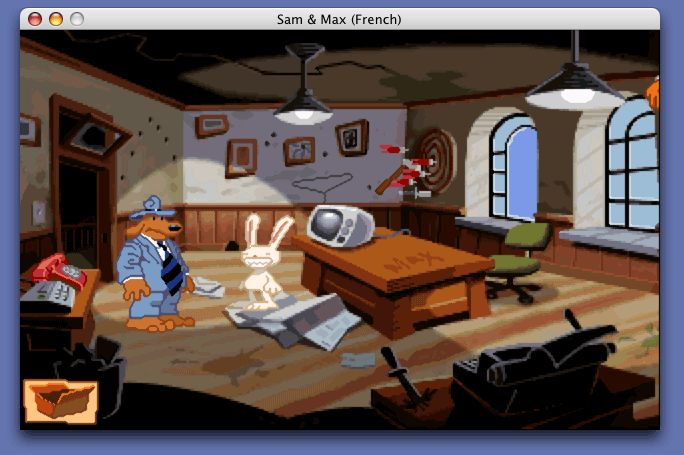
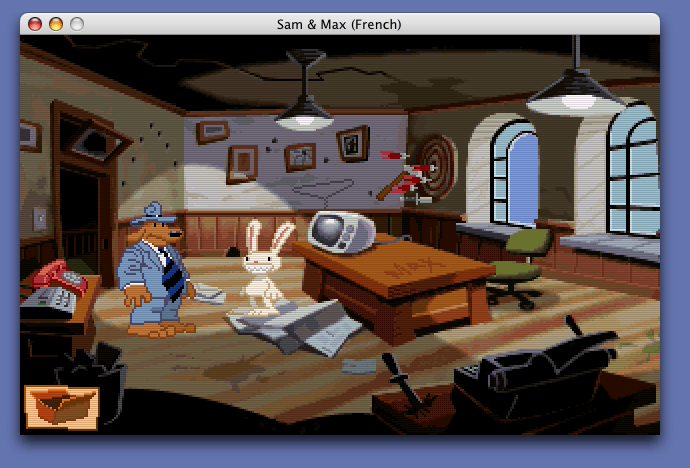
All these effects are 2X upscaled versions of the original size.
- "Shader" allows adding an effect.
- "Aspect Ratio Correction" preserves the original screen proportions of the game.
- "Fullscreen", you know what that is.
- "Filter Graphics" uses bilinear interpolation instead of nearest neighbor, aiming to avoid overly large pixels.
- "V-Sync" prevents "tearing" (image distortion showing it split in two).
- "3D Game Rendering": OpenGL uses the graphics card, OpenGL with shaders additionally transforms the graphics with shaders, and "Software" uses the processor instead of the graphics card for 3D games.
- "3D Anti-aliasing": Demanding in graphical power (especially in 8x) but improves the image.
Audio Tab:
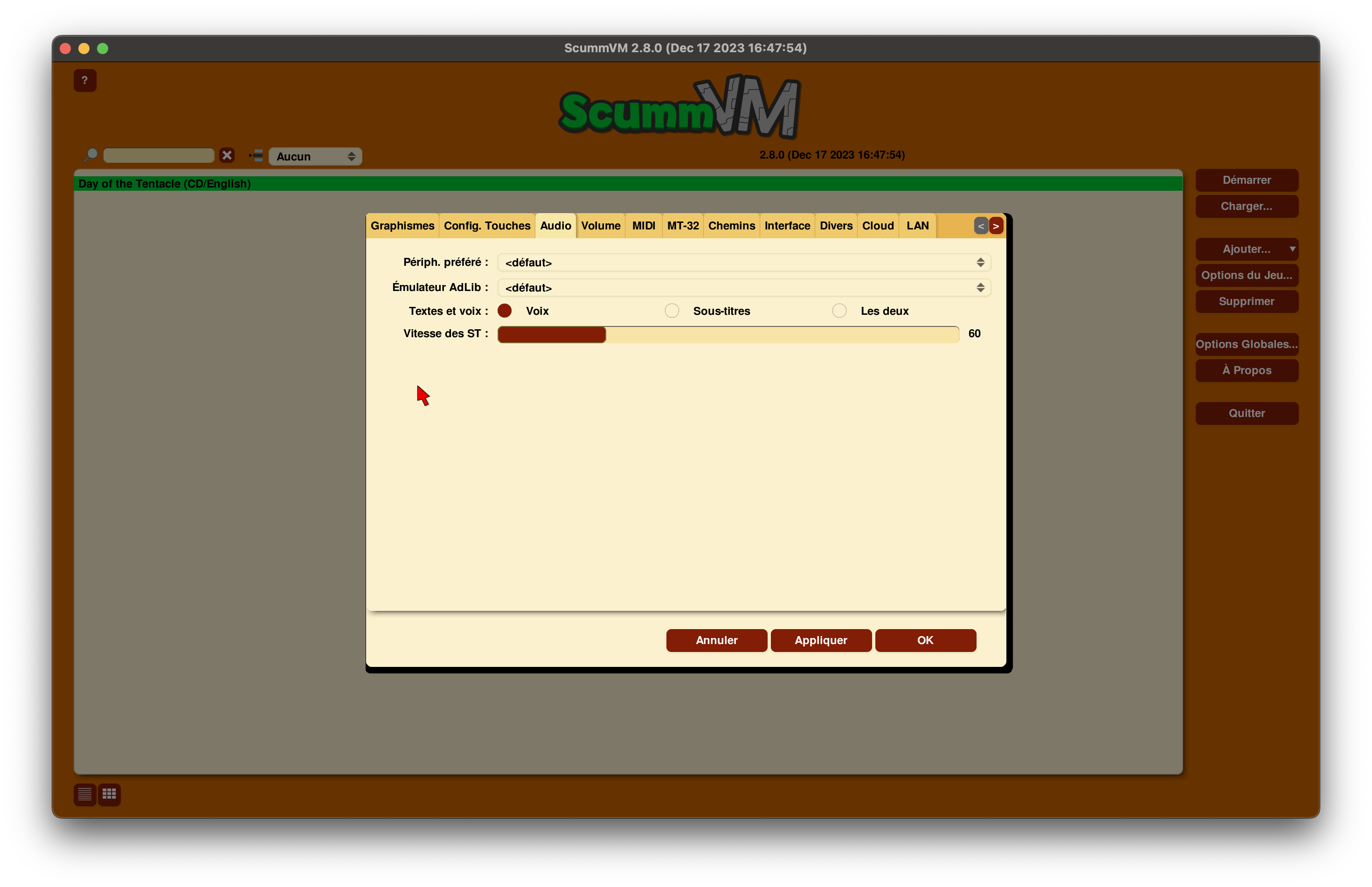
- "Preferred Device" or "Audio Device" lists the equipment used to generate sound. This can be emulated sound hardware, a software synthesizer, or a real sound card. By default, ScummVM selects an MT-32 (Roland sequencer) or a MIDI synthesizer depending on the game (see the corresponding "MT-32" and "MIDI" tabs). For example, a game that plays audio CD music will not use MIDI settings.
- "AdLib Emulator" allows you to choose how non-MIDI music is played, from the least demanding and reliable for MAME to the most demanding and reliable for Nuked. RetroWave OPL3 is hardware with an OPL chip that needs to be configured.
- "Text and Voice": Choose whether you want only character voices, subtitles, or both. Not all games have voices.
- "Subtitle Speed" lets you choose whether the display of subtitles is faster or slower. Set a slow speed if you need a dictionary while playing.
Volume Tab: It is possible to adjust the volume of music, sound effects, and voices independently.
Tabs MIDI and MT-32: For audio experts, I leave it to you to read ScummVM's documentation.
Tab "Paths": Specify the paths to your Saves, Themes (see the "Interface" tab), Icons, and everything else in Additional Path. Here you will see the path to the config and can check the logs (useful in case of issues).
Tab "Interface": " "Theme" changes the colors of the interface. Not all themes are available in French. The options here are quite simple to understand.
Noteworthily, enabling "Return to Launcher on Game Exit" can be useful when testing.Tab "Miscellaneous":
- Choose the interval for "Auto-Save" (5 minutes by default).
- "Random Seed" allows you to enter a fixed number to avoid random events in games (they will always occur in the same way based on your seed).
- "Debug Level" is useful for developers to see what is happening in the software while playing a game.
- "Enable Discord Integration" changes your user status on Discord to display the game you are playing.
- "Check for Updates" allows you to modify the interval for searching ScummVM updates.
Tab "Cloud": Once a provider is selected for your saves, you can manually synchronize, download, and disconnect them. Synchronization is automatic on launch, loading, and saving a game.
Tab "LAN": Alternative to cloud for sharing your saves between machines on a local network via a web server.
Keyboard Shortcuts
During gameplay, you can use various keyboard shortcuts. The F5 key is the one to remember. It displays a menu that allows you to do many interesting things:
- Save a game
- Load a saved game
- Change game settings
- Display a help menu containing a list of keyboard shortcuts
Introductions to some games
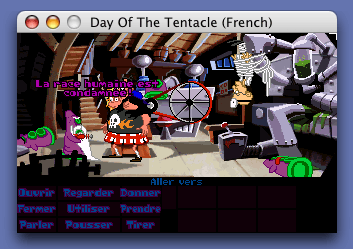
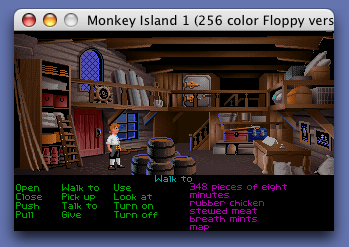
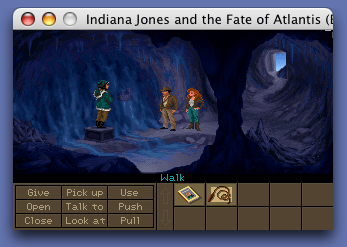
All these adventure games work in the same way: the interface shows a list of verbs to perform actions, an inventory to store collected items for later use, and you move your cursor on the screen to direct your character.
The delirious humor of the dialogues, the picturesque situations, the sometimes difficult puzzles, and the well-plotted scenarios make these games classic gems in the video game industry.
Full Throttle (1995) (1) :
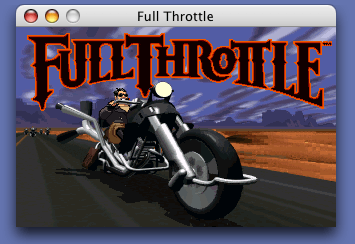
Ben is a biker, he loves rock 'n roll and is the leader of a band poetically named
Les Putois
. After a fight in a bar, Ben is accused of murdering the director of a powerful motorcycle manufacturer. He will therefore spend most of the adventure getting out of trouble... Many cinematic scenes and action sequences punctuate this game, and its creators did not forget humor. Unfortunately, it is a bit too short...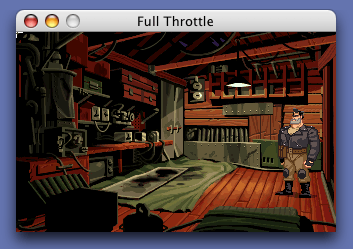
Maniac Mansion and its sequel Day Of The Tentacle
- Maniac Mansion (1987):
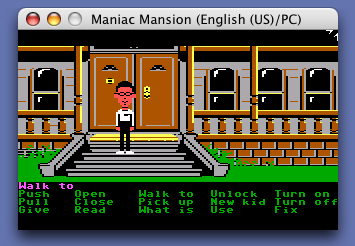
Fred Edison is a mad scientist and kidnaps one day the fiancée of Dave. The latter will therefore have to rescue her with the help of two friends you choose from six at the beginning of the adventure.
This is the first adventure game by Lucasfilm Games and it sets the tone for the twisted humor of future games from the company...- Maniac Mansion: Day of the Tentacle (1993) (1):
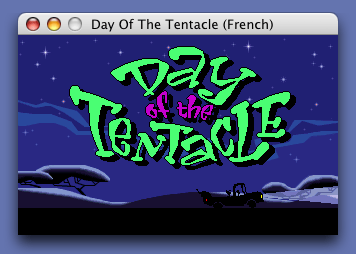
After absorbing toxic waste, the purple tentacle of Doctor Fred decides to invade the world and enslave humans. You now control three eccentric characters who will travel through time to change the course of history, but things don't go as planned... The cartoonish graphics and the opening scene set the tone: We're in for a good laugh! One of the innovations of this episode is the ability to exchange objects between characters who are all stuck in the same place but in different time periods: Bernard (already present in Maniac Mansion) remains in the present, Laverne is in the tentacle-dominated future, and Hoagie wanders through the past. They will exchange objects from their respective inventories through some very special toilets...
The Monkey Island series:
- The Secret of Monkey Island (1990):
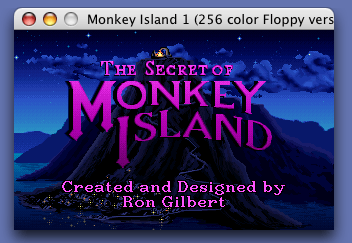
Guybrush Threepwood's dream is to become a pirate. He lands on Monkey Island but must first go through several trials before he can realize his dream. Things get complicated afterward, as the island holds a terrible secret...
- Monkey Island 2: The Secret of Monkey Island (1991) LeChuck's Revenge:
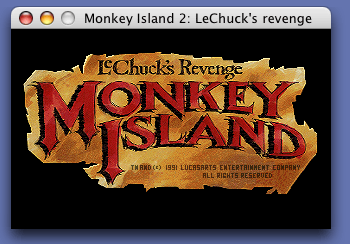
While Guybrush searches for the treasure Big Whoop, he resurrects his nightmare: the undead pirate LeChuck.
This episode boasts an enormous lifespan, a wide variety of settings, excellent music, and pervasive humor, and is considered by many as the best in the series.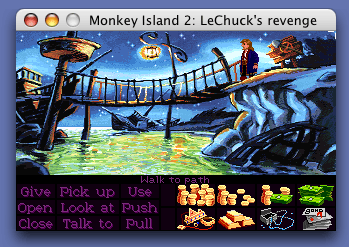
- The Curse of Monkey Island (1997) (1):
In this third installment, Guybrush ends up on Plunder Island where he encounters his enemy LeChuck, whom he manages to defeat but turns his friend Elaine into gold. He must find a diamond on Blood Island to break the spell, but LeChuck is never far away... Another little treasure.
Sam & Max: Hit the Road (1993) (1):
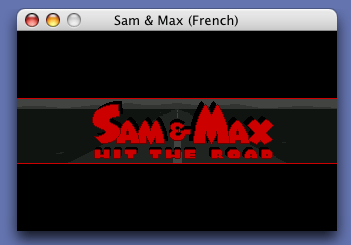
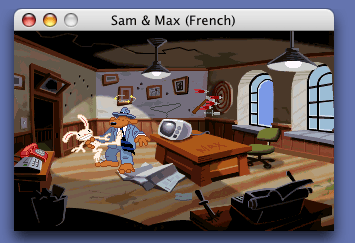
Sam (the calm dog) and Max (the completely unhinged rabbit) are freelance detectives who must solve a complex case: They track down a Bigfoot escaped from a carnival and cross America in search of him. Adapted from the cult comic by Steve Purcell, the game successfully captured the wildly offbeat humor of these two companions, though it is unfortunately a bit short. The icon-based interface has been simplified and a few hilarious mini-games are worth noting. Its sequel was shamefully canceled by LucasArts in March 2004.
Indiana Jones:
- Indiana Jones and the Last Crusade (1989):
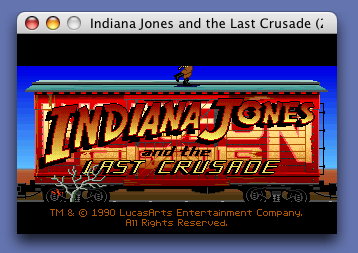
The plot of the film is based on that of the game. Wait, no—someone just reminded me it’s the other way around. Indy is therefore on the hunt for his father, who is himself searching for the Holy Grail, and this epic adventure filled with twists will keep you on your toes.
The cinematic atmosphere is extremely well captured, and the richness of the game along with its longevity make it a must-have.
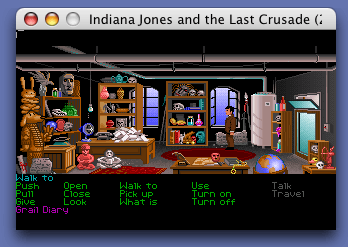
- Indiana Jones and the Fate of Atlantis (1992) (1):
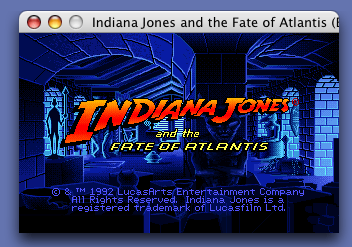
The man in the hat is back as Nazi agents prepare to seize an extremely dangerous weapon that already caused the destruction of Atlantis. A thrilling and varied adventure originally based on the script of the fourth Indiana Jones film. Find the full article about this game.
Where can you find these games today?
- For download: Some games are no longer available in stores due to their age, but are freely available online. For example, Beneath a Steel Sky and Flight of the Amazon Queen are both available for download on the official ScummVM website. You can also purchase some games for download on GOG, Steam, or Zoom.
- In-store or online purchase: The game data is the same regardless of the platform, so you can buy the PC version of a game without worrying too much (just make sure the game is supported by ScummVM).
Conclusion
ScummVM is an Open Source project with very active members and development is progressing rapidly. We will continue to keep you informed on mac-emu.net about new versions of this excellent software. But be careful, consume with moderation, your social life will take a hit!
Have fun.
Related software
Reply on the forum
A question or a hands-on report? Open the discussion on the forum.