Presentation of Darwine
Please note that Darwine is no longer supported and its successor is called WineBottler. If you want to know how to use Windows applications on an Intel-based Mac, we invite you to visit our dossier dedicated to Wine.
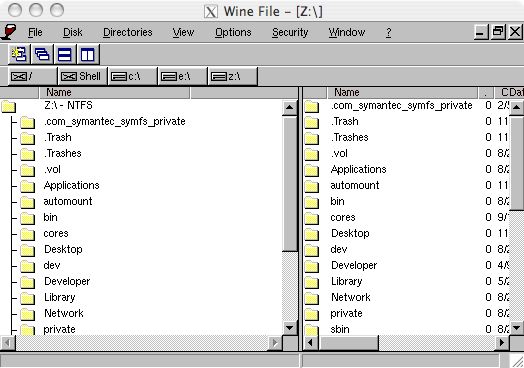
Darwine is a port of Wine, a well-known Linux utility, to Darwin, and therefore to Mac OS X.
The goal of Wine is to run Windows software (and especially games) directly under Linux, without needing Windows on an emulator or virtual machine. Wine is already renowned in the Linux world, with few commercial games available, it adapts to the latest released games, and of course, to those with the highest chances of being used.
Over 2000 applications are announced as compatible, including nearly 500 games. You can find in the list recent titles like Doom 3 and Raven Shield, as well as popular ones like Battlefield 1942 or Need for Speed Underground.
Updates follow one another quickly, and compatibility is expanding to all types of applications.
Wine's work is to interpret the compiled code originally designed for Windows for Linux. However, Wine, in its PC version for X86 processors, does not need to emulate the processor, as it runs on the same hardware architecture; instructions are directly sent to the main processor.
The main issue with Wine is the management of video and audio.
For example, DirectX being available only for Microsoft systems, DirectX instructions from games are therefore translated into OpenGL instructions, which are much more understandable for systems bearing the penguin seal.
Darwine works in a nearly identical way, but the issue lies in the processor architecture, which differs. The Mac version thus has additional work to do: emulating the PC's CPU.
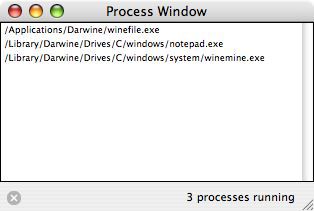
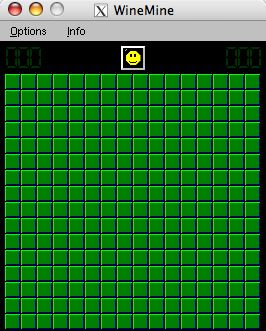
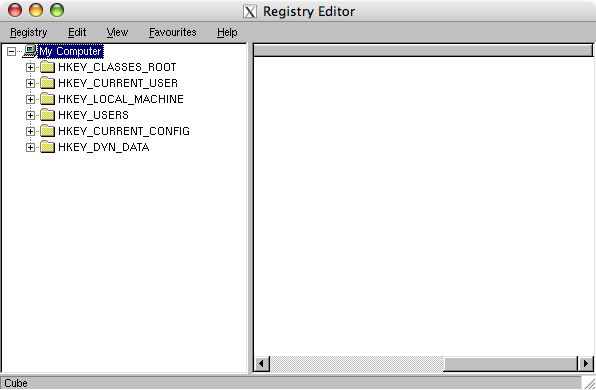

⚠️ This guide is flagged as obsolete.
Reply on the forum
A question or a hands-on report? Open the discussion on the forum.