Compiling Emulators (MAME)
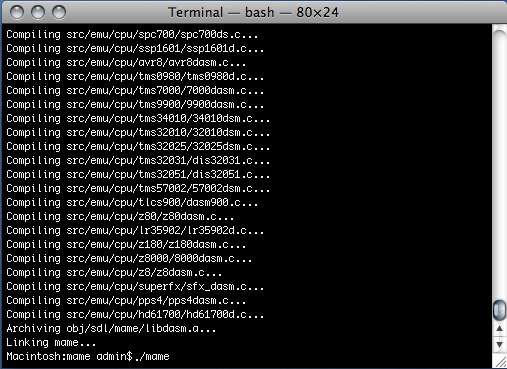
Since Mac OS X and its Unix foundation, many emulators have taken advantage of this system, and more and more ports are available for our platform, which, like Linux, are only provided in source format ready to be compiled. That said, not all Mac users are experts when it comes to the command line, most being accustomed to being guided by a graphical interface less austere than a terminal.
That said, compiling many of these emulators is far less complex than it may seem for those who take the time to carefully read the files associated with the sources.
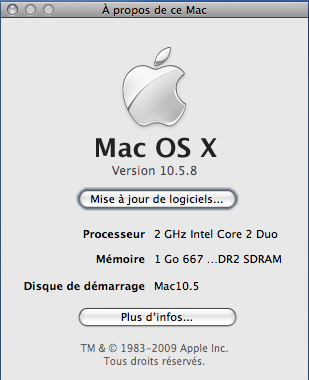
To demonstrate this to you, we will take a very typical case: the excellent arcade cabinet emulator MAME, which we will attempt to compile on an iMac running 10.5 using, among other things, the freshly installed "Developer Tools".
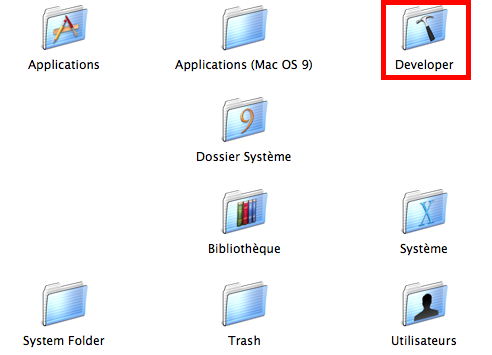
If this folder is not present at the root of your hard drive, it means the required utilities are not installed. You will need to install them from your installation DVD using the package corresponding to the "Developer Tools" or download the installer from Apple's "developer" website.
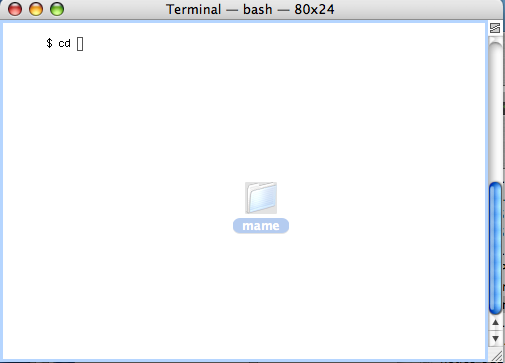
Once done and the emulator's source files downloaded, all that remains is to get started, and first open the terminal and navigate to the directory where the "makefile" is located. For reference, a trick is to type "cd" followed by a space in the terminal, then drag and drop the folder into it. The path will then be entered, and you just need to validate it with the Enter key. It is also worth noting that it is better to have paths without spaces or special characters, as this can prevent the proper functioning of the next steps.
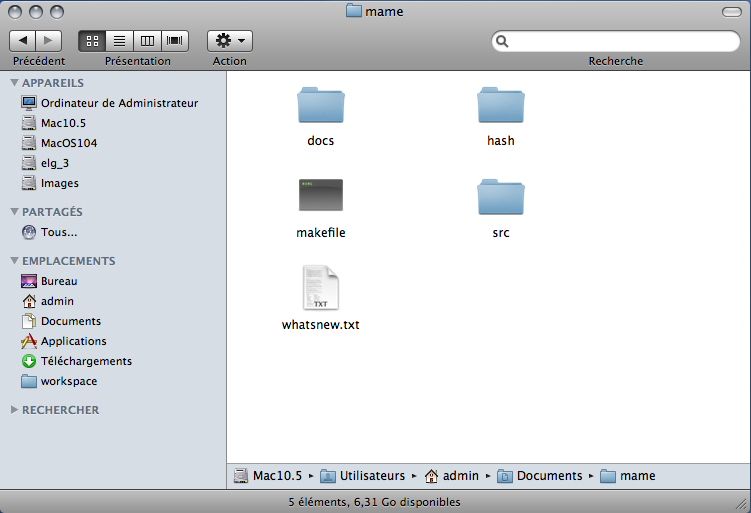
Let's return to this "makefile" which is nothing more than a simple text file but describing everything your computer will need to do to create the desired application.
It is therefore very important not to modify this file without having studied the various possible options. Thus, some are commented out using the hash character (#) at the beginning of the line. Some allow optimizing the code, others provide debug information, etc.For example, let's take the MAME makefile shown in the image above. "ARCHOPTS" is a commented option. It will not be taken into account during compilation. To enable it, you must remove the hash at the beginning of the line and enter the desired value after the equals sign. In the current case, if I add the value "-mcpu=G4", MAME will be optimized for G4 processors, but if I enter "-march=pentium-m -msse3", the emulator will be optimized for Intel Core 2. You can thus create an emulator tailored to the intrinsic qualities of your machine, for example by making it compatible only with 64-bit processors.
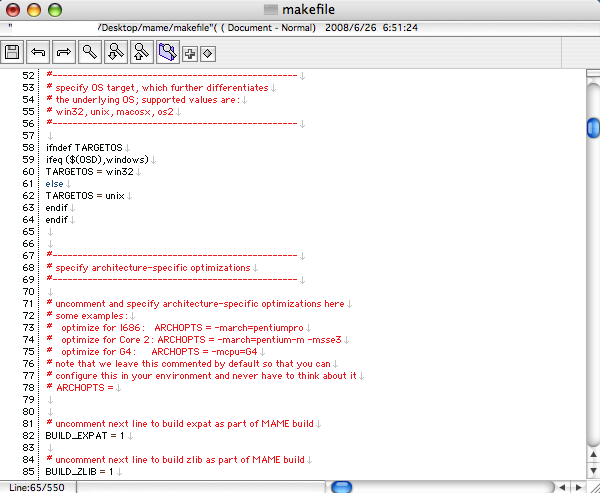
Now we are ready to launch the compilation using the "make" command. However, in our current case—and you may encounter this with others—this fails. Most of the time, this is due to a missing or improperly installed library. Here, we immediately notice that we are missing the SDL library, one of the most widely used in the emulation world. Before launching a compilation, read the provided text files or the recommendations on the official website to know which libraries to have and their versions.
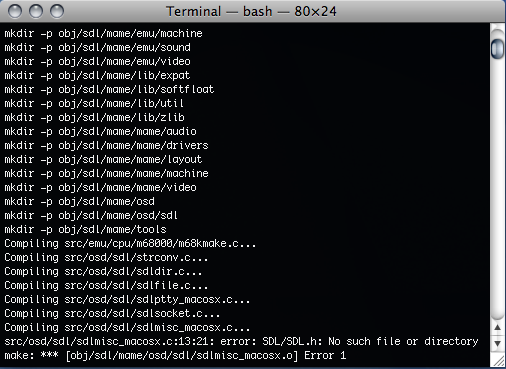
The installation of SDL is done like most libraries. After reading its instructions, we copy the "SDL.framework" folder into the "Frameworks" folder located in the "Library" directory at the root of your partition where your system is installed.
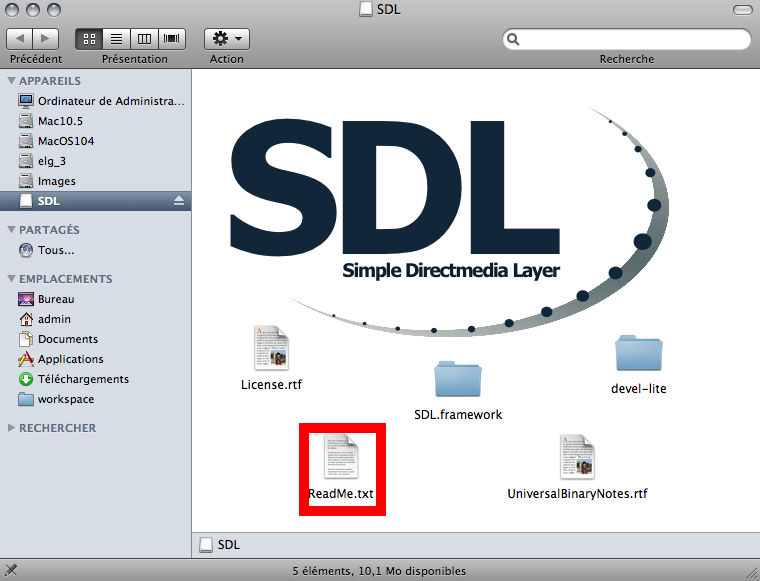
Once your Mac's environment is fully set up, you only need to compile MAME once, always using the "make" command. This is how you execute the tasks and options described in the makefile. However, if this file has a different name, for example makefile.mac for compiling under OSX, you should run the command as follows:
make -f makefile.macYou can also add options to your "make" command if the "makefile" supports them. By convention, adding the "clean" option will delete previously generated files, and "install" will install the generated product if necessary. These types of functions are called "targets," and if they are not described in the provided documentation with the sources, they can be found in the makefile as follows (if they exist):
<target_name>
<instructions>
A makefile may not always be provided with the sources. In that case, what should you do? Simply check if a file named "configure" exists. It is usually a shell script that you run in the terminal like an application in the following way:
./configureIf this script does not have execution permissions, you need to grant them manually beforehand using the command below:
chmod 777 configureIn most cases, this configuration script will automatically generate the associated makefile for your platform, allowing you to create your application from it.
You are now ready to compile a variety of emulators on your Mac and start playing with MAME.
Related software
Reply on the forum
A question or a hands-on report? Open the discussion on the forum.