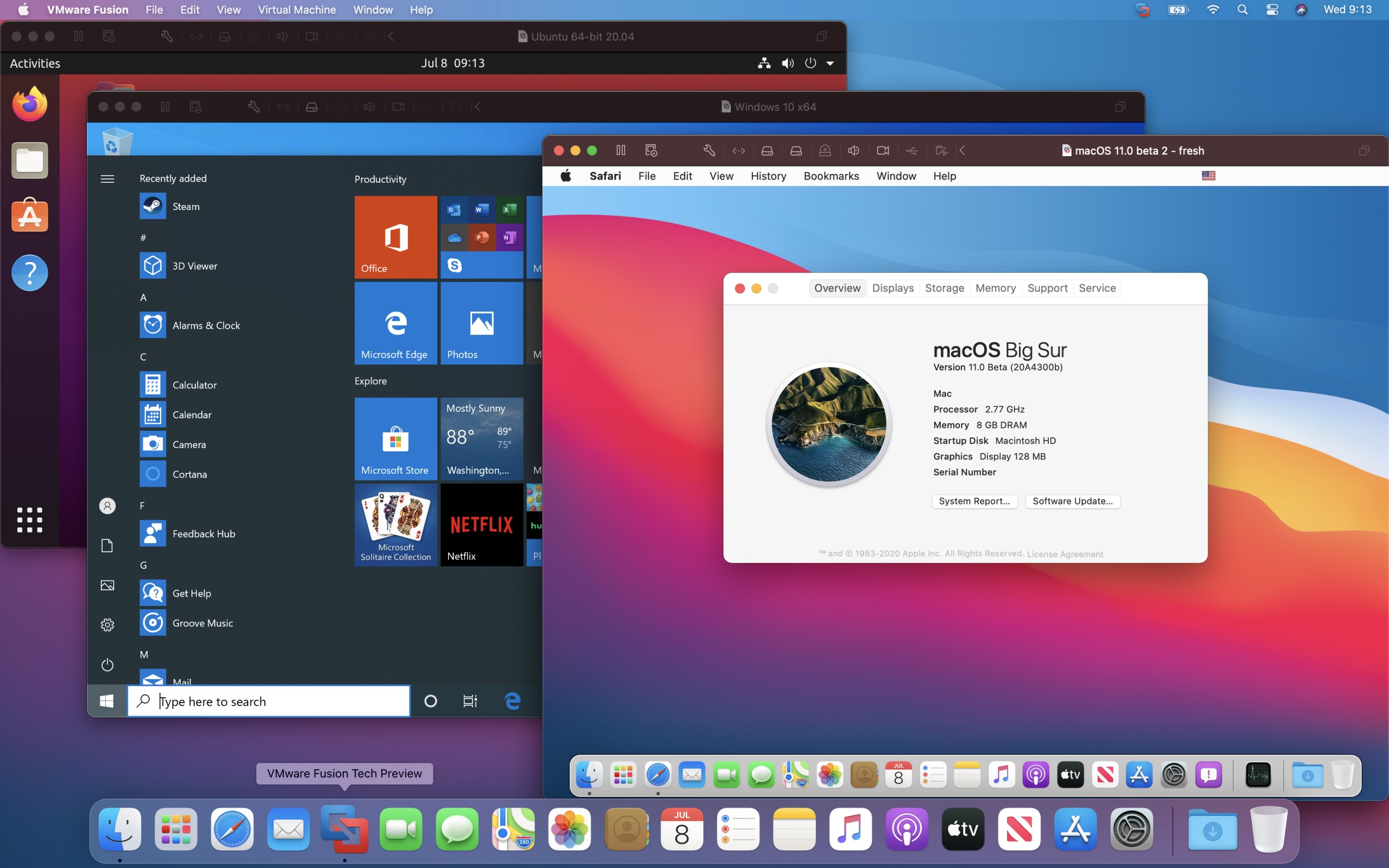
VMWare Fusion
Logiciel commercial de virtualisation de la société VMWare qui demande au minimum MacOS 10.15.
Moyennant la création d'un compte VMWare, une licence gratuite à usage strictement personnelle et sous conditions, peut être récupérée.
Dernière mise à jour :
Plateformes
Architecture
 Mac OS X - macOS
 Intel x86
 Apple Silicon
 64 bits
Téléchargement et liens
Historique des versions
13.6.1
Known Issues
Unable to install VMware Tools on macOS 15 Sequoia host operating system
The Install VMware Tools button is grayed out on a device that uses macOS 15 Sequoia operating system.
Workaround: Download VMware Tools from https://packages-prod.broadcom.com/tools/frozen/darwin/darwin.iso and execute the installation steps in https://knowledge.broadcom.com/external/article?legacyId=1014294.
vctl pull command is failing on Sonoma 14.5 and later
If you attempt to pull an image by using the vctl pull command, it fails with a "hdiutil: mount failed - Permission denied" error on macOS Sonoma 14.5 and later Host Operating Systems.
Workaround: None
The multi-monitor feature might not work correctly in specific topologies
In specific situations, based on different hardware and topologies, the multi-monitor feature does not work as expected. You might see issues like reverting the topology to a single screen, or not cycling through monitors.
Workaround: None.
Resolved Issues
Installing a Windows 11 arm 24H2 virtual machine fails with a blank screen
Installing a Windows 11 arm 24H2 virtual machine through the Get Windows from Microsoft option fails with a blank screen. The issue occurred because of a problem loading a VMware svga video driver included in the ISO file created during the installation of a guest virtual machine. To configure a VMware svga video driver after the guest operating system installation, make sure to install VMware Tools.
When creating a new virtual machine from an ISO image file, VMware Fusion does not recognize Windows 11 24H2
If you create a virtual machine from a Windows 11 24H2 ISO image file, VMware Fusion recognizes a Windows Server 2025 iso file instead.
Importing a Boot Camp partition or creating a virtual machine based on a Boot Camp partition might fail with virtual disk is corrupt error
If you try importing a Boot Camp partition on your disk or creating a virtual machine based on the Boot Camp partition, you might encounter the the virtual disk is corrupt error. The issue occurs when you try converting a 4KN disk with 4096 bytes in sector size with a Boot Camp partition to a virtual disk.
Virtual machine created on a VoiceOver enabled Mac shuts down randomly on macOS versions 14 and later
If you enable VoiceOver on a macOS host version 14 and later and attempt to power on the virtual machine, the virtual machine randomly shuts down. In the console, you receive the The application with bundle ID com.vmware.vmware-vmx is running setugid(), which is not allowed. Exiting. error message. After upgrading to macOS version Sonoma 14.7 and macOS version Sequoia 15.0, the issue no longer occurs.
13.6
Nouveautés
Présentation de vmcli
vmcli est un outil de ligne de commande inclus avec VMware Fusion, qui permet aux utilisateurs d'interagir avec l'hyperviseur directement depuis un terminal Linux ou macOS, ou depuis l'invite de commande Windows. vmcli permet d'effectuer diverses opérations, telles que la création de machines virtuelles, la génération de modèles de VM, la mise sous tension de VM et la modification de divers paramètres de VM. En outre, vous pouvez également créer des scripts pour exécuter plusieurs commandes de manière séquentielle. Pour plus d'informations, reportez-vous à la section Utilisation de VMware Fusion.
Prise en charge de nouveaux systèmes d'exploitation invités
Sur le chipset Intel
- macOS Sequoia
- Windows Server 2025
- Windows 11 Version 23H2
- Ubuntu 24.04
- Fedora 40
Sur Apple Silicon
- Windows 11 Version 23H2
- Ubuntu 24.04
- Fedora 40
Prise en charge de nouveaux systèmes d'exploitation hôtes
Sur le chipset Intel
- macOS Sequoia
Sur Apple Silicon
- macOS Sequoia
Améliorations de sécurité
Cette version résout CVE-2024-38811. Pour plus d'informations sur cette vulnérabilité et son impact sur les produits VMware, reportez-vous à la page VMSA-2024-0018.
Captures d'écran