MegaBoy
Nouvel émulateur prometteur de GameBoy.
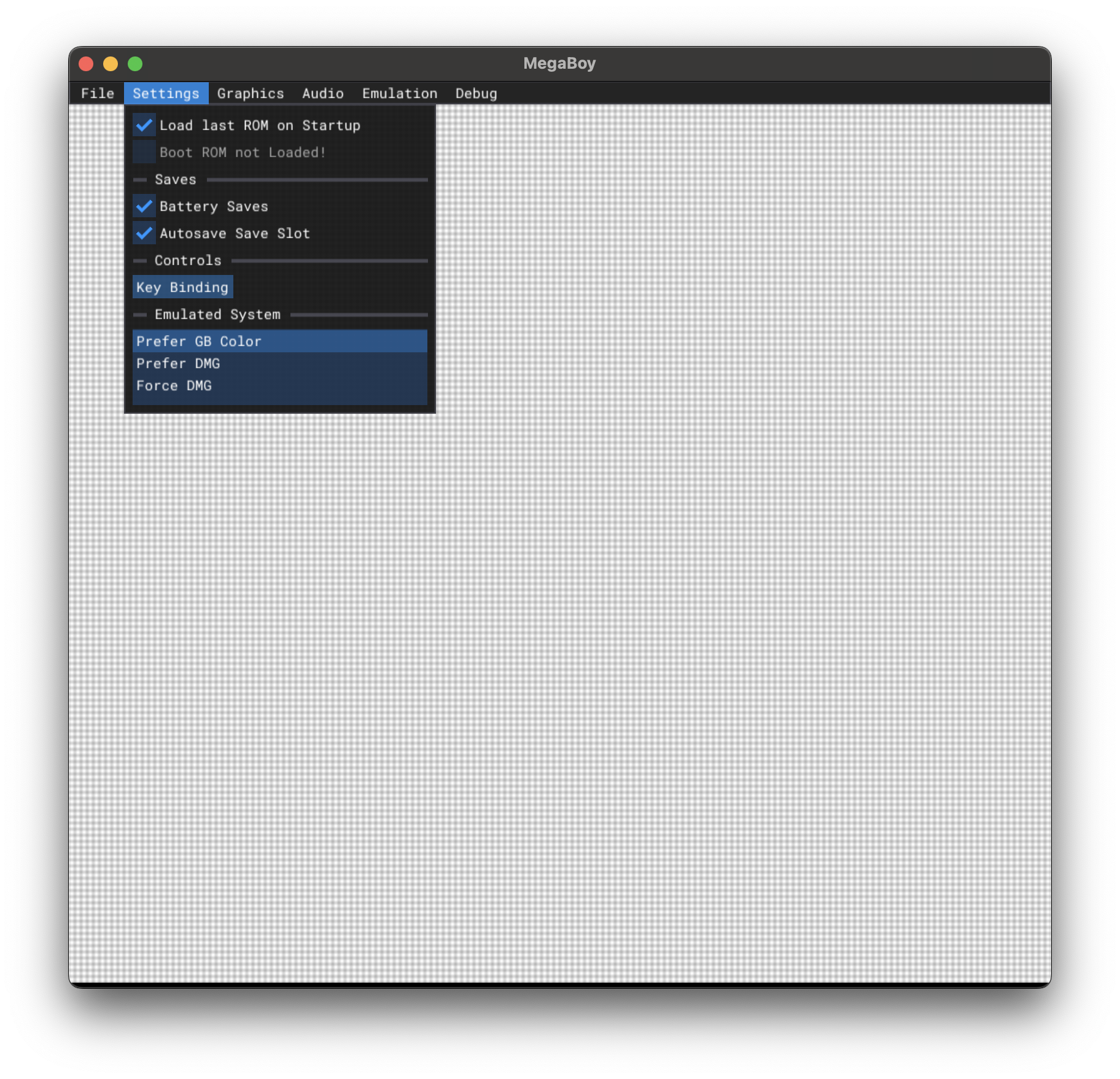
MegaBoy se lance depuis le terminal mais possède une interface graphique.
Une version web est disponible.
Dernière mise à jour :
Plateformes
Architecture
 Mac OS X - macOS
 Intel x86
 Apple Silicon
 64 bits
Téléchargement et liens
Historique des versions
v1.1.0
# Changes
* A LOT of accuracy/compatibility improvements (see [Closed Issues](https://github.com/MeGaL0DoN/MegaBoy/issues?q=is%3Aissue%20state%3Aclosed), but that's not all of them!)
* New mappers: MBC6 and HuC3. Only MBC7 is missing now (which has just 2 games), so compatibility now should be over 99.9%
* Bug fixes and optimizations
* Additions to the debug UI (added palette and PPU register viewer + some changes to existing menus)
* Added `GBC Color Correction` option to graphics menu
* Added `Force GB Color` option to emulated system menu in the settings. When selected, DMG games will run as on a gameboy color, and with unique palettes if cgb boot rom is loaded
* Allowed running boot rom's without cartridge loaded, which emulates what happens on the real hardware
* Added `Unload Cartridge` option to Emulation menu, which gets emulator in the initial state without having to close and open again
### Download the version for your platform, unzip it, and run the executable. Or open the [web version](https://megal0don.github.io/MegaBoy/) to try it out without downloading!
v1.0.0
Download the version for your platform, unzip it, and run the executable. Or open the web version to try it out without downloading!
[MegaBoy-Windows.zip](https://github.com/user-attachments/files/18369136/MegaBoy-Windows.zip)
[MegaBoy-Linux.tar.gz](https://github.com/user-attachments/files/18369138/MegaBoy-Linux.tar.gz)
[MegaBoy-MacOS.zip](https://github.com/user-attachments/files/18369139/MegaBoy-MacOS.zip)
[MegaBoy-Web](https://megal0don.github.io/MegaBoy)
Captures d'écran